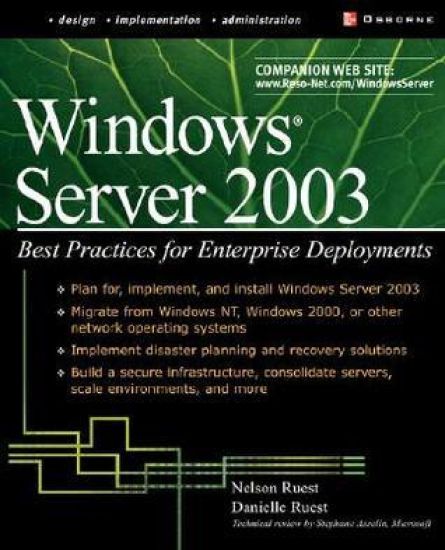
Presents more than three hundred practical tips and techniques for enhancing the performance of Windows .NET Server, covering such areas as preparation and installation, Active Directory preparation, the user environment, security, Group Policy, sharing resources, RAS and RRAS, server administration, scalability, and disaster planning and recovery. Original. (Intermediate)
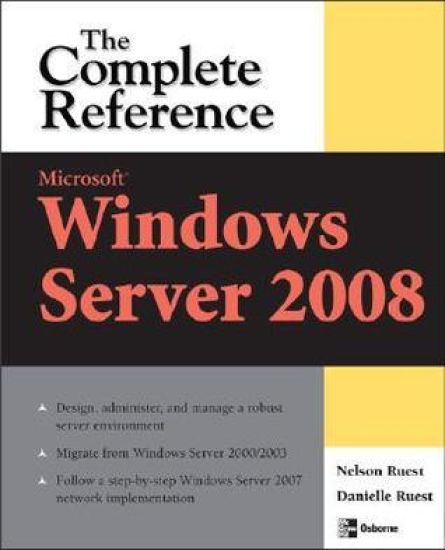
Publisher's Note: Products purchased from Third Party sellers are not guaranteed by the publisher for quality, authenticity, or access to any online entitlements included with the product.Your Definitive Resource on Microsoft Windows Server 2008"Build your network the right way with expert advice! This book provides real-world help in implementing Windows Server 2008 with attention to the use of virtualization solutions covering all you need to know in one well-written guide to success." --Bob Kelly, AppDeploy.com and Technical ReviewerPlan, set up, and administer a powerful, scalable Microsoft Windows Server 2008 environment. Featuring detailed explanations, best practices, pragmatic checklists, and real-world implementation examples, this comprehensive resource shows you how to deploy, manage, and secure WS08 on enterprise networks of all sizes.Microsoft Windows Server 2008: The Complete Reference explains how to develop migration plans and transition to WS08, configure AD and Internet services, handle print and Web servers, and work with resource pools and network delegation rights. You'll get full coverage of the latest virtualization techniques, OU strategies, remote administration features, and storage maintenance utilities. Find out how to tune performance, deploy bulletproof security, create reliable system backups, and design failsafe disaster recovery plans. You'll also learn to rely on resource pools and virtual service offerings to create the very best Windows infrastructure implementation.Migrate legacy networks to a Windows Server 2008-based infrastructureConfigure ADDS, User Services, DNS, DHCP, and IIS7Set up the Network and Build Network Infrastructure ServersUse Server Core to run the Hyper-V role on host serversDesign user and computer Group Policy strategies, network delegation rights, and OU strategiesManage file, print, application, terminal, Web, and collaboration servers as virtual service offeringsAdminister WS08 from the MMC, PowerShell, desktop, and command line Optimize redundancy using Windows Clustering Services and NLB on both host and virtual machines Secure WS08 using the Castle Defense System, BitLocker, Kerberos, EFS, PKI, smart cards, and biometricsBack up and restore data using WBAdmin.exe, the Volume Shadow Copy service, and the Recovery WizardRely on the most up-to-date task list to create a complete administration plan once the network is deployed
Publisher's Note: Products purchased from Third Party sellers are not guaranteed by the publisher for quality, authenticity, or access to any online entitlements included with the product.Migrate to a dynamic, on-demand data delivery platform"If you're looking to hit the ground running with any virtualization project, large or small, this book is going to give you the start you need, and along the way will offer you some cautionary tales that will even take some seasoned virtualization veterans by surprise." --From the foreword by Chris Wolf, Senior Analyst, Burton GroupTransform your IT infrastructure into a leaner, greener datacenter with expert guidance from a pair of industry professionals. Through clear explanations, examples, and a five-step deployment plan, Virtualization: A Beginner's Guide shows you how to maximize the latest technologies from Citrix, Microsoft, and VMware. Consolidate your servers, set up virtual machines and applications, and manage virtual desktop environments. You'll also learn how to implement reliable security, monitoring, and backup procedures.Select a virtualization platform and develop rollout plansPerform pre-deployment network and workstation tests Configure virtual machines, storage devices, and workloadsSet up and secure a fully virtualized and highly available server environmentManage a centralized, on-demand application delivery frameworkHandle volatile and persistent desktop virtualizationUse hypervisors to facilitate workload deliveryImplement failsafe system backup and recovery strategies
Publisher's Note: Products purchased from Third Party sellers are not guaranteed by the publisher for quality, authenticity, or access to any online entitlements included with the product.This handy resource offers busy network administrators clear and concise information for daily on-the-job tasks--all in a portable format. Key management tasks are presented in logically organized sections. You’ll get details on file, print, application, mail, terminal, streaming media, and remote servers--and much more.