Kirjojen hintavertailu. Mukana 11 244 527 kirjaa ja 12 kauppaa.

Kirjahaku

Etsi kirjoja tekijän nimen, kirjan nimen tai ISBN:n perusteella.

2 kirjaa tekijältä Darrell W Hajek

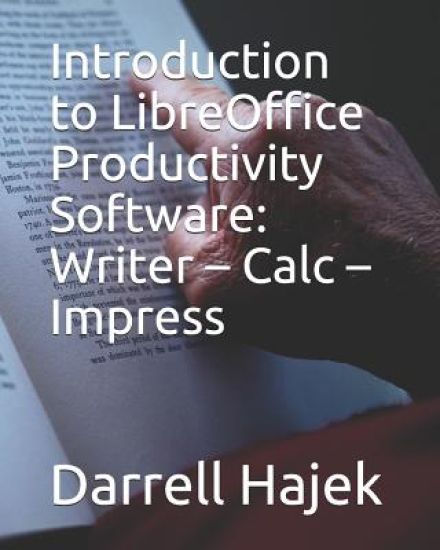
Introduction to LibreOffice Productivity Software

Introduction to LibreOffice Productivity Software

Darrell W Hajek

Independently Published
2019
pokkari
The software suite LibreOffice provides an alternative to the widely used (but rather expensive) Microsoft Office suite. The fact that LibreOffice can be downloaded free should make it extremely attractive to a student just beginning to learn how to use a computer.This book is intended for students with little or no experience with computers. It introduces the concept of a file, then describes how to utilize and navigate a file storage system. It gives brief descriptions and examples of how to use LibreOffice Writer, LibreOffice Calc and LibreOffice Impress. It was written primarily in response to the increasing prices of the texts being used in laboratories supporting computer literacy courses. (The prices had increased to the point where students actively resisted purchasing them.) Another factor was the deteriorating support provided by the companies publishing those texts. The aim of this book is to give a beginning student enough tools to make the programs (and his/her computer) useful. The book is intended as an introductory text, not a reference manual. After a student has begun using the programs, there are many resources (easily available) to help expand his/her capabilities as needed.
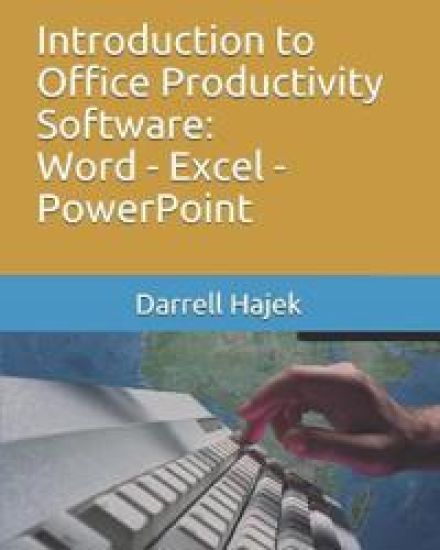
Introduction to Office Productivity Software

Introduction to Office Productivity Software

Darrell W Hajek

Independently Published
2019
pokkari
This book is intended as an introductory text for students with little or no experience in using computers. It introduces the concept of a file, then describes how to utilize and navigate a file storage system. It gives brief descriptions and examples of how to use Microsoft Word, Microsoft Excel and Microsoft PowerPoint. The book is not intended as a reference manual. The idea is to give a beginning student enough tools to make the programs useful. After a student has begun using the programs, there are many resources (easily available) to help expand his/her capabilities. All of the programs in the Microsoft Office suite easily available have "Help" features and Microsoft provides extensive product support and there are also numerous online tutorials. ContentsIntroduction1.1 What is a Computer1.2 GUI's1.3 Notepad 1.4 Accessing the Internet1.5 E-MailWord Processing2.1 Microsoft WordSpreadsheets3.1 Microsoft ExcelPresentation Programs4.1 Microsoft PowerPoint