Kirjojen hintavertailu. Mukana 12 016 292 kirjaa ja 12 kauppaa.

Kirjahaku

Etsi kirjoja tekijän nimen, kirjan nimen tai ISBN:n perusteella.

44 kirjaa tekijältä Guy Hart-Davis

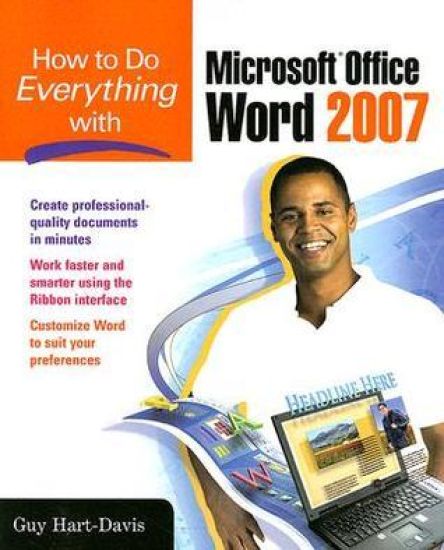
How to Do Everything with Microsoft Office Word 2007

How to Do Everything with Microsoft Office Word 2007

Guy Hart-Davis

McGraw-Hill Professional
2007
nidottu
Publisher's Note: Products purchased from Third Party sellers are not guaranteed by the publisher for quality, authenticity, or access to any online entitlements included with the product.We're getting the word out on how to get the most out of Word 2007This up-to-date guide makes it easy for both beginners and experienced users to master the powerful features and new interface of Word 2007. You will learn to create professional-looking documents effortlessly. Practical examples and step-by-step instructions make even the most complex features simple to grasp, while workarounds show you how to circumvent common problems.
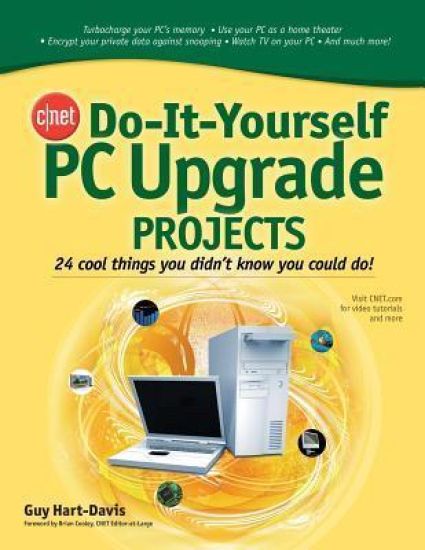
CNET Do-It-Yourself PC Upgrade Projects

CNET Do-It-Yourself PC Upgrade Projects

Guy Hart-Davis

McGraw-Hill Professional
2008
nidottu
Publisher's Note: Products purchased from Third Party sellers are not guaranteed by the publisher for quality, authenticity, or access to any online entitlements included with the product.Supercharge and customize your PCNow you can get the most out of your PC with the fun and practical projects packed inside this easy-to-follow guide. Produced in conjunction with CNET.com, the place you go for the latest in tech and consumer electronics, this book shows you how to exploit the media, communications, networking, and security features of your PC. You'll also find out how to add powerful hardware and software, improve performance, and expand your computer's capabilities.Inside, you'll find 24 self-contained projects, clear step-by-step instructions, a list of tools needed at the beginning of each project, and hundreds of helpful photos and screenshots. With CNET Do-It-Yourself PC Upgrade Projects, you'll be able to take your PC to peak performance--and beyond.Transform your PC into a video phoneAdd two or more extra monitors so you can see all your work at onceSet up your PC as a recording studioCreate a permanent wireless network or a temporary oneBack up your data safely--and restore itDigitize your paper documents for safekeepingSecure your secrets in a virtual lockerAnd much more
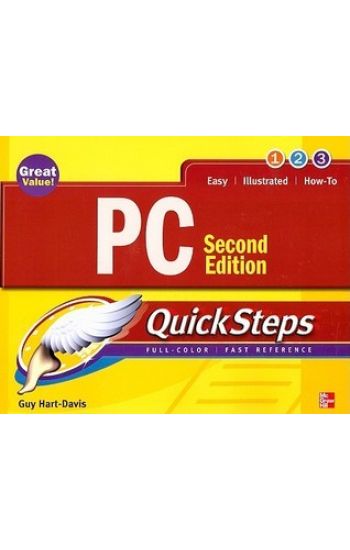
PC QuickSteps, Second Edition

PC QuickSteps, Second Edition

Guy Hart-Davis

McGraw-Hill Professional
2008
nidottu
Publisher's Note: Products purchased from Third Party sellers are not guaranteed by the publisher for quality, authenticity, or access to any online entitlements included with the product.Step-by-Step, Full-Color Graphics!Get started using your PC right away--the QuickSteps way. Color screenshots and clear instructions show you how to manage, customize, and troubleshoot your desktop or laptop PC. Follow along and learn how to install and configure hardware and software, use Windows Vista, manage files, access and navigate the Internet, set up a home network, secure your PC, and much more. Get the book that gets you up and running on your PC in no time.Use these handy guideposts:Shortcuts for accomplishing common tasksNeed-to-know facts in concise narrativeHelpful reminders or alternate ways of doing things Bonus information related to the topic being coveredErrors and pitfalls to avoid
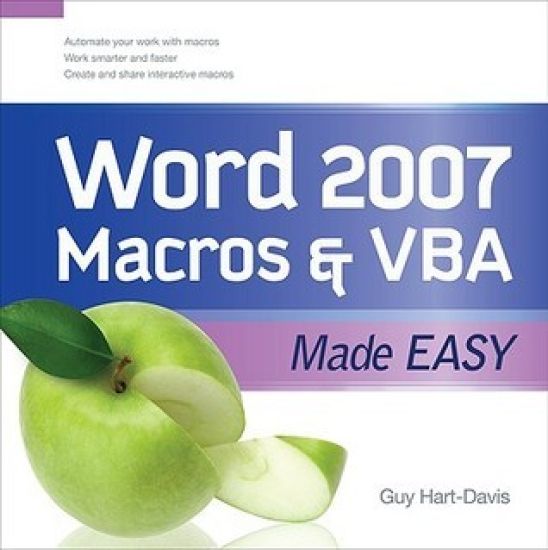
Word 2007 Macros & VBA Made Easy

Word 2007 Macros & VBA Made Easy

Guy Hart-Davis

McGraw-Hill Professional
2009
nidottu
Publisher's Note: Products purchased from Third Party sellers are not guaranteed by the publisher for quality, authenticity, or access to any online entitlements included with the product.Get beyond the basics with Word 2007 Now you can take your Microsoft Word skills to the next level with help from this hands-on guide. Word 2007 Macros & VBA Made Easy shows you how to automate tasks using the tools available in Word's built-in VBA programming language. You'll learn how to record, create, customize, debug, and share macros. Discover how easy it is to develop your own macros, save time, and boost productivity!Record time-saving macros in momentsEdit your recorded macros to add power and flexibility Control your macros with message and input boxesCreate custom dialog boxes or use Word's built-in optionsRepeat actions easily as many times as neededStore essential data in variables and constantsWork with text, bookmarks, and tablesCreate documents, templates, and folders automaticallyDebug your macros and build smart error-handlersShare your macros safely with other users
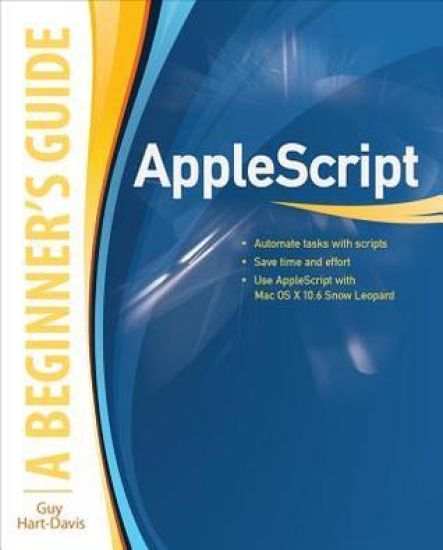
AppleScript: A Beginner's Guide

AppleScript: A Beginner's Guide

Guy Hart-Davis

McGraw-Hill Professional
2010
nidottu
Publisher's Note: Products purchased from Third Party sellers are not guaranteed by the publisher for quality, authenticity, or access to any online entitlements included with the product.Essential Skills--Made Easy!Learn to program in AppleScript, the versatile scripting language built right into Mac OS X and supported by most major applications. AppleScript: A Beginner's Guide shows you how to write powerful scripts with the AppleScript Editor to automate tasks, save time and effort, and automatically generate documents, spreadsheets, and e-mail messages. Debugging and error handling are also covered in this fast-paced tutorial.Designed for Easy LearningKey Skills & Concepts--Chapter-opening lists of specific skills covered in the chapterAsk the Expert--Q&A sections filled with bonus information and helpful tipsTry This--Hands-on exercises that show you how to apply your skillsNotes--Extra information related to the topic being coveredTips--Helpful reminders or alternative ways of doing thingsCautions--Errors and pitfalls to avoidAnnotated Syntax--Example code with commentary that describes the programming techniques being illustratedReady-to-use code at www.mhprofessional.com/computingdownloadGuy Hart-Davis is the author of Mac OS X Leopard QuickSteps, How to Do Everything iPod, iPhone, & iTunes, Fifth Edition, HTML, XHTML & CSS QuickSteps, and several other computer books.
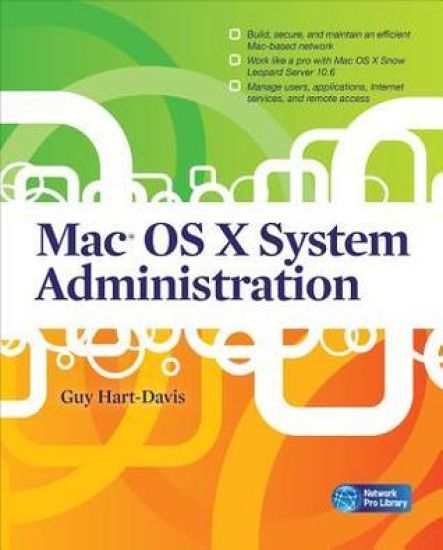
Mac OS X System Administration

Mac OS X System Administration

Guy Hart-Davis

McGraw-Hill Professional
2010
nidottu
Publisher's Note: Products purchased from Third Party sellers are not guaranteed by the publisher for quality, authenticity, or access to any online entitlements included with the product.Build and manage a powerful network on Mac OS X ServerBoost productivity and foster collaboration using the powerful networking tools available in Mac OS X Snow Leopard Server. With clear, detailed explanations and step-by-step instructions, Mac OS X System Administration shows you how to plan, construct, and manage a high-performance Mac-based network. You'll learn how to do everything from planning and installing the network from scratch to backing up both clients and servers to recovering from disaster.Plan the wired, wireless, or combination network your organization needsBuild the network and install Mac OS X ServerSecure the network using firewalls, encryption, and SSL authenticationHarness the power of Open Directory to organize and manage the networkCreate user accounts, set up groups, and control which applications and features users can accessSet up and manage file sharing, print, Web, and e-mail servicesInstall applications automatically both before and after deploying the MacsEnable remote access to the network via VPNAdd iPhones and iPod touches to the networkGuy Hart-Davis is the bestselling author of more than 50 computer books, including AppleScript: A Beginner's Guide, Mac OS X Leopard QuickSteps, HTML, XHTML & CSS QuickSteps, and How to Do Everything: iPod, iPhone, & iTunes.
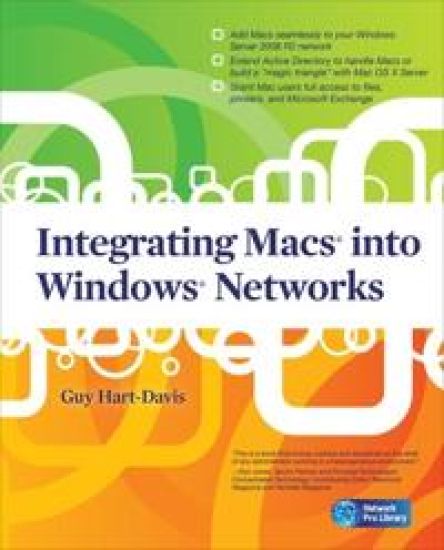
Integrating Macs into Windows Networks

Integrating Macs into Windows Networks

Guy Hart-Davis

McGraw-Hill Professional
2010
nidottu
Publisher's Note: Products purchased from Third Party sellers are not guaranteed by the publisher for quality, authenticity, or access to any online entitlements included with the product.Integrate Macs seamlessly into your Windows networkThese days, almost every Windows network must include Macs--and not just as second-class citizens with limited connectivity, but as full members of the network. Covering Mac OS X Snow Leopard and Windows Server 2008 R2, Integrating Macs into Windows Networks shows you how to incorporate Macs quickly and easily into your Windows Server network. You'll learn how to plan your Mac rollout, choose the best way of managing Macs, add Macs to the network seamlessly, and keep them secure and running smoothly.Select the right Macs for your organization's needsMake the physical connection to the network via Ethernet or AirPortChoose between extending Active Directory to handle Macs or building a "magic triangle" with Mac OS X ServerUse proxy servers to give Macs safe internet accessConnect Mac clients to Microsoft Exchange for e-mail and calendaringProvide Mac users with network home or mobile home foldersSet up Macs to print to your Windows network printersInstall software on Macs automatically both before and after deploymentRun Windows programs on Macs using Boot Camp, virtual machines, or bothAllow Mac users remote access to the network via virtual private networkingBack up and restore data, and troubleshoot Mac hardware and software problems
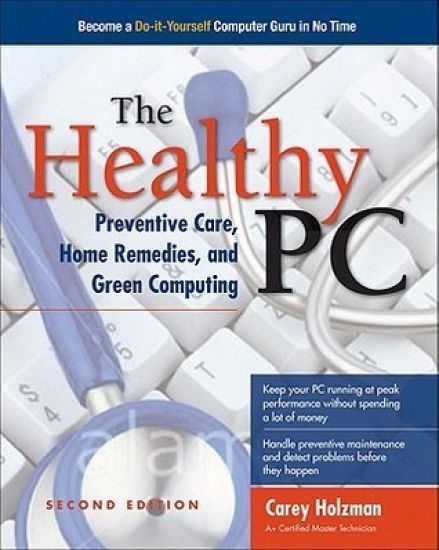
The Healthy PC: Preventive Care, Home Remedies, and Green Computing
Publisher's Note: Products purchased from Third Party sellers are not guaranteed by the publisher for quality, authenticity, or access to any online entitlements included with the product.Get your PC running at full speed again--and remove malevolent softwareSave yourself time, money, and frustration by becoming your own computer guru. The Healthy PC: Preventive Care, Home Remedies, and Green Computing, Second Edition shows you how to find out what's wrong with your PC and solve the problems yourself. You'll get expert tips for making your PC start up faster, keeping its hard drive in good shape, and updating Windows with the latest security fixes. This hands-on guide also explains how to protect your PC for free using Microsoft Security Essentials, use the Internet safely, and configure parental controls to protect your children both online and offline.Disable unnecessary startup items and boost virtual memoryDefragment your PC's hard disk and reclaim wasted spaceArmor your PC against attacks, viruses, malware, and spywareProtect Windows by applying the latest patches and fixesLock down your wired and wireless Internet and network connections against intrudersSurf safely and reduce risks from e-mail, IM, and social networkingKeep your children safe onlineMaximize your PC's memory and add external hard drivesUpgrade to Windows 7 and transfer your files and settingsGuy Hart-Davis is the author of more than 70 computer books, including iPad and iPhone Administrator's Guide, Integrating Macs into Windows Networks, Mac OS X System Administration, and How to Do Everything: iPad and iTunes, Sixth Edition.
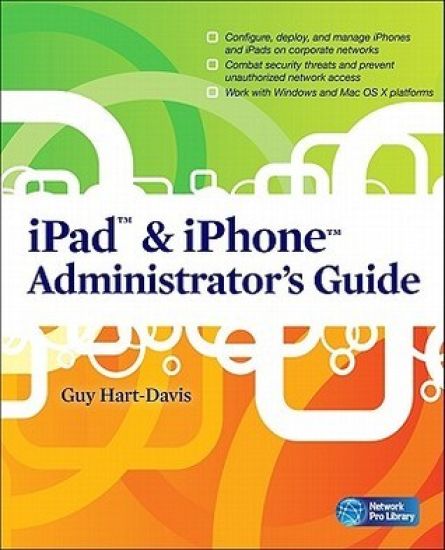
iPad & iPhone Administrator's Guide

iPad & iPhone Administrator's Guide

Guy Hart-Davis

McGraw-Hill Professional
2011
nidottu
Publisher's Note: Products purchased from Third Party sellers are not guaranteed by the publisher for quality, authenticity, or access to any online entitlements included with the product.Securely deploy iPads and iPhones on corporate networksSeamlessly integrate iPads and iPhones into your company's IT systems using the detailed instructions contained in this practical book. iPad & iPhone Administrator's Guide shows you how to use iPads and iPhones as business devices and manage them tightly with Apple's enterprise tools. Learn how to connect iPads and iPhones to your organization's wireless network and mail servers, equip users with the apps they need to be productive at work and outside it, and provide access to essential data without compromising security.Plan your deployment and choose suitable iPads and iPhonesActivate iPhones quickly using iTunes' activation-only modeSet up iPads and iPhones automatically using iPhone Configuration UtilitySet up Wi-Fi and VPN connections manually or with configuration profilesConnect iPads and iPhones to Microsoft Exchange and other mail serversChoose the best third-party apps, install them, and keep them updatedInstall custom enterprise apps using provisioning profilesLoad and transfer documents via File Sharing and third-party toolsGive iPad and iPhone users remote access to your networkManage Windows or Mac OS X servers from your iPad or iPhoneSecure iPads and iPhones with strong passcodes--and wipe their contents remotely if they're stolenTroubleshoot hardware and software problems
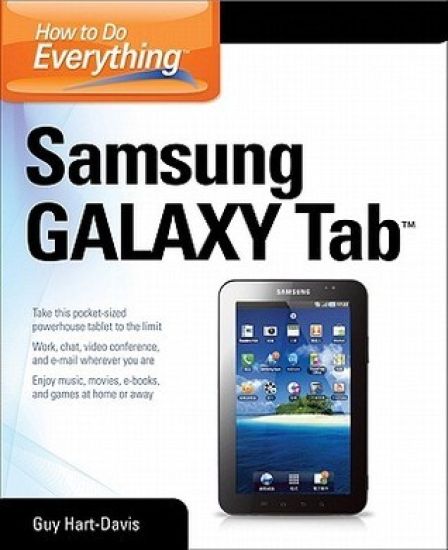
How to Do Everything Samsung Galaxy Tab

How to Do Everything Samsung Galaxy Tab

Guy Hart-Davis

McGraw-Hill Professional
2012
nidottu
Publisher's Note: Products purchased from Third Party sellers are not guaranteed by the publisher for quality, authenticity, or access to any online entitlements included with the product.Get the most out of your Samsung GALAXY TabAt last--a tablet that puts the power of a full computer right in your hands! This hands-on guide shows you show to tap into your Galaxy Tab's full range of business productivity and entertainment features. How to Do Everything: Samsung GALAXY Tab teaches you how to connect to wireless networks, sync data with your PC or Mac, browse the Web, use e-mail, and much more. Harness the power of the Android operating system, maximize the built-in and third-party applications, and maintain and troubleshoot your Galaxy Tab with help from this practical, time-saving resource.set up, navigate, and customize your Galaxy Tab Connect seamlessly to as many wireless networks as you needSynchronize your Galaxy Tab with your PC or Mac using Samsung KiesPlay movies on your Galaxy Tab or your TVTake photos and videos and share them online and offlineCheck e-mail, communicate with instant messaging, and browse the Web from anywhereKeep up with your social networks on the goRead e-books and PDFs in the palm of your handNavigate easily with Google MapsInstall and use versatile applications from the Android MarketTroubleshoot, maintain, and secure your Galaxy TabConnect to your work network via virtual private networking
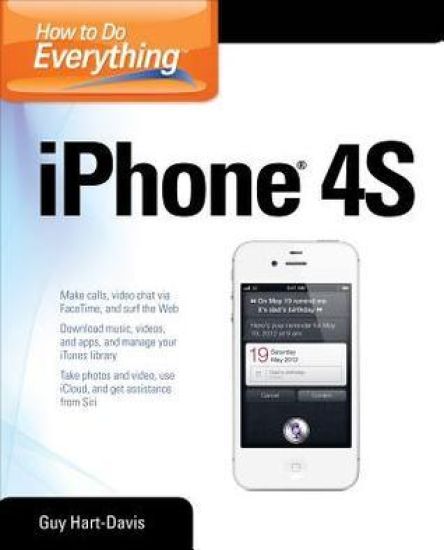
How to Do Everything iPhone 4S

How to Do Everything iPhone 4S

Guy Hart-Davis

McGraw-Hill Professional
2012
nidottu
Publisher's Note: Products purchased from Third Party sellers are not guaranteed by the publisher for quality, authenticity, or access to any online entitlements included with the product.Unleash the amazing features of your iPhone 4S!Filled with handy tips and little-known tricks, How to Do Everything: iPhone 4S shows you how to maximize the powerful capabilities of this revolutionary device. Configure and customize your iPhone, make calls, video chat, listen to music, watch videos, create and manage your iTunes library, surf the Web, take photos and video, ask Siri for assistance, use iCloud to store and access your content, and much more. You’ll also learn how to connect your iPhone to your company’s network via virtual private networking and to your company’s Exchange Server for e-mail and calendars. Load your iPhone with music, videos, data, and apps Connect to wireless networks at home, at work, and on the roadTake crisp photos and video with the new eight megapixel cameraMake phone calls, video chat with FaceTime, and use e-mail and instant messagingUse iCloud to sync content seamlessly between your iPhone and other iOS devicesGet help from Siri, the voice-controlled intelligent assistantKeep up to date with your calendars and contacts Create a great audio and video library for your iPhone and iTunesUse your iPhone for file backup, storage, and transferConnect to your business network and to Exchange ServerCreate, edit, and share business documents on your iPhoneSync your iPhone with multiple computers Troubleshoot your iPhone and iTunes
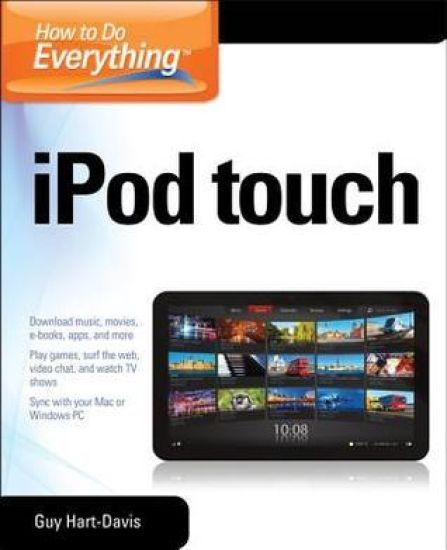
How to Do Everything iPod Touch

How to Do Everything iPod Touch

Guy Hart-Davis

McGraw-Hill Professional
2012
nidottu
Publisher's Note: Products purchased from Third Party sellers are not guaranteed by the publisher for quality, authenticity, or access to any online entitlements included with the product.This practical guide covers all that’s new in the latest iPod touch and shows the best ways to load media content, play games, surf the web, use FaceTime to video chat, watch TV shows and movies, and more!How to Do Everything: iPod touch covers the new, supercharged iPod touch which combines three great products: a widescreen iPod with touch controls; a portable game console; and a breakthrough Internet device The book’s chapters provide details on loading your iPod touch with music, videos, games, and data, plus how to chat with FaceTime, keep up with social media accounts, take photos, create and edit business documents, and much more. You’ll get all the information you need to fully exploit the iPod touch with both Windows PCs and Macs and learn about the wealth of activity you can do beyond listening to music. How to Do Everything: iPod touchContains clear instructions with screenshots and illustrations that guide you through everything from unboxing your iPod touch and installing iTunes to troubleshooting hardware and software issuesIncludes “How To” and “Did You Know?” sidebars with extra information to help you with tricky issues and queriesExplains how to use your iPod touch and iTunes with both Windows PCs and Macs, covering Windows 7 and Mac OS X 10.7 LionOffers tips for building a comprehensive media library in iTunes and keeping it backed up
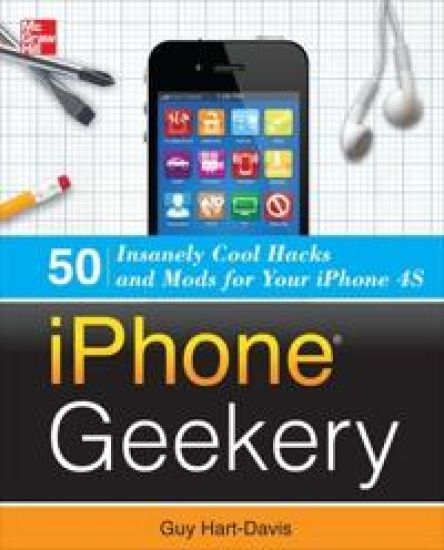
iPhone Geekery: 50 Insanely Cool Hacks and Mods for Your iPhone 4S
Publisher's Note: Products purchased from Third Party sellers are not guaranteed by the publisher for quality, authenticity, or access to any online entitlements included with the product.Discover More Great Things to Do with Your iPhone 4S or iPhone 4!You already know how to do everyday things with your iPhone--make calls, take photos, enjoy music and movies, and play games. Now it's time to take your iPhone to the next level and turn it into your home recording studio, professional-quality video camera, and handy computer for both business computing and personal productivity. iPhone Geekery shows you how to do all this, and much, much more. You'll learn everything from keyboard secrets and power-user email techniques to ways to jailbreak your iPhone and recover space from its file system.Get your geek on! Learn how to:Load and sync content from multiple computersUse your iPhone as your home and car stereoRecord your band on your iPhone--or use your iPhone as your backing trackTake stunning macro, telephoto, and panoramic photosTurn your iPhone into your main computerSecure your iPhone against water, dirt, and grimeShare your iPhone's Internet connection with your computerUse your iPhone to control your computer remotelyJailbreak your iPhone and install apps Apple hasn't approvedPlay Genesis, Nintendo, and arcade games on your iPhone under emulationAnd lots more!
Kindle Fire Geekery: 50 Insanely Cool Projects for Your Amazon Tablet
Publisher's Note: Products purchased from Third Party sellers are not guaranteed by the publisher for quality, authenticity, or access to any online entitlements included with the product.Take your Kindle Fire to its limits—and way beyond themYou already know how to download and read e-books on your Kindle Fire. Now, discover how to turn it into a personal music and video player, Web and e-mail device, Android-based app and gaming center, text messager, and remote work tool. Kindle Fire Geekery: 50 Insanely Cool Projects for Your Amazon Tablet teaches these power-user tricks and many more. You’ll see how to load non-Amazon media files, find free stuff, and stream your library from the cloud.Get your geek on! Learn how to: Use your Kindle Fire as a portable music player Rip CDs and transfer audio from LP or cassetteWatch movies and TV shows stored on your computerStream your collection through Amazon’s Cloud DriveLoad e-books from any format to your Kindle FireLock your Kindle Fire and tweak its operating systemInstall apps from sources other than Amazon’s AppstoreConnect to WiFi networks, browse the Web, and use e-mailKeep your Kindle Fire and its Silk browser running smoothlySend text messages, share files, and edit Office documents
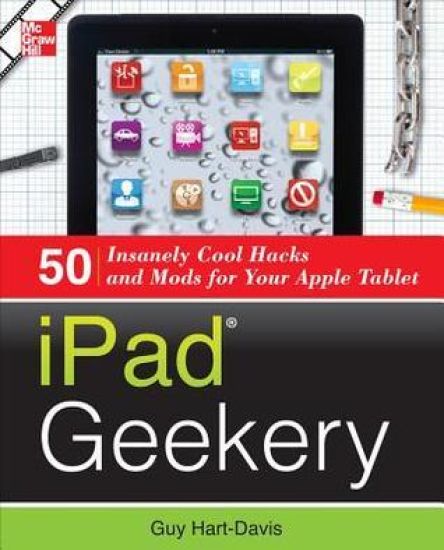
iPad Geekery

iPad Geekery

Guy Hart-Davis

McGraw-Hill Professional
2012
nidottu
Publisher's Note: Products purchased from Third Party sellers are not guaranteed by the publisher for quality, authenticity, or access to any online entitlements included with the product.Take your iPad to its limits--and way beyondYou've already mastered iPad essentials. Now, become a bona-fide power-user and transform your iPad into a media center, gaming device, photo and video camera, document editor, and high-powered computer. Through easy-to-follow instructions and illustrations, iPad Geekery: 50 Insanely Cool Hacks and Mods for Your Apple Tabletteaches you these expert tricks. You'll also find out how to secure your iPad, protect your personal information, and install apps from any source.Get your geek on! Learn how to:Use your iPad as your home and car stereoPack your iPad with high-quality music files and share them with othersUse your iPad as your backing band, your recording studio, and even fix your off-key singingWatch DVDs, stream videos, and show content on your TVTake captivating photos and make professional-grade filmsPlug in a keyboard and use your iPad as your main computerCreate Word, Excel, PowerPoint, and PDF filesTroubleshoot problems and restore your iPad to factory settingsKeep your data secure no matter where your iPad goesConnect to your personal or company networkBack up, unlock, and "jailbreak" your iPad
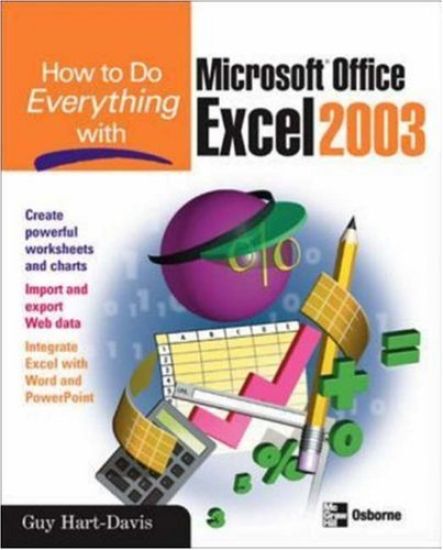
How to Do Everything with Microsoft Office Excel 2003

How to Do Everything with Microsoft Office Excel 2003

Guy Hart-Davis

McGraw-Hill Professional
2003
nidottu
Publisher's Note: Products purchased from Third Party sellers are not guaranteed by the publisher for quality, authenticity, or access to any online entitlements included with the product.Here is the ideal resource for anyone who wants to get the most out of all the new and enhanced features Excel has to offer. Learn the best methods for formatting, printing, and sharing worksheets, adding graphics, importing and exporting data to and from the Web--and much more.
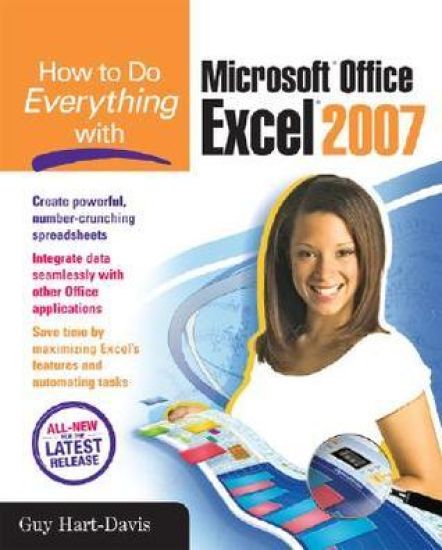
How to Do Everything with Microsoft Office Excel 2007

How to Do Everything with Microsoft Office Excel 2007

Guy Hart-Davis

McGraw-Hill Professional
2007
nidottu
Publisher's Note: Products purchased from Third Party sellers are not guaranteed by the publisher for quality, authenticity, or access to any online entitlements included with the product.Master the latest version of ExcelGet more out of Excel than ever before with help from this hands-on guide. Learn how to create powerful and easy-to-use spreadsheets and bring yourself up to speed on all the new and improved features available in Excel 2007. Discover how to enter and format data, use graphics effectively, create formulas, build tables to store and analyze data, and share workbooks securely with other users. You'll also learn how to save files to intranet sites and Internet servers, and publish workbooks to Web pages. Plus, you'll find valuable shortcuts that will make it even easier to use the world's most popular spreadsheet application.Control Excel using the new Ribbon interface instead of menus and toolbarsConfigure and customize Excel to suit your working needsAdd visual impact to your worksheets with pictures and diagramsDevelop formulas to perform custom calculationsAnalyze data using PivotTables and organize your information to show exactly what you needUse what-if analysis to solve complex and time-grabbing business problemsShare workbooks and collaborate with colleaguesTransfer data easily among other Office applications
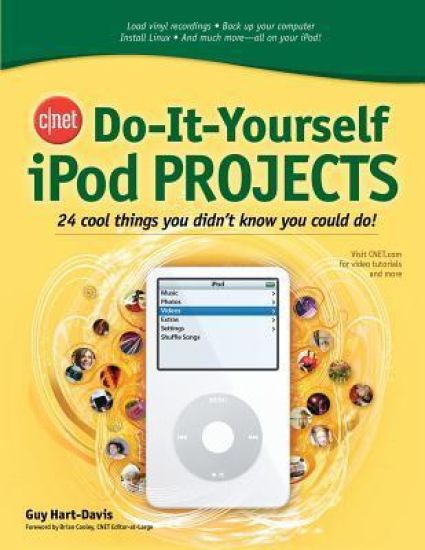
CNET Do-It-Yourself iPod Projects

CNET Do-It-Yourself iPod Projects

Guy Hart-Davis

McGraw-Hill Professional
2006
nidottu
Publisher's Note: Products purchased from Third Party sellers are not guaranteed by the publisher for quality, authenticity, or access to any online entitlements included with the product.The Ultimate Source of New Ideas for High-Tech Enthusiasts!Produced in conjunction with CNET, the Web's most popular technology portal, the CNET Do-It-Yourself series offers computer, gadget, and software users exciting and innovative projects to help get more enjoyment and productivity out of the latest high-tech products. Each book features: 24 self-contained projects; easy-to-follow, step-by-step instructions; and hundreds of clear photos and screen shots.
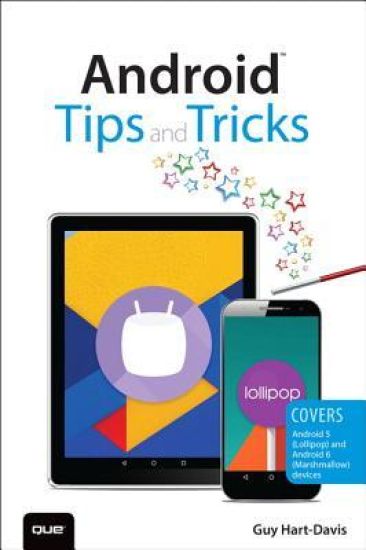
Android Tips and Tricks

Android Tips and Tricks

Guy Hart-Davis

Que Corporation,U.S.
2016
nidottu
Unlock the Full Power of Your Android™ Smartphone or Tablet Discover hundreds of tips and tricks you can use right away with your Android device to get more done, and have more fun. You’ll learn how to use your Android smartphone or tablet as a powerful communication, organization, and productivity tool as well as a feature-packed entertainment device. You will dig deep into the settings and capabilities of both Android itself and the preinstalled apps, developing the knowledge and skills to exploit them to the fullest. Easy to understand and non-technical, Android Tips and Tricks is perfect for beginners—and for more experienced users ready to ramp up their productivity or move to newer devices. It covers all new and recent Android smartphones and tablets running Android 6 (Marshmallow) or Android 5 (Lollipop)—with bonus, in-depth coverage of Samsung’s widely used TouchWiz skin. Here’s just a sampling of what this book’s tips, tricks, and techniques will help you do: · Connect to wireless and cellular networks, to keyboards and Bluetooth devices, and via VPNs · Transform your device into a portable Wi-Fi hotspot, and share Internet connections via USB or Bluetooth · Secure Android with screen and SIM locks, location settings, and encryption · Sideload apps from any source and keep bad apps from loading · Take Gmail to pro level with signatures, vacation responders, labels, archiving, advanced search, and secure two-step verification · Manage multiple email accounts together: POP, IMAP, web mail, and Exchange · Get more out of your Google Chrome browser, and share bookmarks across all your devices · Chat via text, audio, or video on Google Hangouts—and customize it to work just the way you want · Enjoy your music everywhere, whether it’s stored locally or in the cloud · Easily capture, edit, and share top-quality photos and videos · Transform your smartphone or tablet into a total social networking hub · Squeeze more battery life from your Android device
Teach Yourself VISUALLY Android Phones and Tablets

Teach Yourself VISUALLY Android Phones and Tablets

Guy Hart-Davis

John Wiley Sons Inc
2015
nidottu
Experience all your Android device has to offer! Teach Yourself VISUALLY Android Phones and Tablets, 2nd Edition is the perfect resource if you are a visual learner who wants to master the ins and outs of the Android operating system. With step-by-step instructions driven by targeted, easy-to-understand graphics, this informative book shines a light on the features, functions, and quirks of the Android OS—and shows you how to use them. With the guidance provided by this easy to follow resource, you will quickly access, download, and enjoy books, apps, music, and video content, as well as photos, emails, and other forms of media, right from your phone or tablet! This book is perfect for Android users at beginner to intermediate levels. The Android operating system is graphics intensive, which is why a visual guide is the best way to navigate your Android device. Now that the Android OS is available on both phones and tablets, you can maximize the productivity and convenience of your devices by mastering the features, functions, and quirks of this operating system. Explore the latest Android features and functionsPeruse full-color illustrations that walk you, step-by-step, through instructions for using the Android operating systemDiscover how to access, download, and enjoy multimedia contentSync your Android devices to maximize their capabilities Teach Yourself VISUALLY Android Phones and Tablets, 2nd Edition is the top resource for visual learners wanting to further explore the capabilities of Android devices.