Kirjojen hintavertailu. Mukana 11 342 296 kirjaa ja 12 kauppaa.

Kirjahaku

Etsi kirjoja tekijän nimen, kirjan nimen tai ISBN:n perusteella.

10 kirjaa tekijältä Jason Rich

How to Do Everything Digital Photography

How to Do Everything Digital Photography

Jason Rich

McGraw-Hill Professional
2011
nidottu
Publisher's Note: Products purchased from Third Party sellers are not guaranteed by the publisher for quality, authenticity, or access to any online entitlements included with the product.Take Great Digital Photos Every Time!Filled with high-color photographs, How to Do Everything: Digital Photography shows you how to capture professional-quality photos using any digital camera--from a smartphone or point-and-shoot camera to an advanced digital SLR camera. Learn how to take better pictures right away using a variety of techniques for photo composition, lighting, and creativity. You'll also get tips on photo editing, printing, and archiving, as well as avoiding common mistakes that result in poor-quality images. Improve your photographic skills in no time with help from this comprehensive, hands-on guide.Learn digital camera basics and select the best camera, equipment, and accessories for your needsMaster the fundamentals of photo compositionUse professional lighting and flash techniquesShoot eye-catching outdoor photos in any weather conditionTake portraits and candid shots of people and petsCapture stunning vacation photographsTake professional-quality photos of sporting and action-oriented eventsShoot digital video and publish it onlineTransfer digital images to your computerDigitally fix, edit, and improve your imagesUse photo editing software, as well as plug-ins, add-ons, and accessoriesPrint high-quality photos or publish your work on the WebCatalog, organize, back up, and archive your images
How to Do Everything Kindle Fire

How to Do Everything Kindle Fire

Jason Rich

McGraw-Hill Professional
2012
nidottu
Publisher's Note: Products purchased from Third Party sellers are not guaranteed by the publisher for quality, authenticity, or access to any online entitlements included with the product.Maximize Kindle Fire's multimedia, entertainment, and Internet capabilities, use apps, and read eBooks--virtually anywhere!How to Do Everything: Kindle Fire makes it easy for you to enjoy all of the exciting multimedia content, entertainment-related apps, and personal productivity features of Amazon's Kindle Fire. Learn how to register, set up, and customize your Kindle Fire; browse, download (or stream) and experience TV shows, movies, games, music, audiobooks, and other multimedia content; use Gallery to organize and view photos; surf the web; manage your email accounts; access, use, and edit Microsoft Office files...and of course, use the Kindle fire as a powerful eBook reader.Set up and get started using your Kindle fire right awayGet connected to the Internet and use Amazon's Cloud DriveMaster the Navigation Bar, Favorites Bar, Carousel, and other Home Screen featuresLoad your Kindle Fire with music from Amazon's MP3 Music Store (and other sources), and listen to your digital music library anywhereTransfer files and data to and from your computer wirelessly or via USB linkManage your contacts and scheduleQuickly find the best deals on anything you're shopping for onlineRead bestsellers, your favorite authors, or the latest issues of popular newspapers and magazinesDiscover the best apps to dramatically enhance the capabilities of your Kindle FirePlay thousands of popular gamesManage your Facebook and/or Twitter accounts while on the go
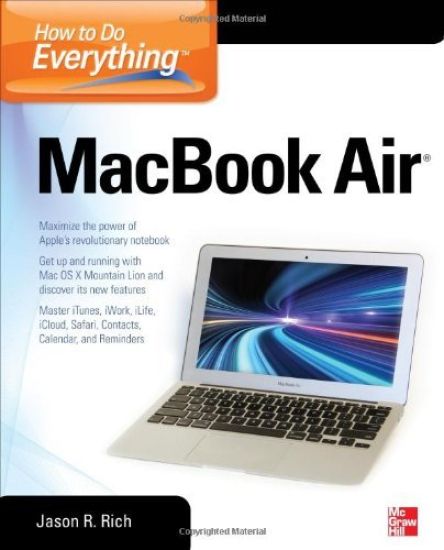
How to Do Everything MacBook Air

How to Do Everything MacBook Air

Jason Rich

McGraw-Hill Professional
2012
nidottu
Publisher's Note: Products purchased from Third Party sellers are not guaranteed by the publisher for quality, authenticity, or access to any online entitlements included with the product.Take your MacBook Air to new heights!Discover how to get more than ever before out of Apple’s incredibly thin and light notebooks with help from this hands-on guide. How to Do Everything: MacBook Air shows you how to harness the power of the new Mac OS X Mountain Lion operating system, and use iTunes, iWork, iLife, iCloud, Safari, Contacts, Calendar, Reminders, Notification Center, Mail, and other powerful apps. Tap into all the computing power built into Apple’s ultra-portable MacBook Air while you’re at home, at work, or on-the-go. Custom configure your MacBook Air and navigate with the Multi-Touch trackpadGet the most out of the new Mac OS X Mountain Lion operating systemTransfer data from a PC or another MacManage your email accounts with the Mail appSync all of your data and devices via iCloudConnect peripherals—Bluetooth devices, printers, cameras, and moreUse your MacBook Air to connect to Facebook, Twitter, Google+, Flickr, Tumblr, LinkedIn, and other servicesMaximize productivity tools, such as Microsoft Office and the iWork appsDownload and play movies, TV shows, and gamesManage your iTunes Library Get organized with the new Contacts, Calendar, and Reminders appsCommunicate efficiently using the Messages appVideo chat with FaceTime or SkypeRun Microsoft Windows programs on your MacBook AirUpdate, back up, troubleshoot, and maintain your MacBook Air
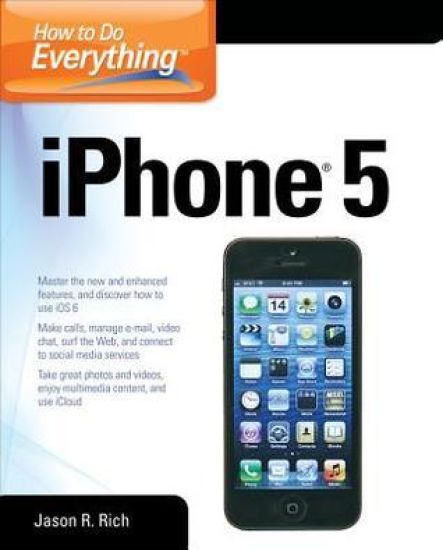
How to Do Everything

How to Do Everything

Jason Rich

McGraw-Hill Professional
2013
nidottu
Publisher's Note: Products purchased from Third Party sellers are not guaranteed by the publisher for quality, authenticity, or access to any online entitlements included with the product.Maximize the power of your iPhone 5Master the versatile features of your iPhone 5 and stay organized, connected, informed, and entertained. How to Do Everything: iPhone 5 covers iOS 6 and the new capabilities added to the core functions and apps, such as Contacts, Calendar, Reminders, Notes, Safari, Mail, Camera, Maps, FaceTime, and iTunes. You’ll also learn how to use iCloud, Notification Center, and Siri. Plus, discover tips on finding and downloading additional apps that can dramatically increase your iPhone’s performance. This hands-on guide covers it all! Get assistance from Siri and use the Dictation featureImport and sync data from your computer, iCloud, and other iOS devicesDiscover preinstalled apps and download additional appsMake and receive calls, use voicemail, and set up custom ringtonesManage Contacts and stay organized with Calendar, Reminders, and NotesSurf the Web with SafariShoot, edit, and share photos and videosNavigate with turn-by-turn directions using the newly redesigned Maps appManage e-mail accounts, use text messaging, and connect to social media networks, including Facebook and TwitterVideo chat via FaceTime or SkypeExperience multimedia entertainment and read e-books and digital editions of newspapers and magazinesPlay exciting single- and multi-player gamesProtect and troubleshoot your iPhone 5
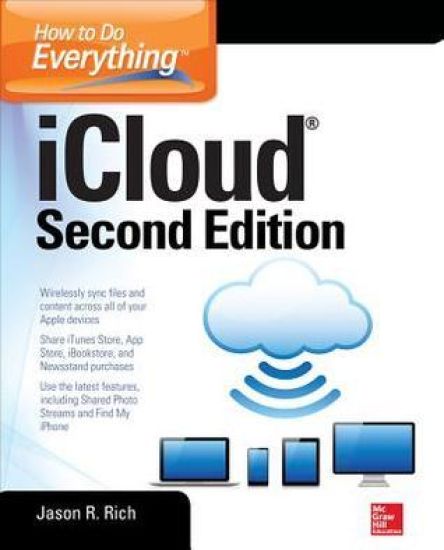
How to Do Everything: iCloud, Second Edition

How to Do Everything: iCloud, Second Edition

Jason Rich

McGraw-Hill Professional
2014
nidottu
Publisher's Note: Products purchased from Third Party sellers are not guaranteed by the publisher for quality, authenticity, or access to any online entitlements included with the product.Maximize the latest iCloud capabilitiesThis all-new edition of How To Do Everything: iCloud fully covers iCloud’s versatile features and offers step-by-step directions on how to use each one, including Shared Photo Streams, the iWork for iCloud apps, and iCloud Keychain. You’ll learn how to set up iCloud, transfer and sync app-specific data, documents, files, photos, music, and other content among your computers and iOS mobile devices. Use iCloud with your Mac, iPhone, iPad, iPad mini, and iPod touch Migrate from Apple MobileMe to iCloudLearn new iCloud features, including Shared Photo Streams, iWork for iCloud online apps, iCloud Keychain, and much moreManage your digital music library and iTunes purchases with iCloudUse the Premium iTunes Match serviceStore and manage your digital photos with My Photo StreamShare your digital images with others using iCloud’s Shared Photo StreamsSync files and documents among computers and iOS devices Manage and sync your Safari bookmarks, reading list, and passwords using iCloud and iCloud KeychainWork with iWork for iCloudLearn about other cloud-based servicesSync and share apps, app-related data, and eBooks among iOS mobile devices and your computer(s) Back up your iPhone and iPad with iCloudStream Apple TV content to your HD TVLocate a Lost Mac, iPhone, iPad or iPod touch with iCloud’s Find My… featureManage your iCloud email accountTroubleshoot iCloud-related problems
My Online Privacy for Seniors

My Online Privacy for Seniors

Jason Rich

Addison Wesley
2019
nidottu
My Online Privacy for Seniors is an exceptionally easy and complete guide to protecting your privacy while you take advantage of the extraordinary resources available to you through the Internet and your mobile devices. It approaches every topic from a senior’s point of view, using meaningful examples, step-by-step tasks, large text, close-up screen shots, and a custom full-color interior designed for comfortable reading. Full-color, step-by-step tasks–in legible print–walk you through how to keep your personal information and content secure on computers and mobile devices. Learn how to: Strengthen your web browser’s privacy in just a few stepsMake it harder to track and target you with personalized adsProtect against dangerous fake emails and ransomwareSecurely bank and shop onlineControl who sees your Facebook or Instagram posts and photos you shareSecurely use cloud services for backups or shared projectsProtect private data on your mobile device, even if it’s stolenBlock most unwanted calls on your smartphoneImprove your home’s Internet security quickly and inexpensivelyGet straight answers to online privacy questions–in steps that are simple to follow and easy to understand You don’t have to avoid today’s amazing digital world: you can enrich your life, deepen your connections, and still keep yourself safe.
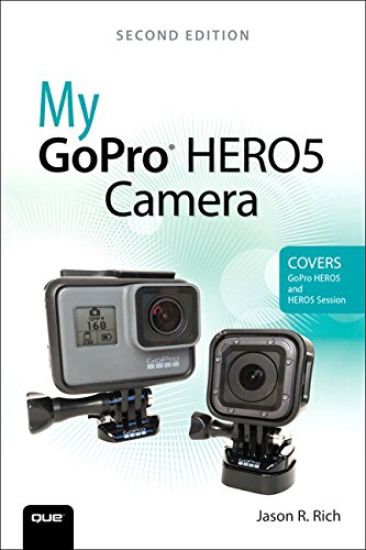
My GoPro HERO5 Camera

My GoPro HERO5 Camera

Jason Rich

Que Corporation,U.S.
2017
nidottu
Step-by-step instructions with callouts to the GoPro HERO5 Black, HERO5 Session™, or HERO Session™ camera. Photos and sample images show you exactly what to do. Help when you run into problems or limitations with your GoPro camera in specific shooting situations. Tips and Notes to help you get the most from your GoPro camera when taking pictures or shooting HD video in a wide range of shooting situations. Full-color, step-by-step tasks walk you through getting and keeping your GoPro camera working just the way you want in order to shoot the absolute best photos and videos possible. Learn how to: Set up your GoPro camera and prepare for any type of shooting situation Take awesome first- or third-person videos just about anywhere, including underwater or in low-light situations Select and use the best camera housing, mount, and accessories to capture the perfect shots Take detailed and vibrant high-resolution, digital images with your GoPro camera Shoot stunning HD video using your GoPro camera Record high-quality audio in conjunction with your videos Choose the best resolution and camera settings for each shooting situation you encounter Wirelessly transfer your digital content from your camera to your smartphone or tablet using the GoPro Capture™ mobile app Transfer content from your camera to your computer to view, edit, enhance, archive, and share it using photo editing software or the GoPro QUIK Desktop™ and GoPro Studio™ video editing software Learn strategies used by the pros to achieve your own professional results
Dirty Little Secrets from the Credit Bureaus: Clean Up Your Credit Report and Boost Your Credit Score
Insider secrets that can improve your credit scoreThese days, maintaining a good credit report andFICO score is critical. This insider guide revealshow the FICO score is calculated—and lets you inon how to manipulate it. Dirty Little Secrets from theCredit Bureaus offers you little-known strategies for improving credit scores and making a credit report lookattractive to lenders. Credit experts from well-knowncompanies show you the best way to communicateeffectively with the three major credit bureaus tomake corrections and update information. Plus, itreveals how you can get bad information legally removedfrom credit reports.
Mac Migration: The Small Business Guide to Switching to the Mac
Successfully Move Your Business to the MacMac envy, interest in a new platform, or you're just plain fed up with your PC-no matter your excuse for joining the growing Apple family, switching your business from PC to Mac is much easier than you think.Regardless of your technical expertise, we'll show you step by step how to quickly and effortlessly crossover into the Mac world- with no productivity loss or capability problems. Whether you're a Mac newbie, a dedicated PC user or a self-proclaimed computer dummy, our computer experts and enthusiasts offer the instruction and answers you're looking for. Learn how to choose the best model-MacBook or IMac-for your business, transfer critical data, grasp key differences, use the latest tools and applications Mac has become known for, and so much more!Discover how to:Find your inner Mac-Choose the best, most productive Mac for you and your businessGet up and running right away-Quickly and easily transfer crucial PC data, files, and folder; and connect external tools and devicesSave time and avoid troubleshooting-Master essential differences between PC and Macs, and learn key commands, common mistakes to avoid, and other priceless Mac tips Efficiently run your business-Customize your computer for your business and personal use with the latest applications and tools including Mac OS X Leopard and Microsoft Office Keep your business on the cutting edge-Learn about the 14 most popular Mac software applications among businesses, and access dozens of Mac and computer resources Don't begin your journey into the user-friendly world of Mac without this business-friendly guide!
Clash at Fatal Fields: An Unofficial Fortnite Adventure Novel
Twelve-year-old Grey gets sucked into a hacked, virtual reality version of Fortnite Battle Royale along with one hundred other players. To get home, he must become one of the top-five players before the season ends, or he's stuck in Fortnite for another two months. Four other players stand with Grey as an admin tells them they are the new meat and their game has been hacked. Their consciousness will be trapped in this version of Fortnite until they can become the top-five players for a season. New to the fighting arena but ambitious, Grey sets out for glory with one hundred other players on a flying bus. As they jump and land on the island to battle, Grey struggles to understand the tools as people come to kill him. He dies quickly, much to his disappointment. Maybe this won't be as easy as he thought. While waiting for the next game in the lobby, someone gives Grey some survival tips to help him out, and he fares a bit better. They form a duo in hopes of both escaping the game together. Will Grey be able to escape now that he has an ally?