Kirjojen hintavertailu. Mukana 12 083 983 kirjaa ja 12 kauppaa.

Kirjahaku

Etsi kirjoja tekijän nimen, kirjan nimen tai ISBN:n perusteella.

12 kirjaa tekijältä Joan Lambert

MOS Study Guide for Microsoft Excel Exam MO-200
Advance your everyday proficiency with Excel! And earn the credential that proves it! Demonstrate your expertise with Microsoft Excel! Designed to help you practice and prepare for Microsoft Office Specialist: Excel Associate (Excel and Excel 2019) certification, this official Study Guide delivers: In-depth preparation for each MOS objectiveDetailed procedures to help build the skills measured by the examHands-on tasks to practice what you’ve learnedReady-made practice files Sharpen the skills measured by these objectives: Manage Worksheets and WorkbooksManage Data Cells and RangesManage Tables and Table DataPerform Operations by Using Formulas and FunctionsManage Charts About MOS A Microsoft Office Specialist (MOS) certification validates your proficiency with Microsoft Office programs, demonstrating that you can meet globally recognized performance standards. Hands-on experience with the technology is required to successfully pass Microsoft Certification exams.
MOS Study Guide for Microsoft Word Exam MO-100
Advance your proficiency with Word. And earn the credential that proves it! Demonstrate your expertise with Microsoft Word! Designed to help you practice and prepare for Microsoft Office Specialist: Word Associate (Word and Word 2019) certification, this official Study Guide delivers: • In-depth preparation for each MOS objective • Detailed procedures to help build the skills measured by the exam • Hands-on tasks to practice what you’ve learned • Ready-made practice files Sharpen the skills measured by these objectives: • Manage Documents • Insert and Format Text, Paragraphs, and Sections • Manage Tables and Lists • Create and Manage References • Insert and Format Graphic Elements EXAM MO-100 About the MOS: Associate Certification A Microsoft Office Specialist (MOS): Associate certification validates your hands-on competency in the correct application of the principal features of an Office product. It demonstrates that you can apply these features to complete associate-level tasks independently and are ready to enter the job market. See full details at: microsoft.com/learn Practice Files Available at: MicrosoftPressStore.com/MOSWord100/Downloads
MOS Study Guide for Microsoft PowerPoint Exam MO-300
Advance your everyday proficiency with PowerPoint, and earn the credential that proves it! Demonstrate your expertise with Microsoft PowerPoint 2019 and PowerPoint for Office 365! Designed to help you practice and prepare for Microsoft Office Specialist: PowerPoint Associate (Exam MO-300) certification, this official Study Guide delivers: In-depth preparation for each MOS objectiveDetailed procedures to help build the skills measured by the examHands-on tasks to practice what you've learnedReady-made practice files Sharpen the skills measured by these objectives: Manage PresentationsManage SlidesInsert and Format Text, Shapes, and ImagesInsert Tables, Charts, SmartArt, 3D Models, and MediaApply Transitions and Animations About the MOS Associate Certification: A Microsoft Office Specialist (MOS): Associate certification validates your hands-on experience and competency with an Office product at an associate level. It demonstrates that you can apply the product's principal features correctly, can complete tasks independently, and are ready to enter the job market. See full details at: microsoft.com/learn Practice Files Available at: MicrosoftPressStore.com/ MOSPowerPoint300/downloads
MOS Study Guide for Microsoft Outlook Exam MO-400
Advance your proficiency with Outlook. And earn the credential that proves it! Demonstrate your expertise with Microsoft Outlook (Microsoft 365 Apps and Office 2019)! Designed to help you practice and prepare for Microsoft Office Specialist: Outlook Associate (Exam MO-400) certification, this official Study Guide delivers: In-depth preparation for each MOS objectiveDetailed procedures to help build the skills measured by the examHands-on tasks to practice what you’ve learnedReady-made practice files Sharpen the skills measured by these objectives: Manage Outlook Settings and ProcessesManage MessagesManage SchedulesManage Contacts and Tasks About MOS: Associate Certification A Microsoft Office Specialist (MOS): Associate certification validates your hands-on experience and competency with an Office product at an associate level. It demonstrates that you can apply the product’s principal features correctly, can complete tasks independently, and are ready to enter the job market. See full details at: microsoft.com/learn Practice Files Available at: MicrosoftPressStore.com/MOSOutlook400/downloads
Microsoft Word Step by Step (Office 2021 and Microsoft 365)
The quick way to learn Microsoft Word 365 and Word 2021 for Windows! This is learning made easy. Get more done quickly with Microsoft Word. Jump in wherever you need answers— brisk lessons and detailed screenshots show you exactly what to do, step by step. Create great-looking, well-organized, accessible documents to enhance communicationUse headings, bookmarks, and footnotes for more intuitive access to knowledgePresent complex information in diagrams and chartsIllustrate concepts by using professional stock images, 3D models, icons, and screen clippingsCollaborate with other Word and Word for the web users to create and edit documents in real time, tracking changes for review and automatically saving file versionsEnforce security and privacy in electronic documentsQuickly build tables of contents, indexes, and bibliographiesGenerate personalized emails, letters, labels, envelopes, directories, and catalogs from various data sourcesSupercharge efficiency with custom styles, themes, templates, and building blocksLook up just the tasks and lessons you need
MOS 2013 Study Guide for Microsoft Word

MOS 2013 Study Guide for Microsoft Word

Joan Lambert

Microsoft Press,U.S.
2014
nidottu
Demonstrate your expertise with Microsoft Office! Designed to help you practice and prepare for the 2013 Word Microsoft Office Specialist (MOS) exam, this all-in-one study guide features: Full, objective-by-objective exam coverage Easy-to-follow procedures and illustrations to review essential skills Hands-on practice tasks to apply what you've learned Includes downloadable practice files
Microsoft Outlook 2016 Step by Step

Microsoft Outlook 2016 Step by Step

Joan Lambert

Microsoft Press,U.S.
2016
nidottu
The quick way to learn Microsoft Outlook 2016!This is learning made easy. Get more done quickly with Outlook 2016. Jump in wherever you need answers--brisk lessons and colorful screenshots show you exactly what to do, step by step. Get easy-to-follow guidance from a certified Microsoft Office Specialist MasterLearn and practice new skills while working with sample content, or look up specific proceduresManage your email more efficiently than everOrganize your Inbox to stay in control of everything that mattersSchedule appointments, events, and meetingsOrganize contact records and link to information from social media sitesTrack tasks for yourself and assign tasks to other peopleEnhance message content and manage email security
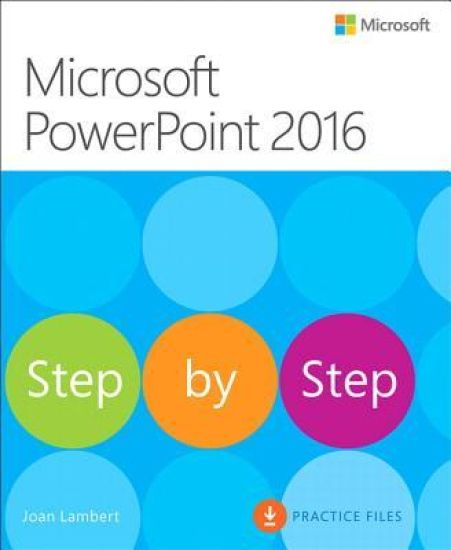
Microsoft PowerPoint 2016 Step by Step

Microsoft PowerPoint 2016 Step by Step

Joan Lambert

Microsoft Press,U.S.
2016
nidottu
Now in full color! The quick way to learn Microsoft PowerPoint 2016!This is learning made easy. Get more done quickly with PowerPoint 2016. Jump in wherever you need answers--brisk lessons and colorful screenshots show you exactly what to do, step by step. Get easy-to-follow guidance from a certified Microsoft Office Specialist MasterLearn and practice new skills while working with sample content, or look up specific proceduresCreate attractive electronic presentations and printed publicationsIncorporate professional design elementsUse built-in tools to capture and edit graphicsInclude audio, video, and animated elementsSupercharge your efficiency by creating custom slide masters and layoutsPresent data in tables, diagrams, and charts
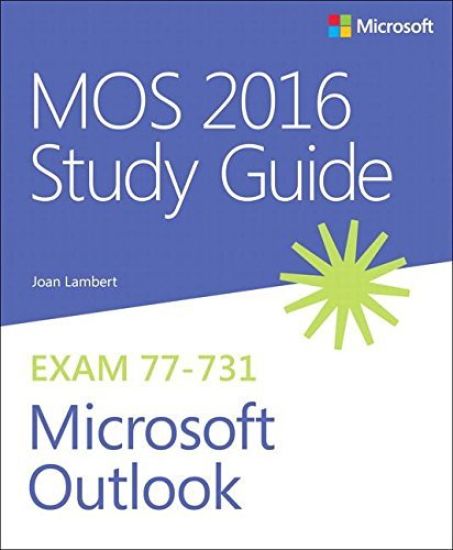
MOS 2016 Study Guide for Microsoft Outlook

MOS 2016 Study Guide for Microsoft Outlook

Joan Lambert

Microsoft Press,U.S.
2017
nidottu
The MOS 2016 Study Guide for Microsoft Outlook covers Microsoft Outlook 2016, specifically the skills required to pass the Outlook 2016 Microsoft Office Specialist exam. The Microsoft Office Specialist Study Guides provide concise descriptions of the tasks that certification candidates must demonstrate to pass the Microsoft Office Specialist exams, step-by-step procedures for performing those tasks, practice tasks based on the MOS exam approach, sample files for practicing the tasks, and solution files so you can check your work.
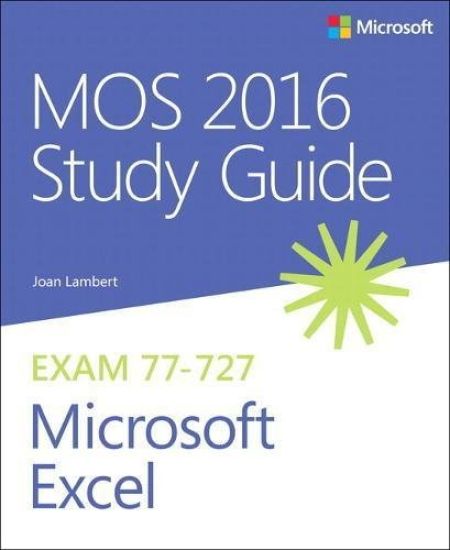
MOS 2016 Study Guide for Microsoft Excel

MOS 2016 Study Guide for Microsoft Excel

Joan Lambert

Microsoft Press,U.S.
2017
nidottu
Advance your everyday proficiency with Excel 2016. And earn the credential that proves it! Demonstrate your expertise with Microsoft Excel! Designed to help you practice and prepare for Microsoft Office Specialist (MOS): Excel 2016 Core certification, this official Study Guide delivers: In-depth preparation for each MOS objectiveDetailed procedures to help build the skills measured by the examHands-on tasks to practice what you’ve learnedPractice files and sample solutions Sharpen the skills measured by these objectives: Create and manage worksheets and workbooksManage data cells and rangesCreate tablesPerform operations with formulas and functionsCreate charts and objects About MOS A Microsoft Office Specialist (MOS) certification validates your proficiency with Microsoft Office programs, demonstrating that you can meet globally recognized performance standards. Hands-on experience with the technology is required to successfully pass Microsoft Certification exams.
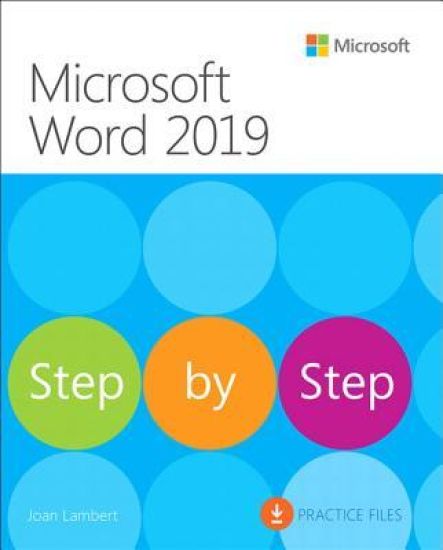
Microsoft Word 2019 Step by Step

Microsoft Word 2019 Step by Step

Joan Lambert

Microsoft Press
2019
nidottu
The quick way to learn Microsoft Word 2019 and Word for Office 365!This is learning made easy. Get more done quickly with Microsoft Word 2019 and Word for Office 365. Jump in wherever you need answers--brisk lessons and informative screenshots show you exactly what to do, step by step. Create great-looking, well-organized documents to enhance communication Use headings, bookmarks, and footnotes for more intuitive access to knowledge Visualize information by using diagrams and charts Illustrate concepts by using 3D models, icons, and screen clippings Collaborate, track changes, and coauthor documents in real-time Enforce security and privacy in electronic documents Quickly build tables of contents, indexes, and equations Generate individualized emails, letters, labels, envelopes, directories, and catalogs Supercharge efficiency with custom styles, themes, templates, and building blocksLook up just the tasks and lessons you need
Windows 10 Step by Step

Windows 10 Step by Step

Joan Lambert

Microsoft Press
2018
nidottu
The quick way to learn today’s Windows 10! This is learning made easy. Get more done quickly with the newest version of Windows 10. Jump in wherever you need answers–brisk lessons and colorful screenshots show you exactly what to do, step by step. Do what you want to do with Windows 10!Explore fun and functional improvements in the newest versionCustomize your sign-in and manage connectionsQuickly find files on your computer or in the cloudTailor your Windows 10 experience for easy access to the information and tools you wantWork more efficiently with Quick Action and other shortcutsGet personalized assistance and manage third-party services with CortanaInteract with the web faster and more safely with Microsoft EdgeProtect your computer, information, and privacy