Kirjojen hintavertailu. Mukana 11 244 527 kirjaa ja 12 kauppaa.

Kirjahaku

Etsi kirjoja tekijän nimen, kirjan nimen tai ISBN:n perusteella.

4 kirjaa tekijältä Mark L. Chambers

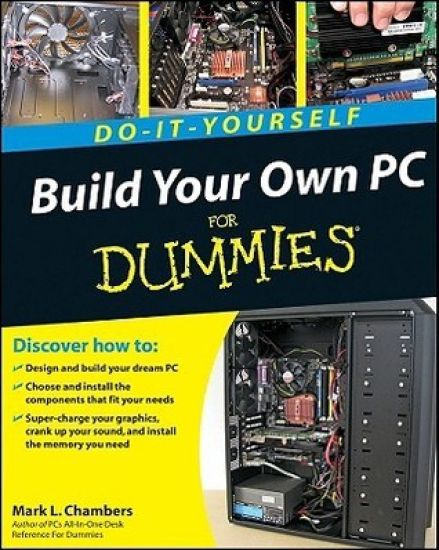
Build Your Own PC Do-It-Yourself For Dummies

Build Your Own PC Do-It-Yourself For Dummies

Mark L. Chambers

John Wiley Sons Inc
2009
muu
If you’ve dreamed about having a customized multimedia PC or one tricked out for your favorite games, build your own and make your dreams come true! Build Your Own PC Do-It-Yourself For Dummies makes it easy. Not only is building your own PC a really rewarding project, it can also save you a nice chunk of cash. This step-by-step guide helps you decide what you need, teaches you what all those computer terms mean, and tells you exactly how to put the pieces together. It shows you: What tools you need (not as many as you might think!)All about operating systemsHow to install CD and DVD drivesThe scoop on sound and video, and how to put a sound system together from start to finishHow to connect a monitor and install a modemAll about setting up and configuring the hard driveSecrets for securing your system, and more Included is a bonus DVD showing you how to install the motherboard, CPU, RAM, ports, hard drive, video and sound cards, a DVD drive, and more. With Build Your Own PC Do-It-Yourself For Dummies, you can have the computer you want plus the satisfaction of doing it yourself! Note: CD-ROM/DVD and other supplementary materials are not included as part of eBook file.
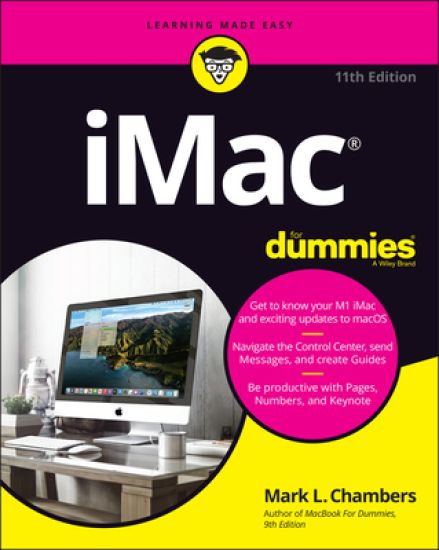
iMac For Dummies

iMac For Dummies

Mark L. Chambers

John Wiley Sons Inc
2022
nidottu
Say hello to your iMac with this bestselling guide Excited to put your cool iMac through its paces? Go ahead! Say “Hey Siri” to look up information, use the large monitor to play a game or watch a movie, share documents with your iPhone or iPad, or video chat with friends or family. With its optimized system speed, your iMac can keep up with anything you want to do. How cool is that? Your iMac comes stuffed with features, and iMac For Dummies is your tour guide to explore all of them! This updated handbook has you covered, no matter if you need to work or want to play. You can: Scroll, tap, and swipe your way through the Mac operating system Set up Bluetooth, Wi-Fi, and other settings in Control Center Say “Hey Siri” to have the Apple assistant search for information or launch apps Play video games, music, movies, or TV Stay in touch with people through Messages and Facetime Use productivity apps, including Numbers, Pages, and Keynote Sync to iCloud and across all your Apple devices The all-in-one design of the iMac with its monitor, processor, graphics card, and internal drive makes it ideal for work and entertainment. Pick up your copy of this comprehensive guide to the iMac, filled with screenshots and how-to steps, and ensure you use your iMac to its full potential.
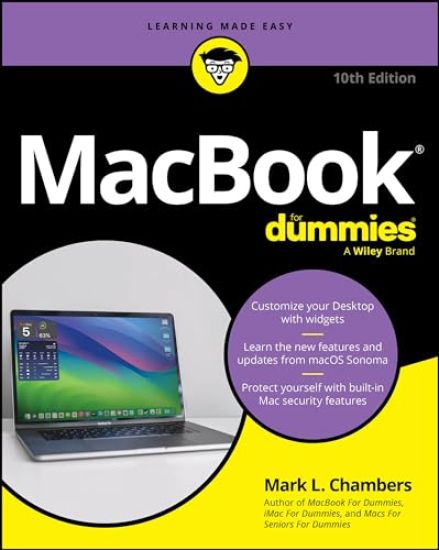
MacBook For Dummies

MacBook For Dummies

Mark L. Chambers

JOHN WILEY SONS INC
2024
nidottu
Discover the best tips and tricks for using your new Mac laptop For years, MacBook For Dummies has been making it easy to learn new technology. This new edition keeps the easy-to-follow instructions coming. Learn the basics of customizing your Dock and using desktop widgets. Then, figure out how to go on the internet, stream music, send instant messages, and more. Expert author Mark Chambers will show you how to navigate the macOS operating system and personalize your MacBook to your liking. And you'll learn your way around features like Stage Manager, Continuity Camera, SharePlay, and Handoff. Is this your first new computer in a while? MacBook For Dummies gives you the rundown on how to exist without an internal DVD drive. Whether you're a newbie or a Mac veteran looking for insider tips, this is the quick start guide for you. Learn the features and productivity tools from macOSStay protected by making the most of the built-in Mac security featuresOrganize your life with Mac's multitasking feature, Stage ManagerDiscover how to stream music, edit videos, and share media content online MacBook beginners and upgraders alike will graduate to power users of the MacBook Pro and MacBook Air models, thanks to this trusted Dummies title.
Macs For Seniors For Dummies

Macs For Seniors For Dummies

Mark L. Chambers

JOHN WILEY SONS INC
2025
nidottu
It's never too late to become a Mac expert! Every year, hundreds of thousands of seniors choose to use Mac products—like the MacBook Air and iMac—to connect with their loved ones, access the web, and make their lives easier. And even if you've never used a Mac before, we're here to show you how you can make the most of it—one easy step at a time! The newly updated fifth edition of Macs For Seniors For Dummies is filled with large, easy-to-read text, sharp figures and illustrations, and accessible instructions to help you give the Gen-Z or millennial in your life a run for their money. You'll learn how to customize your Mac so it works exactly the way you want it to, connect to the Internet, work with documents and spreadsheets, play music, watch video, and even read the latest news headlines. This book walks you through how to secure your Mac so your privacy and data is protected and gets you comfortable with the operating system so you won't have to worry about “breaking” something again. You'll also find: Instructions for handy applications so you can make to-do lists and text documentsStep-by-step instructions to keep your Mac updated for security and convenienceStrategies to help you choose a Mac to buy (if you haven't bought one already) Macs are truly the computers for everyone! Whether you're looking to get started with Macs for the first time or you're a long-time Mac user searching for updates, Macs For Seniors For Dummies is where you'll find the easy-to-follow info you need. Grab a copy today!