Complete Technical BIM Project using Autodesk Revit: Architecture - Structure - MEP
Mohammad Imtaar
Createspace Independent Publishing Platform
2016
nidottu
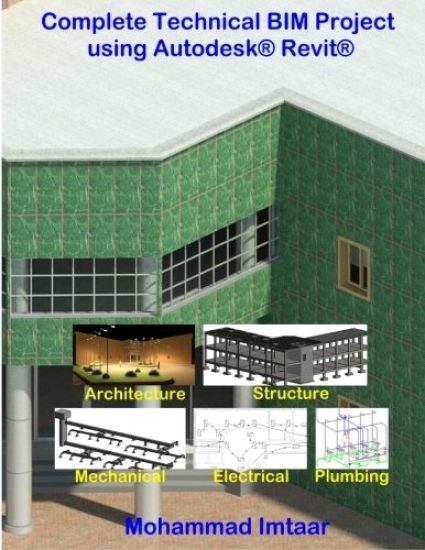
Suppose you want to make architectural, structural, mechanical, electrical and plumbing models of a building using Autodesk Revit but you don't have any practical experience of using Revit, then this book is for you. You will start from scratch and the book will guide you in step by step procedures to develop the models. I have tried to include all the information needed to develop the models in the book. I hope you will not be stuck at any point and waste your time in searching Help, Internet or other books to work on the topics. The book doesn't teach you lessons to remember or doesn't ask you questions to answer. From Chapter 1, you start your model and by the end of each chapter, you will see that a part of the model is complete.The book has three parts: Architecture, Structure and MEP. You start with making architectural model. When it is complete, you will use it to extract information for Structural model. In the last part, you will add services (air-conditioning, lighting, electrical and plumbing) to your architectural model (used as linked model). Get sample files at https: //drive.google.com/open?id=0B0ostAbVyHuYa182SWdOYTNUTEkGet AuotCAD sample files at https: //drive.google.com/open?id=0B0ostAbVyHuYOXV2WFJlbEtUd