Kirjojen hintavertailu. Mukana 11 627 381 kirjaa ja 12 kauppaa.

Kirjahaku

Etsi kirjoja tekijän nimen, kirjan nimen tai ISBN:n perusteella.

6 kirjaa tekijältä Phillip Whitt

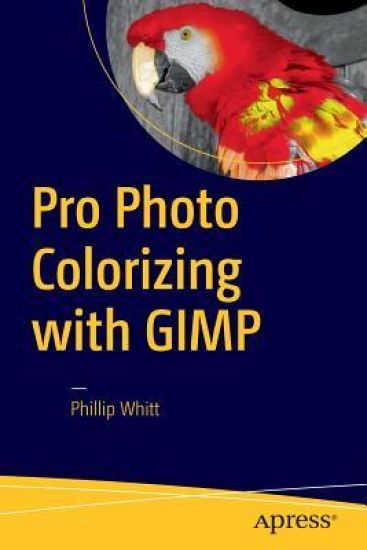
Pro Photo Colorizing with GIMP
Obtain techniques for adding color to black and white or monochrome photographic images using GIMP. In this book you'll also learn to create a hand-tinted effect to add an element of antiquity. Pro Photo Colorizing with GIMP also teaches techniques that enable you to selectively colorize images, mixing black and white with color. There are also tips to go the opposite way: converting color images into black and white (there's more to it than just removing color).Written with both beginning and experienced GIMP users in mind, Pro Photo Colorizing with GIMP shows you how to colorize black and white images to achieve a high degree of realism.What You'll Learn Gain a basic overview of the GIMP workspace, tools, color palettes, layers, and layer masks Learn how to make the proper tonal adjustments to black and white images before starting the colorizing processComplete simple colorizing exercises for beginnersand progress to more advanced colorizing techniquesColorize skin, teeth, hair, and eyesCreate a nostalgic hand-tinted look and selectively colorize (mixing color with black and white) to create interesting imagesUse textures and patterns to create artistic colorized imagesProperly convert color images into black and whiteColorize black and white portraits, and re-colorize old faded color portraitsWho This Book Is ForGIMP users (but users of other photo editing software packages can benefit as well). It is especially useful for those who edit photographs, restore old photographs, or those who want to apply colorizing techniques for artistic effect.
Beginning Pixlr Editor

Beginning Pixlr Editor

Phillip Whitt

APress
2017
nidottu
Learn digital image editing without the expense of using subscription-based editors. This book will pave the way for you to leverage Pixlr Editor, a free, web-based image editing solution that works on virtually any computer platform. You'll learn image editing first hand by using the practice images with the corresponding tutorials—everything from creating simple graphics to enhancing and retouching photos. Explore all of the features you'd expect in a high end photo editing application; layers, history (multiple undos), and an array of powerful tools for handling almost any editing task.Powerful image editing used to require purchasing and installing expensive, complicated image editing software on your computer. Beginning Pixlr Editor takes an easy-to-access and convenient look at the alternative from the Pixlr family of tools and utilities and offers you advanced editing techniques so you can enhance, retouch, and edit your digital images like a pro.What You'll Learn:Easily access Pixlr Editor from any computer with a high speed Internet connectionCreate an new image, or open an image from your computer, a URL, or the Pixlr librarySave your images on to your computer or the Pixlr libraryNavigate the the Pixlr interfaceUse the Tools, Layers, image Adjustments, History, and much moreWho This Book Is For:Beginner and those with some image editing experience (anyone accustomed to Adobe Photoshop will instantly feel at home with Pixlr Editor).
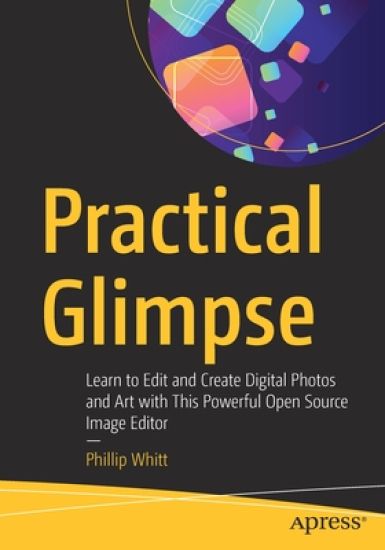
Practical Glimpse

Practical Glimpse

Phillip Whitt

APress
2020
nidottu
Learn how to edit images and create compelling digital art with Glimpse, the newest open source alternative to Adobe Photoshop and GIMP. This book explores Glimpse's broad selection of tools and features that can create beautiful (raster) digital art; painting, drawings, and art created from photos by applying one of the many filters to create artistic effects. You will quickly become acquainted with this powerful program and understand how to use workspace tools and layers. You will learn step-by-step how to correct exposure, digitally retouch and repair damaged photos, and handle just about any photo editing task—even colorizing grayscale images. Practice files are provided with step-by-step instructions to jump into photo editing and art creation. Glimpse is a powerful program that is a viable alternative to Adobe Photoshop and other proprietary software. The possibilities of the art one can create are almost limitless—get started with it using this book today.What You'll LearnNavigate the Glimpse workspaceUse layers, which are essential in any professional quality image editing programWork with the varied tools that Glimpse offersEnhance, retouch, and modify digital imagesRestore and repair damaged family photos, and create composites such as replacing backgroundsCreate compelling digital artwork using the drawing tools and by applying artistic filtersWho This Book Is For Anyone desiring to learn serious image editing with Glimpse. It can be used by both fledgling and professional photographers, freelance graphic designers, students, genealogists, and more. Because it’s free, it can be especially advantageous to teachers, students, and small business owners on a budget.
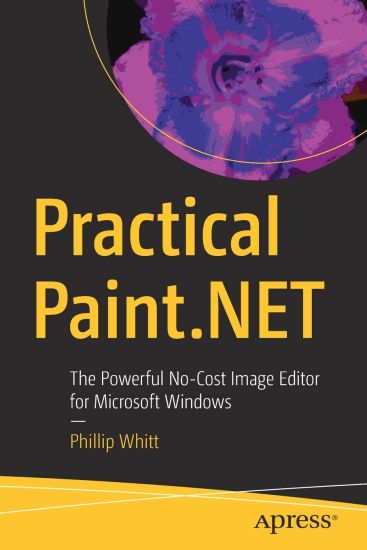
Practical Paint.NET

Practical Paint.NET

Phillip Whitt

APRESS
2021
nidottu
Learn to use the most up-to-date version of Paint.NET, the free, Windows-based program for image editing. This book is ideal for PC users who find Microsoft Paint too lacking, and Photoshop or GIMP too overwhelming. ?Paint.NET is a lightweight yet capable program that’s easy to navigate and is regularly updated. You’ll quickly become acquainted with this powerful, yet easy-to-learn program’s features; tools, layers, adjustments, and effects. See how to correct exposure, digitally retouch and repair damaged photos, and handle a broad spectrum of photo editing tasks—even how to colorize a black-and-white image. You’ll also learn how to create digital art using the Paint.NET drawing tools and effects. Practice files are provided with step-by-step instructions to jump into photo editing and art creation.Practical Paint.NET highlights this powerful program's rich set of features and capabilities providing you thepathway for just about any kind of image editing. Join the large community behind it today!What You'll LearnUse layers, which are essential in any professional quality image editing programAcquire and install plugins to maximize Paint.NET’s capabilitiesEnhance, retouch, and modify digital imagesCreate compelling digital artwork using the drawing tools and applying artistic filtersWho This Book Is ForWindows-based PC users who require the ability to edit digital images without the ongoing cost of subscription-based software, or complex open-source software. This group includes art or photography instructors (especially those in schools systems with limited budgets), small business owners, casual photographers, aspiring graphic designers, or anyone requiring a solid, basic editing program.
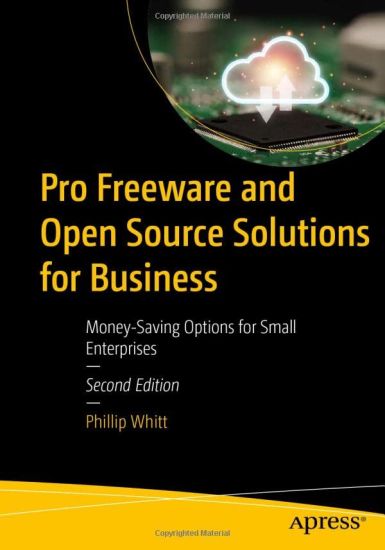
Pro Freeware and Open Source Solutions for Business
This book will point the way to numerous free, low-cost, and open-source software solutions that could provide viable alternatives to their paid counterparts. Pro Freeware and Open Source Solutions for Business is now in its Second Edition; it has been thoroughly revised and updated. This book covers the most up-to-date software versions. Software described in the First Edition that is no longer available has been replaced with comparable titles when possible. The book starts with an office productivity tool known as OfficeLibre and goes on to explain CRM and compression software. You will then learn about desktop publishing, illustration, 3D modeling, and photo editing software. As we progress further, you will learn more about audio-video capture and editing software along with Openshot, an easy-to-use free video editor. You will also learn about available project planning and time tracking software, and much more. By the end of the book, you will have also gained knowledge about security programs, as well as how to use Linux on Windows and MacOS. With the challenging economic times we find ourselves in, this book may be more important than ever to help small business owners eliminate and reduce costs, and keep more money in their business. . What You Will Learn Understand the important differences between freeware and open-source software.Discern which paid commercial software the free version replaces (when applicable).Gain insight into how organizations and municipalities around the world adopting open-source software to save money on licensing fees. Who This Book Is For Primarily small business owners, solo entrepreneurs or freelancers on a budget, and cost efficiency experts.
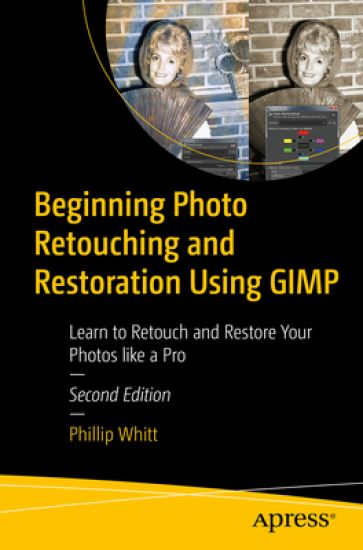
Beginning Photo Retouching and Restoration Using GIMP
Digitally repair damaged prints, correct color shifts, and even colorize black and white images. This thoroughly revised book will show you how to retouch and restore photos using the most up-to-date version of GIMP and it's latest tools and features.Basic knowledge of GIMP is helpful, but the first chapter provides an overview of the free, open source image editing program. You'll then see how GIMP is a worthy alternative to Adobe Photoshop. You'll also work with step-by-step tutorials to duplicate the results using the same practice images used in the lessons. Because it is cross-platform friendly you can turn “unfixable” photos into digital art on Windows, macOS, and Linux enhancing your learning experience. Beginning Photo Retouching and Restoration Using GIMP provides insight into the powerful program's wide set of features for just about any type of retouching or restoration work.What You'll LearnAcquire the best scans and digitize large photographsAdjust contrast and exposure to make dull images “pop”Remove cracks, creases, tears, and blemishesRetouch portraits and replace backgroundsPreserve your newly restored and printed photographs, and properly store originalsWho This Book Is ForAnyone interested in retouching or restoring photos, whether they are family archivists genealogists, photographers, designers, or students-particularly those requiring a powerful program, but don’t want or need to use Adobe’s subscription-based service to access Photoshop.