Kirjojen hintavertailu. Mukana 11 342 296 kirjaa ja 12 kauppaa.

Kirjahaku

Etsi kirjoja tekijän nimen, kirjan nimen tai ISBN:n perusteella.

25 kirjaa tekijältä Simon Monk

15 Dangerously Mad Projects for the Evil Genius
Publisher's Note: Products purchased from Third Party sellers are not guaranteed by the publisher for quality, authenticity, or access to any online entitlements included with the product.UNLEASH YOUR INNER MAD SCIENTIST!"Wonderful. I learned a lot reading the detailed but easy to understand instructions."--BoingBoingThis wickedly inventive guide explains how to design and build 15 fiendishly fun electronics projects. Filled with photos and illustrations, 15 Dangerously Mad Projects for the Evil Genius includes step-by-step directions, as well as a construction primer for those who are new to electronics projects.Using easy-to-find components and equipment, this do-it-yourself book shows you how to create a variety of mischievous gadgets, such as a remote-controlled laser, motorized multicolored LEDs that write in the air, and a surveillance robot. You'll also learn to use the highly popular Arduino microcontroller board with three of the projects.15 Dangerously Mad Projects for the Evil Genius:Features step-by-step instructions and helpful illustrationsCovers essential safety measuresReveals the scientific principles behind the projectsRemoves the frustration factor--all required parts are listed, along with sourcesBuild these devious devices to amaze your friends and confound your enemies!Coil gunTrebuchetPing pong ball minigunMini laser turretBalloon-popping laser gunTouch-activated laser sightLaser-grid intruder alarmPersistence-of-vision displayCovert radio bugLaser voice transmitterFlash bombHigh-brightness LED strobeLevitation machineSnailbotSurveillance robotEach fun, inexpensive Evil Genius project includes a detailed list of materials, sources for parts, schematics, and lots of clear, well-illustrated instructions for easy assembly. The larger workbook-style layout and convenient two-column format make following the step-by-step instructions a breeze.VIDEOS, PHOTOS, AND SOURCE CODE ARE AVAILABLE AT WWW.DANGEROUSLYMAD.COMMake Great Stuff!TAB, an imprint of McGraw-Hill Professional, is a leading publisher of DIY technology books for makers, hackers, and electronics hobbyists.
Arduino + Android Projects for the Evil Genius: Control Arduino with Your Smartphone or Tablet
Publisher's Note: Products purchased from Third Party sellers are not guaranteed by the publisher for quality, authenticity, or access to any online entitlements included with the product.TEAM ARDUINO UP WITH ANDROID FOR SOME MISCHIEVOUS FUN!Filled with practical, do-it-yourself gadgets, Arduino + Android Projects for the Evil Genius shows you how to create Arduino devices and control them with Android smartphones and tablets. Easy-to-find equipment and components are used for all the projects in the book.This wickedly inventive guide covers the Android Open Application Development Kit (ADK) and USB interface and explains how to use them with the basic Arduino platform. Methods of communication between Android and Arduino that don't require the ADK--including sound, Bluetooth, and WiFi/Ethernet are also discussed. An Arduino ADK programming tutorial helps you get started right away.Arduino + Android Projects for the Evil Genius:Contains step-by-step instructions and helpful illustrationsProvides tips for customizing the projectsCovers the underlying principles behind the projectsRemoves the frustration factor--all required parts are listedProvides all source code on the book's websiteBuild these and other devious devices:Bluetooth robotAndroid Geiger counterAndroid-controlled light showTV remoteTemperature loggerUltrasonic range finderHome automation controllerRemote power and lighting controlSmart thermostatRFID door lockSignaling flagsDelay timer
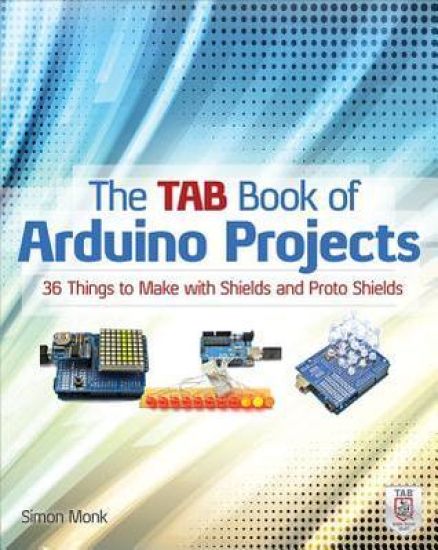
The TAB Book of Arduino Projects: 36 Things to Make with Shields and Proto Shields
Publisher's Note: Products purchased from Third Party sellers are not guaranteed by the publisher for quality, authenticity, or access to any online entitlements included with the product.The ultimate collection of DIY Arduino projects!In this easy-to-follow book, electronics guru Simon Monk shows you how to create a wide variety of fun and functional gadgets with the Arduino Uno and Leonardo boards. Filled with step-by-step instructions and detailed illustrations, The TAB Book of Arduino Projects: 36 Things to Make with Shields and Proto Shields provides a cost estimate, difficulty level, and list of required components for each project. You’ll learn how to design custom circuits with Proto Shields and solder parts to the prototyping area to build professional-quality devices. Catapult your Arduino skills to the next level with this hands-on guide. Build these and many more innovative Arduino creations: Persistence-of-vision (POV) displayHigh-power LED controllerColor recognizerRFID door lockFake dogPerson counterLaser alarmTheramin-like instrumentFM radio receiverEmail notifierNetwork temperature and humidity sensorSeven segment LED clockLarson scannerConway's game of lifeSinging plantUltrasonic rangefinderTemperature and light loggerAutoranging capacitance meterGeiger counter
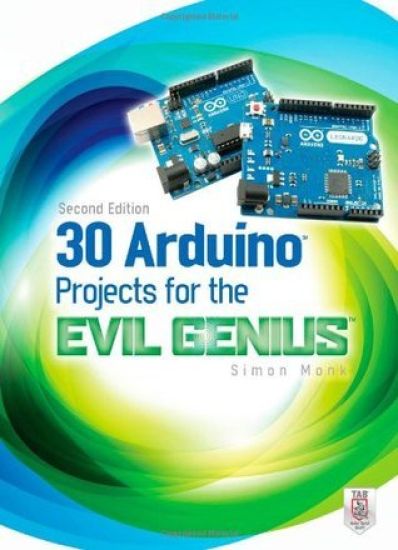
30 Arduino Projects for the Evil Genius, Second Edition
Publisher's Note: Products purchased from Third Party sellers are not guaranteed by the publisher for quality, authenticity, or access to any online entitlements included with the product.So Many Fiendishly Fun Ways to Use the Latest Arduino Boards!Fully updated throughout, this do-it-yourself guide shows you how to program and build fascinating projects with the Arduino Uno and Leonardo boards and the Arduino 1.0 development environment. 30 Arduino Projects for the Evil Genius, Second Edition, gets you started right away with the simplified C programming you need to know and demonstrates how to take advantage of the latest Arduino capabilities.You'll learn how to attach an Arduino board to your computer, program it, and connect electronics to it to create your own devious devices. A bonus chapter uses the special USB keyboard/mouse-impersonation feature exclusive to the Arduino Leonardo.30 Arduino Projects for the Evil Genius, Second Edition:Features step-by-step instructions and helpful illustrationsProvides full schematic and construction details for every projectCovers the scientific principles behind the projectsRemoves the frustration factor--all required parts are listed along with sourcesBuild these and other clever creations:High-brightness Morse code translatorSeasonal affective disorder lightKeypad security codePulse rate monitorSeven-segment LED double diceUSB message boardOscilloscopeTune playerVU meterLCD thermostatComputer-controlled fanHypnotizerServo-controlled laserLie detectorMagnetic door lockInfrared remoteLilypad clockEvil Genius countdown timerKeyboard prankAutomatic password typerAccelerometer mouse
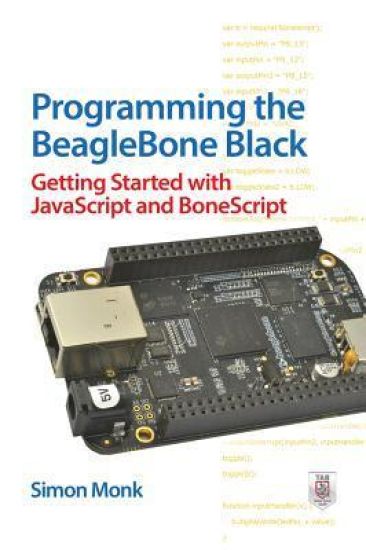
Programming the BeagleBone Black: Getting Started with JavaScript and BoneScript
Publisher's Note: Products purchased from Third Party sellers are not guaranteed by the publisher for quality, authenticity, or access to any online entitlements included with the product.Program your own BeagleBone Black projects!Build creative BeagleBone Black devices--no prior programming or electronics experience required. In Programming the BeagleBone Black, electronics guru Simon Monk explains essential application development methods through straightforward directions and cooldownloadable examples. Discover how to navigate the board,write and debug code, use expansion capes, and control external hardware. Easy-to-follow plans show you how to wire up and program a Web-controlled roving robot and an e-mail notifier that lights an incandescent lamp.Set up the BeagleBone Black and explore its featuresConnect to your computer via USB or EthernetUse the BeagleBone Black as a stand-alone PCWrite and execute BoneScript codeUse JavaScript functions and timersPerform analog and digital I/OWork with expansion capes and modulesDesign Web interfaces that control electronicsAssemble and program a robot and an e-mail notifier
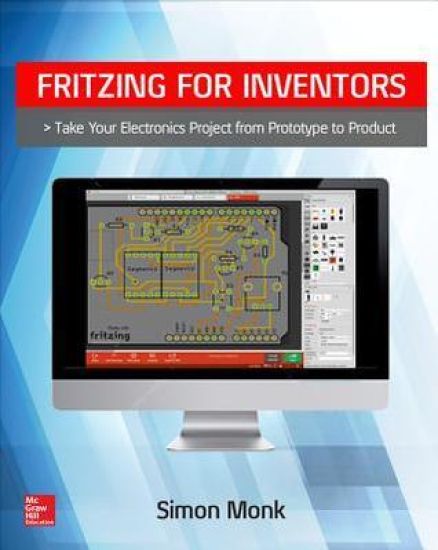
Fritzing for Inventors: Take Your Electronics Project from Prototype to Product
Publisher's Note: Products purchased from Third Party sellers are not guaranteed by the publisher for quality, authenticity, or access to any online entitlements included with the product.In this TAB book, bestselling electronics author Simon Monk shows maker-entrepreneurs how to use Fritzing’s open-source software and services to create electronics prototypes, design and manufacture printed circuit boards (PCBs), and bring professional-quality electronic products to market.Fritzing for Inventors: Take Your Electronics Project from Prototype to Product explains how to use this set of free, open-source electronics prototyping tools to lay out breadboards, create schematics, and design professional-quality printed circuit boards (PCBs). No engineering skills needed! Whether you’re a hobbyist, artist, inventor, or student, you’ll be able to develop a product from schematic to prototype to professional-quality printed circuit board, all from one easy-to-use software package. Fritzing works well with prototyping boards such as Arduino, Raspberry Pi, and BeagleBone. This DIY guide covers the whole lifecycle of product development for a hobbyist entrepreneur. It takes you from initial concept, to prototyping, to PCB production, to distribution. Along the way, it examines the sourcing of components, product testing, and even how to price products for wholesale and retail. Simon Monk is a bestselling TAB electronics author and popular presenter at MakerFairesWell-illustrated tutorial with screen captures, easy-to-follow instructions, and step-by-step projectsDescribes an up-to-date contemporary approach to PCB design, including surface-mount designsExplains how to become a maker entrepreneur by using crowdfunding and indie marketplaces for technical products
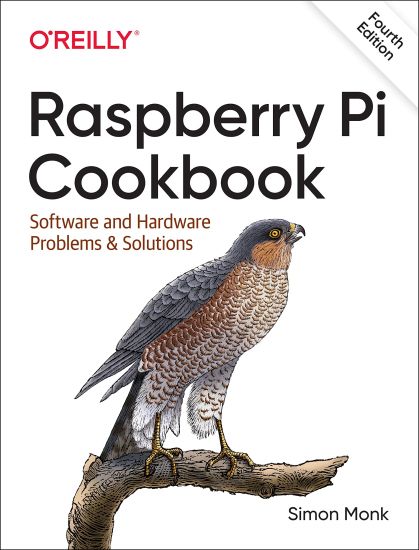
Raspberry Pi Cookbook, 4E

Raspberry Pi Cookbook, 4E

Simon Monk

O'Reilly Media
2022
nidottu
If you've started to work with Raspberry Pi, you know that Raspberry Pi's capabilities are continually expanding. The fourth edition of this popular cookbook provides more than 200 hands-on recipes (complete with code) that show you how to run this tiny low-cost computer with Linux, program it with Python, hook it up to sensors and motors, and use it with the internet of things (IoT). This new edition includes new chapters on the Raspberry Pi Pico and machine learning with the Raspberry Pi. These easy-to-use recipes will show you, step-by-step, how to: Set up your Raspberry Pi and connect to a network Work with its Linux-based operating system Program your Raspberry Pi with Python Give your Pi eyes with computer vision Recognize objects from video and sounds using machine learning Control hardware through the GPIO connector Use your Raspberry Pi to run different types of motors Work with switches, keypads, and other digital inputs Use sensors to measure temperature, light, and distance Connect to IoT devices in various ways and automate your home Use the Raspberry Pi Pico microcontroller board with your Raspberry Pi
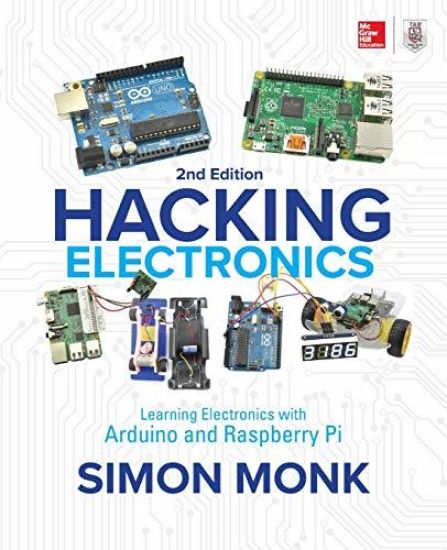
Hacking Electronics: Learning Electronics with Arduino and Raspberry Pi, Second Edition
Publisher's Note: Products purchased from Third Party sellers are not guaranteed by the publisher for quality, authenticity, or access to any online entitlements included with the product.Up-to-date hacks that will breathe life into your Arduino and Raspberry Pi creations!This intuitive DIY guide shows how to wire, disassemble, tweak, and re-purpose household devices and integrate them with your Raspberry Pi and Arduino inventions. Packed with full-color illustrations, photos, and diagrams, Hacking Electronics: Learning Electronics with Arduino and Raspberry Pi, Second Edition, features fun, easy-to-follow projects. You’ll discover how to build an Internet-controlled hacked electric toy, ultrasonic rangefinder, remote-controlled robotic rover, audio amp, slot car brakes and headlights—even a smart card reader!• Get up and running on both Arduino and Raspberry Pi • Safely solder, join wires, and connect switches • Identify components and read schematic diagrams • Work with LEDs, including high-power Lumileds and addressable LED strips• Use LiPo batteries, solar panels, and buck-boost power supplies • Use sensors to measure light, temperature, acceleration, sound level, and color • Build and modify audio amps, microphones, and transmitters • Repair gadgets and scavenge useful parts from dead equipment• Get the most out of cheap or free bench and software tools
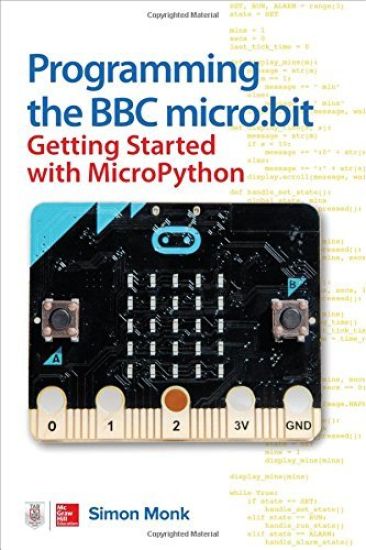
Programming the BBC micro:bit: Getting Started with MicroPython
Publisher's Note: Products purchased from Third Party sellers are not guaranteed by the publisher for quality, authenticity, or access to any online entitlements included with the product.Quickly write innovative programs for your micro:bit—no experience necessary!This easy-to-follow guide shows, step-by-step, how to quickly get started with programming and creating fun applications on your micro:bit.. Written in the straightforward style that Dr. Simon Monk is famous for, Programming the BBC micro:bit: Getting Started with MicroPython begins with basic concepts and gradually progresses to more advanced techniques. You will discover how to use the micro:bit's built-in hardware, use the LED display, accept input from sensors, attach external electronics, and handle wireless communication.•Connect your micro:bit to a computer and start programming!•Learn how to use the two most popular MicroPython editors •Work with built-in functions and methods—and see how to write your own•Display text, images, and animations on the micro:bit’s LED matrix•Process data from the accelerometer, compass, and touch sensor•Control external hardware by attaching it to the edge connector•Send and receive messages via the built-in radio module•Graphically build programs with the JavaScript Blocks Editor
Programming Arduino Next Steps: Going Further with Sketches, Second Edition
Publisher's Note: Products purchased from Third Party sellers are not guaranteed by the publisher for quality, authenticity, or access to any online entitlements included with the product.Go beyond the basics with this up to date Arduino programming resourceTake your Arduino programming skills to the next level using the hands-on information contained in this thoroughly revised, easy to follow TAB guide. Aimed at programmers and hobbyists who have mastered the fundamentals, Programming Arduino Next Steps: Going Further with Sketches, Second Edition reveals professional programming tips and tricks. This up-to-date edition covers the Internet of Things (IoT) and features new chapters on interfacing your Arduino with other microcontrollers. You will get dozens of illustrated examples and downloadable code examples that clearly demonstrate each powerful technique.Discover how to:•Configure your Arduino IDE and develop your own sketches•Boost performance and speed by writing time-efficient sketches •Optimize power consumption and memory usage •Interface with different types of serial busses, including I2C, 1-Wire, SPI, and TTL Serial •Use Arduino with USB and UART •Incorporate Ethernet, Bluetooth, and DSP•Program Arduino for the Internet •Manage your sketches using One Process•Accomplish more than one task at a time-without multi-threading •Create your own code library and share it with other hobbyists
Programming the Raspberry Pi, Third Edition: Getting Started with Python
An up-to-date guide to creating your own fun and useful Raspberry Pi™ programs This fully updated guide shows how to create inventive programs and fun games on your powerful Raspberry Pi—with no programming experience required. Programming the Raspberry Pi™: Getting Started with Python, Third Edition addresses physical changes and new setup procedures as well as OS updates to the current version 4. You will discover how to configure hardware and software, write Python scripts, create user-friendly GUIs, and control external electronics. Step-by-step projects include a digital clock prototype and a fully functioning Raspberry Pi robot.Configure your Raspberry Pi and explore its featuresStart writing and debugging Python programsUse strings, lists, functions, and dictionariesWork with modules, classes, and methodsApply object-oriented development methodsCreate user-friendly games using PygameBuild intuitive user interfaces with guizeroInterface with hardware using the gpiozero libraryAttach external electronics through the GPIO portAdd powerful Web features to your projects
Programming Arduino: Getting Started with Sketches, Third Edition
An up-to-date Arduino programming guide—no prior programming experience required!This fully updated guide shows, step by step, how to quickly and easily program all Arduino models using its modified C language and the Arduino IDE. Electronics guru Simon Monk gets you up to speed quickly, teaching all concepts through simple language and clear instruction. Programming Arduino®: Getting Started with Sketches, Third Edition features dozens of easy-to-follow examples and high-quality illustrations. All of the sample sketches featured in the book can be used as is or modified to suit your needs. You will also get all new coverage of using Arduino as a framework for programming other popular boards.Configure your Arduino and start writing sketchesUnderstand the basics of C language and the Arduino IDEAdd functions, arrays, and strings to your sketchesSet up Arduino’s digital and analog I/OUse Arduino-compatible boards including ESP32, Pico, and micro:bitWork with built-in and custom Arduino librariesWrite sketches that store data in EPROM or flash memoryInterface with a wide range of displays, including LCDsConnect to the Internet and configure Arduino as a web serverDevelop interesting and useful programs for the Internet of Things
Making Android Accessories with the IOIO

Making Android Accessories with the IOIO

Simon Monk

O'Reilly Media, Inc, USA
2012
nidottu
This book explains how to use the popular IOIO board to make USB connected accessories for your Android phone. Four example projects of varying level of difficulty are included, from a simple movement detecting intruder alarm that will call you when triggered, to a robot phone that uses your phone as the basis for a web-controlled surveillance bot.
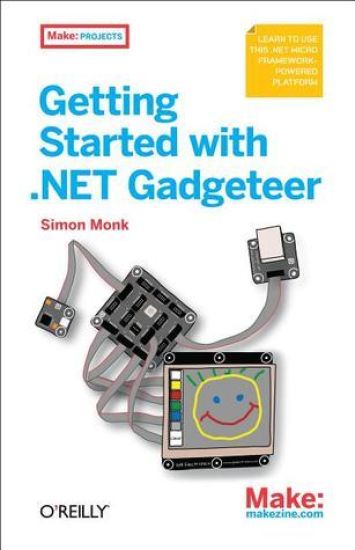
Getting Started with .NET Gadgeteer

Getting Started with .NET Gadgeteer

Simon Monk

O'Reilly Media, Inc, USA
2012
nidottu
Learn how to program with .NET Gadgeteer in just hours. This introduction shows you how to build cool electronic gadgets step-by-step with this rapid prototyping platform. You'll tackle five exciting projects using plug-in modules in the Fez Spider Starter Kit from GHI Electronics - no soldering required. Ideal for novice programmers, this book shows you how to install the necessary software and then work with modules in the kit. Learn how to build a racing game, spy camera, web messenger, and more - and gain the confidence and skill you need to start designing your own gadgets. This is the first in a series of books on Gadgeteer, so order your copy today and get started with this amazing platform.
Raspberry Pi Cookbook

Raspberry Pi Cookbook

Simon Monk

O'Reilly Media
2014
nidottu
The world of Raspberry Pi is evolving quickly, with many new interface boards and software libraries becoming available all the time. In this cookbook, prolific hacker and author Simon Monk provides more than 200 practical recipes for running this tiny low-cost computer with Linux, programming it with Python, and hooking up sensors, motors, and other hardware - including Arduino. You'll also learn basic principles to help you use new technologies with Raspberry Pi as its ecosystem develops. Python and other code examples from the book are available on GitHub. This cookbook is ideal for programmers and hobbyists familiar with the Pi through resources such as Getting Started with Raspberry Pi (O'Reilly). Set up and manage your Raspberry Pi Connect the Pi to a network Work with its Linux-based operating system Use the Pi's ready-made software Program Raspberry Pi with Python Control hardware through the GPIO connector Use Raspberry Pi to run different types of motors Work with switches, keypads, and other digital inputs Hook up sensors for taking various measurements Attach different displays, such as an LED matrix Create dynamic projects with Raspberry Pi and Arduino
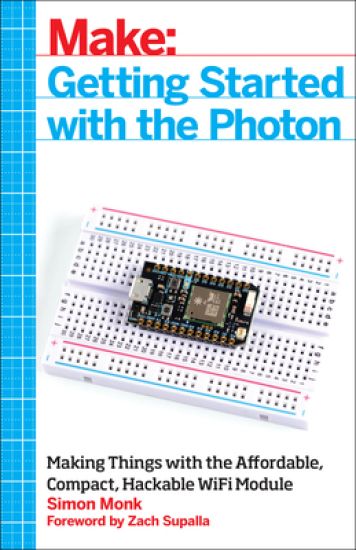
Getting Started with the Photon

Getting Started with the Photon

Simon Monk

O'Reilly Media, Inc, USA
2015
nidottu
The Photon is an open source, inexpensive, programmable, WiFi-enabled module for building connected projects and prototypes. Powered by an ARM Cortex-M3 microcontroller and a Broadcom WiFi chip, the Photon is just as happy plugged into a hobbyist's breadboard as it is into a product rolling off of an assembly line. While the Photon--and its accompanying cloud platform--is designed as a ready-to-go foundation for product developers and manufacturers, it's great for Maker projects, as you'll see in this book. You'll learn how to get started with the free development tools, deploy your sketches over WiFi, and build electronic projects that take advantage of the Photon's processing power, cloud platform, and input/output pins. What's more, the Photon is backward-compatible with its predecessor, the Spark Core.
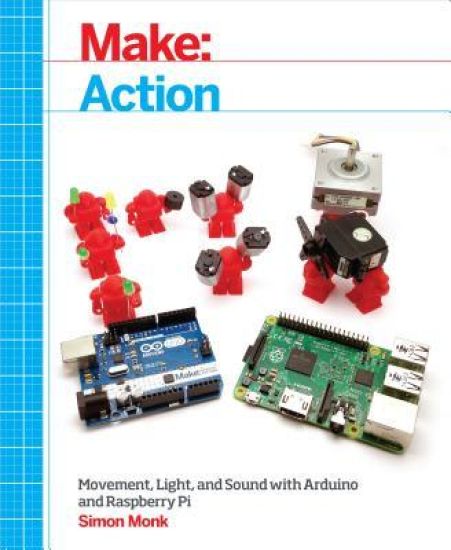
Make:Action

Make:Action

Simon Monk

Make Community, LLC
2016
nidottu
Beginning with the basics and moving gradually to greater challenges, this book takes you step-by-step through experiments and projects that show you how to make your Arduino or Raspberry Pi create and control movement, light, and sound. In other words: action! The Arduino is a simple microcontroller with an easy-to-learn programming environment, while the Raspberry Pi is a tiny Linux-based computer. This book clearly explains the differences between the Arduino and Raspberry Pi, when to use them, and to which purposes each are best suited. Using these widely available and inexpensive platforms, you'll learn to control LEDs, motors of various types, solenoids, AC (alternating current) devices, heaters, coolers, displays, and sound. You'll even discover how to monitor and control these devices over the Internet. Working with solderless breadboards, you'll get up and running quickly, learning how to make projects that are as fun as they are informative. In Make: Action, you'll learn to: Build a can crusher using a linear actuator with your Arduino Have an Arduino water your plants Build a personal traffic signal using LEDs Make a random balloon popper with Arduino Cool down your beverages with a thermostatic drink cooler you build yourself Understand and use the PID control algorithm Use Raspberry Pi to create a puppet dance party that moves to your tweets!
Electronics Cookbook

Electronics Cookbook

Simon Monk

O'Reilly Media, Inc, USA
2017
nidottu
If you're among the many hobbyists and designers who came to electronics through Arduino and Raspberry Pi, this cookbook will help you learn and apply the basics of electrical engineering without the need for an EE degree. Through a series of practical recipes, you'll learn how to solve specific problems while diving into as much or as little theory as you're comfortable with. Author Simon Monk (Raspberry Pi Cookbook) breaks down this complex subject into several topics, from using the right transistor to building and testing projects and prototypes. With this book, you can quickly search electronics topics and go straight to the recipe you need. It also serves as an ideal reference for experienced electronics makers. This cookbook includes: Theoretical concepts such as Ohm's law and the relationship between power, voltage, and current The fundamental use of resistors, capacitors and inductors, diodes, transistors and integrated circuits, and switches and relays Recipes on power, sensors and motors, integrated circuits, and radio frequency for designing electronic circuits and devices Advice on using Arduino and Raspberry Pi in electronics projects How to build and use tools, including multimeters, oscilloscopes, simulations software, and unsoldered prototypes
The Maker's Guide to The Zombie Apocalypse

The Maker's Guide to The Zombie Apocalypse

Simon Monk

No Starch Press,US
2015
nidottu
Where will you be when the zombie apocalypse hits? Trapping yourself in the basement? Roasting the family pet? Beheading reanimated neighbors? No way. You ll be building fortresses, setting traps, and hoarding supplies, because you, savvy survivor, have snatched up your copy of The Maker's Guide to the Zombie Apocalypse before it s too late. This indispensable guide to survival after Z-day, written by hardware hacker and zombie anthropologist Simon Monk, will teach you how to generate your own electricity, salvage parts, craft essential electronics, and out-survive the undead.,p>Take charge of your environment: Monitor zombie movement with trip wires and motion sensors Keep vigilant watch over your compound with Arduino and Raspberry Pi surveillance systems Power zombie defense devices with car batteries, bicycle generators, and solar power Escape imminent danger: Repurpose old disposable cameras for zombie-distracting flashbangs Open doors remotely for a successful sprint home Forestall subplot disasters with fire and smoke detectors Communicate with other survivors: Hail nearby humans using Morse code Pass silent messages with two-way vibration walkie-talkies Fervently scan the airwaves with a frequency hopper For anyone from the budding maker to the keen hobbyist, The Maker s Guide to the Zombie Apocalypse is an essential survival tool. Uses the Arduino Uno board and Raspberry Pi Model B+ or Model 2