Kirjahaku
Etsi kirjoja tekijän nimen, kirjan nimen tai ISBN:n perusteella.
1000 tulosta hakusanalla M L Ray
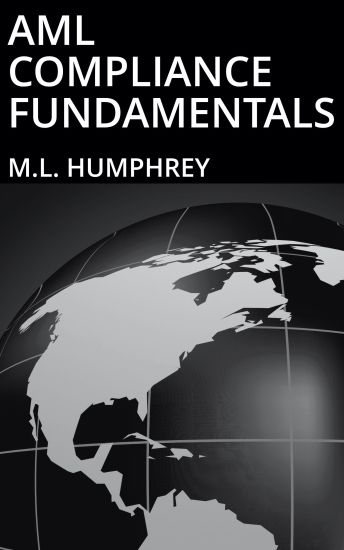
In this book M.L. Humphrey draws upon twenty years of experience with regulatory compliance, and AML compliance in particular, as both a regulator of broker-dealers and a consultant to some of the largest financial institutions in the world, to give an overview of the main AML compliance requirements, with a particular focus on customer identification and suspicious activity monitoring and reporting. This book is meant to be a high-level overview of AML compliance requirements, which means it focuses on the general concepts behind the regulations as opposed to any specific industry- or country-level regulations or any specific suspicious activity fact patterns. But the book should give a strong foundation for understanding those industry- or country-level requirements.
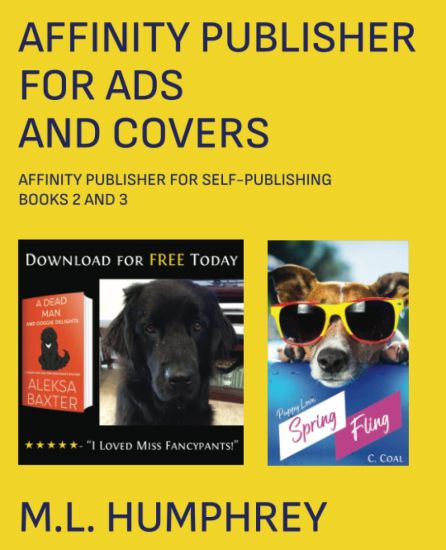
If you're going to self-publish, it helps to be able to create your own ad images and book covers. Even if you want to pay for a fancy cover for your main title there are going to be times when you want to have a loss leader short story or where you want to have a banner image for your Facebook page. And it isn't going to make sense to pay a designer for that type of work. (Not unless you're richer than most authors or doing really, really well.)So that's where this book comes in. It will walk you through basic design principles and then show you a number of examples for how to create Amazon A+ Content, banner images, Facebook and BookBub ads, as well as basic covers.This book combines two individual titles, Affinity Publisher for Ad Creatives and Affinity Publisher for Basic Book Covers which are both part of the larger series, Affinity Publisher for Self-Publishing.Note that the program used here is Affinity Publisher not Affinity Photo. Being able to use the same program for book formatting and basic images saves just that little bit extra in terms of expenses. If you have Photo or are going to use a program like GIMP or Photoshop the high-level discussions and examples here may still be useful, but the how-to portion will be different in each of those programs.
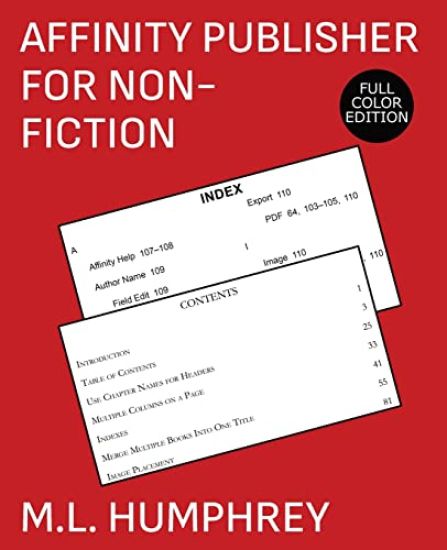
There are plenty of easy-to-use book formatting options out there for self-publishers these days. And if all you want is a basic formatting solution, it's probably best to go with one of those.But if you ever hit a point where you want more control over your book formatting, then you're going to want to use a program that gives you control over every paragraph and line and field in your book. And also allows complete control over any image placement and attributes.When that point comes, Affinity Publisher is one of the best choices on the market. And it's a one-time fee (at least as of June 2022) to purchase.This book will walk you through how to use Affinity Publisher for both a simple fiction layout with an accent image as well as other more advanced topics such as how to insert tables of contents, indexes, and images.It combines Affinity Publisher for Fiction Layouts and Affinity Publisher for Non-Fiction, and is part of the larger Affinity Publisher for Self-Publishing series which also covers how to create ad images and basic covers.
If you're going to self-publish, it helps to be able to create your own ad images and book covers. Even if you want to pay for a fancy cover for your main title there are going to be times when you want to have a loss leader short story or where you want to have a banner image for your Facebook page. And it isn't going to make sense to pay a designer for that type of work. (Not unless you're richer than most authors or doing really, really well.)So that's where this book comes in. It will walk you through basic design principles and then show you a number of examples for how to create Amazon A+ Content, banner images, Facebook and BookBub ads, as well as basic covers.This book combines two individual titles, Affinity Publisher for Ad Creatives and Affinity Publisher for Basic Book Covers which are both part of the larger series, Affinity Publisher for Self-Publishing.Note that the program used here is Affinity Publisher not Affinity Photo. Being able to use the same program for book formatting and basic images saves just that little bit extra in terms of expenses. If you have Photo or are going to use a program like GIMP or Photoshop the high-level discussions and examples here may still be useful, but the how-to portion will be different in each of those programs.
From the author of the original Excel Essentials series which has been described as "perfect for Excel newbies." Contains Over 160 Screenshots. For Excel 365 or Excel 2021 Users.Microsoft Excel is an incredibly powerful tool, both for business and personal use. From budgeting to data analysis, it can do it all.But sometimes learning Excel can be a little overwhelming. It's so powerful, it's hard to know where to focus. That's where this book comes in. It gives you what you need to know to use Excel on a day-to-day basis.It covers the absolute basics of navigating Excel and inputting information, but also covers formatting, filtering, sorting, basic math formulas, and printing.When you're done with this book you'll know 95% of what you need to know to use Excel on a daily basis and have a strong foundation to move forward from there.So what are you waiting for? Learn Microsoft Excel today with this quick and easy guide.
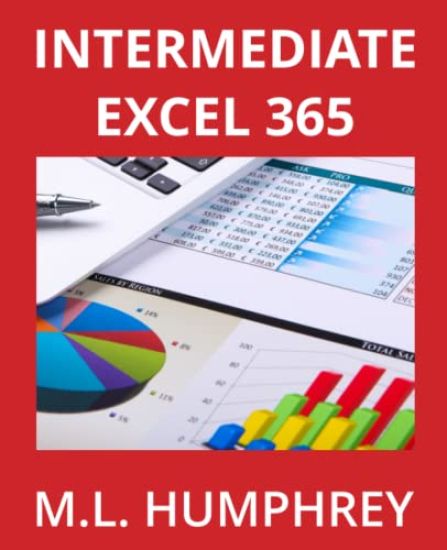
Includes almost two hundred screenshots. For users of Excel 365 or Excel 2021.Once you've mastered the basics of Microsoft Excel there are a number of additional tools that can take your use of Excel to the next level.In this book we cover three of the biggest ones: conditional formatting, charts, and pivot tables (including pivot charts).In addition we cover a handful of tricks such as removing duplicate values, converting text to columns, and grouping and subtotaling data.So if you've mastered the basics of Microsoft Excel and are now ready to take things to the next level, check it out.
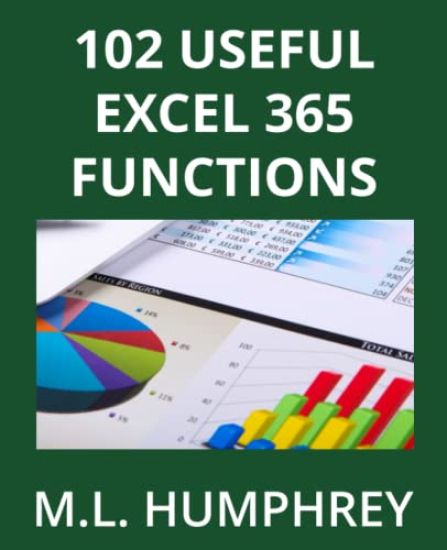
One of the biggest strengths that Excel has is its wide range of functions that are essentially pre-programmed shortcuts that allow you to perform powerful analysis or transform your text and numeric entries in a wide variety of ways.This book covers 102 of the most useful Excel functions as well as providing an overview of how formulas and functions work in Excel and where you can find even more functions that meet your particular needs.It includes newer functions such as IFS, TEXTJOIN, and XLOOKUP and discusses the way that array functions now work in Excel, which means it's for users of Excel 2021 or Excel 365.(If you have an older version of Excel, check out 50 Useful Excel Functions or Excel 2019 Formulas and Functions instead.)
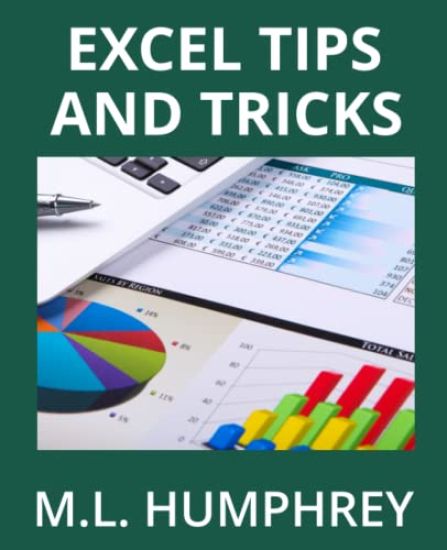
Microsoft Excel is an incredibly powerful program that allows for the storage and manipulation of vast amounts of data. But it's much easier to use if you know the tricks and shortcuts that will speed your data input and manipulation.That's what this short book contains. Control shortcuts, tricks, and tips that will help you input data the way you want it and then quickly move through that data and analyze it.
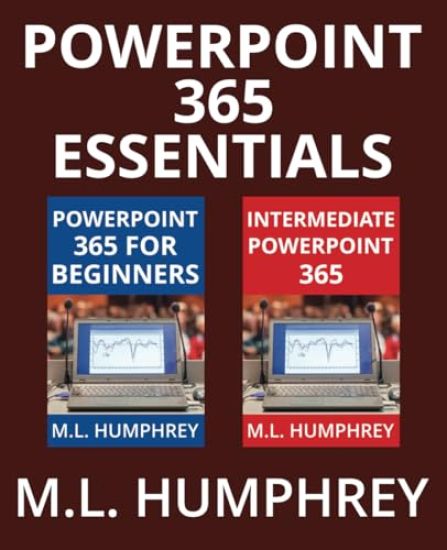
From the author of the original PowerPoint Essentials seriesDo you want to learn how to use PowerPoint to create presentations for work or school but aren't sure where to start? And don't want to be overwhelmed with what you don't need to know? Then this book is for you. It contains PowerPoint 365 for Beginners and Intermediate PowerPoint 365, two books designed to take you from absolute novice to seasoned presentation pro. You don't need to learn every little thing about PowerPoint to start using it. This collection will get you started with just a little bit of time and then take that knowledge and build on it when and if you need it. For users of PowerPoint 365 or PowerPoint 2021.
Microsoft Word is the go-to word processing program for most businesses and schools. And it's an incredibly powerful tool that can do amazing things. But for a new user all of that capability can be overwhelming.So what this book seeks to do is teach a new user just what they need to know to get started using Word on a daily basis. It covers the absolute basics of opening, saving, closing, deleting, and renaming a file. But then also covers how to input and move text, format that text, format a document, and print the result.If you've always wanted to learn Word but weren't sure where to start or what matters, this is the book for you. Get started today. It doesn't have to be hard.
Once you've mastered the basics of Microsoft Word it's time to explore some more complicated options such as track changes, tables, multilevel lists, styles, tables of contents, and page and section breaks.That's what this book is for. Taking your knowledge of Microsoft Word to the next level. It doesn't have to be hard. This book will help you learn just what you need to know to move to that next level.So what are you waiting for? Get started today.
From the author of the original Excel Essentials series which has been described as "perfect for Excel newbies." Contains Over 160 Screenshots. For Excel 365 or Excel 2021 Users.Microsoft Excel is an incredibly powerful tool, both for business and personal use. From budgeting to data analysis, it can do it all.But sometimes learning Excel can be a little overwhelming. It's so powerful, it's hard to know where to focus. That's where this book comes in. It gives you what you need to know to use Excel on a day-to-day basis.It covers the absolute basics of navigating Excel and inputting information, but also covers formatting, filtering, sorting, basic math formulas, and printing.When you're done with this book you'll know 95% of what you need to know to use Excel on a daily basis and have a strong foundation to move forward from there.So what are you waiting for? Learn Microsoft Excel today with this quick and easy guide.
Includes almost two hundred screenshots. For users of Excel 365 or Excel 2021.Once you've mastered the basics of Microsoft Excel there are a number of additional tools that can take your use of Excel to the next level.In this book we cover three of the biggest ones: conditional formatting, charts, and pivot tables (including pivot charts).In addition we cover a handful of tricks such as removing duplicate values, converting text to columns, and grouping and subtotaling data.So if you've mastered the basics of Microsoft Excel and are now ready to take things to the next level, check it out.
One of the biggest strengths that Excel has is its wide range of functions that are essentially pre-programmed shortcuts that allow you to perform powerful analysis or transform your text and numeric entries in a wide variety of ways.This book covers 102 of the most useful Excel functions as well as providing an overview of how formulas and functions work in Excel and where you can find even more functions that meet your particular needs.It includes newer functions such as IFS, TEXTJOIN, and XLOOKUP and discusses the way that array functions now work in Excel, which means it's for users of Excel 2021 or Excel 365.(If you have an older version of Excel, check out 50 Useful Excel Functions or Excel 2019 Formulas and Functions instead.)
If you're going to spend any amount of time working in Excel then you need to learn how to format cells, because inevitably your column won't be as wide as you want it to be or you'll want to have a cell with red-colored text or to use bolding or italics or something that isn't Excel's default.That's what this book is for. It's a listing of different things you might want to do to format your data in Excel. * * * This book is part of the Easy Excel 365 Essentials series of titles. These are targeted titles that are excerpted from the main Excel 365 Essentials series and are focused on one specific topic.If you want a more general introduction to Excel, then you should check out the Excel 365 Essentials titles instead. In this case, Excel 365 for Beginners which covers formatting as well as a number of other topics, such as sorting and filtering.
Conditional formatting is a way to take a data set and apply special formatting to certain results. It makes it much easier to see patterns as well as sort and filter your data. This book will walk you through the various options for applying conditional formatting to your data. * * * This book is part of the Easy Excel 365 Essentials series of titles. These are targeted titles that are excerpted from the main Excel 365 Essentials series and are focused on one specific topic.If you want a more general introduction to Excel, then you should check out the Excel 365 Essentials titles instead. In this case, Intermediate Excel 365 which covers conditional formatting as well as a number of other topics, such as pivot tables and charts.
Charts are a great way to visualize data. Sometimes numbers can be overwhelming, but a quick picture based on those numbers makes trends and patterns very clear.This book covers how to work with charts in Excel on a general basis as well as some of the more popular chart types, specifically bar and column charts, pie and doughnut charts, line and area charts, scatter and bubble plots, and histograms. * * * This book is part of the Easy Excel 365 Essentials series of titles. These are targeted titles that are excerpted from the main Excel 365 Essentials series and are focused on one specific topic.If you want a more general introduction to Excel, then you should check out the Excel 365 Essentials titles instead. In this case, Intermediate Excel 365 which covers charts as well as a number of other topics, such as pivot tables and conditional formatting.