This fantastic songbook allows Fleetwood Mac fans to play 12 of this classic band's best songs, presented in easy Piano arrangements. Expertly arranged to blend authenticity with approachability, the songs include Go Your Own Way, Dreams and You Make Lovin' Fun.
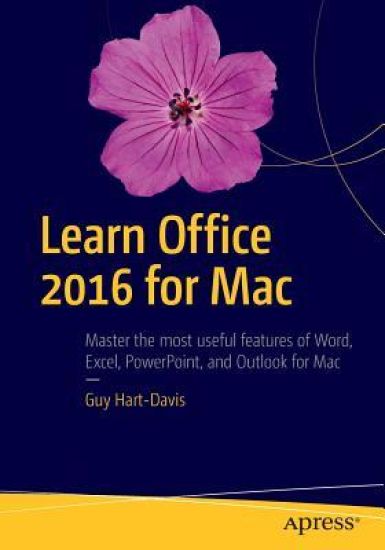
A practical, hands-on approach to using Office 2016 applications to create and edit documents and get work done efficiently. You'll learn how to customize Office, design, create, and share documents, manipulate data in a spreadsheet, and create lively presentations. You'll also discover how to organize your email, contacts, and tasks with the new Outlook for Mac. Conveying information quickly and concisely, the book brings you from beginner or intermediate to an experienced and confident user. Office for Mac remains the leading productivity suite for Mac, with Apple’s iWork and the free OpenOffice.org trailing far behind. Now, it's been updated with a cleaner interface and more compatibility with Exchange and SharePoint.This book provides the best combination of accessible and focused coverage of the Office 2016 applications. Rather than cover every seldom-used feature, the book covers real-world usage, putting emphasis on practical tasks andtroubleshooting common problems, such as sharing documents with Windows users and older versions of Office.What You Will LearnCreate professional documents for home and business using WordEdit documents collaboratively in real time with your colleaguesRecord and manipulate data using spreadsheetsUse your data to create powerful and convincing chartsBuild persuasive multimedia presentations in PowerPointDeliver presentations like an expertKeep your e-mail under control with OutlookStay on top of your schedule and your tasksWho This Book Is For Any Mac user who needs to work with Word, Excel, PowerPoint, or Outlook either for business or for pleasure. Professionals, students, and home user alike will benefit from straightforward explanations, step-by-step instructions, and effective workarounds for everyday problems.
Quickly learn how to get the most out of the Visual Studio for Mac integrated development environment (IDE). Microsoft has invested heavily to deliver their very best development tools and platforms to other operating systems. Visual Studio for Mac is a powerful developer tool that reinforces Microsoft’s “mobile-first”, “cloud-first”, and “any developer, any platform, any device” strategy. With the author's guided expertise and extensive code samples, you will understand how to leverage the most useful tools in Visual Studio for Mac, the code editor, and the powerful debugger. You also will appreciate the author's guidance on collaborating with other team members using integrated tooling for the Git source control engine.Whether you are a Mac developer interested in cross-platform development or a Windows developer using a Mac, Beginning Visual Studio for Mac will quickly get you up to speed!What You'll LearnPrepare, configure, and debug in the Mac development environmentCreate cross-platform mobile apps for Android, iOS, and Windows with Xamarin and C# in Visual Studio for MacBuild cross-platform Web applications with .NET Core using Visual Studio for MacCustomize your productive and collaborative development environment Who This Book Is For Software developers using a Mac computer who want to build mobile or web applications that run on multiple operating systems
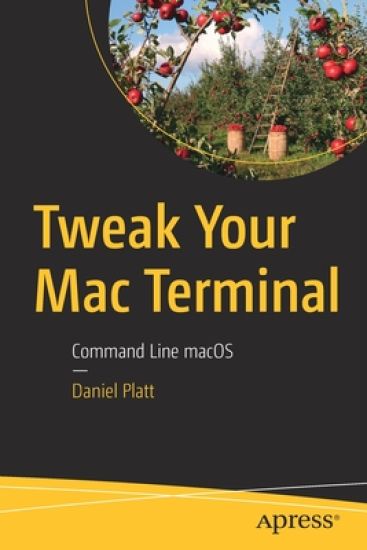
Look beyond the basics of Mac programming and development to become a Mac power user. When most people think about the Mac, they think about the amazing graphical user interface macOS is known for. However, there is a whole world to explore beneath the hood. This book approaches working directly in the terminal with fun projects and ideas to help turn you into an advanced Mac user. You'll work with Brew (HomeBrew), which gives you the ability to install applications from Linux (and Unix) that can make the terminal more useful. This is important, because a lot of applications have been stripped out of macOS or deprecated. For example, Apple's built-in PHP is usually a major release behind. You'll also customize your terminal to change everything about it, making it your own. The whole world is about personalizing. Why put up with the Apple defaults? Once you have your terminal set up and ready to rock, you'll review the basics of programming on the Mac terminal. This will allow you to get a taste of power scripting. You'll discover the power of bash, PHP, and Python. And then you'll apply those tools to web development. Tweak Your Mac Terminal takes you on a journey into a world of the terminal and its hidden applications. What You'll LearnCustomize the terminal to make it perfect for your needsDevelop web applications using basic coding skills in the terminalInstall HomeBrew and by extension Linux and Unix applicationsWho This Book Is ForMac users who are already very familiar with the GUI and want to go further. This book will especially help starting IT professionals and beginning programmers.
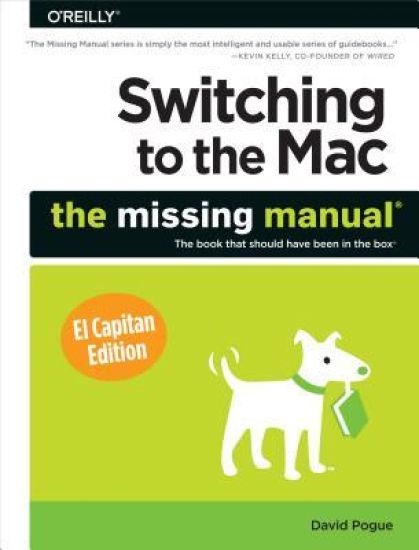
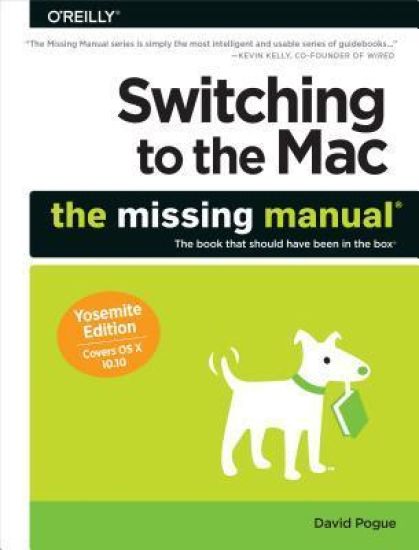
Those who have made the switch from a Windows PC to a Mac have made Switching to the Mac: The Missing Manual a runaway bestseller. The latest edition of this guide delivers what Apple doesn't-everything you need to know to successfully and painlessly move your files and adapt to Mac's way of doing things. Written with wit and objectivity by Missing Manual series creator and bestselling author David Pogue, this book will have you up and running on your new Mac in no time.
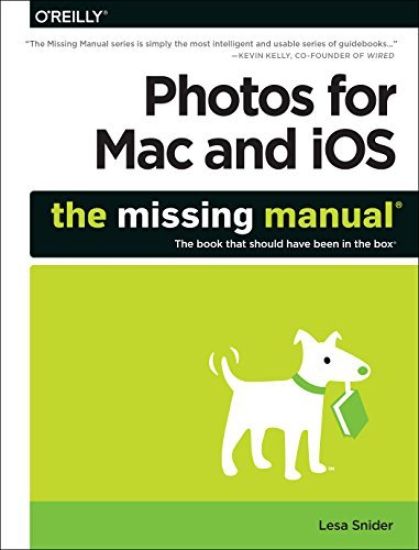
Apple's new Photos app lets you do a whole lot more than simply store and edit pictures and videos on a Mac or iOS device. With this comprehensive guide, you'll learn how to import, organize, and share your digital memories, as well as how to improve, print, and use your photos in creative projects. With Lesa Snider's step-by-step instructions and expert advice, you'll master Photos and tame your image library-and have fun along the way! The important stuff you need to know: Migrate from iPhoto. Learn how to make a quick and smooth transition. Organize your collection with ease. Master the many ways to import, group, and categorize images-and set up iCloud Family Sharing. Find your photos quickly. Employ Photos' powerful labeling, keyword and facial recognition features to optimize searches. Sharpen your editing skills. Skillfully use Photos' impressive image- and video-editing tools on your Mac or iOS device. Access photos anywhere. Sync your library to all of your Apple devices so your photos travel with you wherever you go. Share them online. Show your shots to everyone on your list by using shared albums, creating web galleries, posting them on Facebook, and more. Dive into creative projects. Build pro-level slideshows to share with others, and create gorgeous gift books, calendars, and cards.
What makes Windows refugees decide to get a Mac? Enthusiastic friends? The Apple Stores? Great-looking laptops? A "halo effect" from the popularity of iPhones and iPads? The absence of viruses and spyware? The freedom to run Windows on a Mac? In any case, there's never been a better time to switch to OS X - and there's never been a better, more authoritative book to help you do it. The important stuff you need to know: Transfer your stuff. Moving files from a PC to a Mac by cable, network, or disk is the easy part. But how do you extract your email, address book, calendar, Web bookmarks, buddy list, desktop pictures, and MP3 files? Now you'll know. Recreate your software suite. Many of the PC programs you've been using are Windows-only. Discover the Mac equivalents and learn how to move data to them. Learn Yosemite. Apple's latest operating system is faster, smarter, and more in tune with iPads and iPhones. If Yosemite has it, this book covers it. Get the expert view. Learn from Missing Manuals creator David Pogue - author of OS X Yosemite: The Missing Manual, the #1 bestselling Mac book on earth.
Inspired by the true story of a kleptomaniac cat who stole his way into America's heart . . . HE'S THE CAT THIEF OF LOVE MacGyver the tabby is feeling very pleased with himself. His human, Jamie Snyder, has found the perfect packmate--and it's all thanks to Mac. By stealing personal items from the home of Jamie's handsome neighbor David, the matchmaking cat brought these two L.A. singles together. Now, while the newlyweds are off on their honeymoon, MacGyver is ready for a well-deserved cat nap. That is, until he meets his cat sitter Briony. Like most humans, she's hopeless when it comes to romance. And Mac can't resist a challenge . . . SHE'S FOUND THE ESCAPE CLAWS Briony feels terrible about leaving her fianc at the altar. When her cousin Jamie offers her the chance to cat sit MacGyver, the runaway bride leaps at the chance to cuddle up with the only male creature she trusts herself around. But MacGyver has other plans. He lures Briony to a friendly neighborhood retirement community--run by a charming young hottie named Nate. Briony and Nate hit it off instantly. But Briony's still not sure she's ready for a relationship. And Nate's got problems of his own--someone is sabotaging his community. Crazy humans. Why can't they follow their instincts and go after the love they deserve? MacGyver is on the case. And this time, he's not pussyfooting around . . . RAVES FOR TALK TO THE PAW "Filled with romance and adorable kitty antics . . . a light and cozy read " --Modern Cat "Surpassingly cute story of a matchmaking cat determined to pair off his human with a neighbor through the power of stinky laundry." --Kirkus Reviews "Whimsical . . . fans of cozy romances will root for these . . . appealing characters." --Publishers Weekly
The jargon associated with Microsoft Excel's pivot tables ("n-dimensional cross tabulations") makes them look complex, but they're really no more than an easy way to build concise, flexible summaries of long lists of raw values. If you're working with hundreds (or hundreds of thousands) of rows, then pivot tables are the best way to look at the same information in different ways, summarize data on the fly, and spot trends and relationships. This handy guide teaches you how to use Excel's most powerful feature to crunch large amounts of data, without having to write new formulas, copy and paste cells, or reorganize rows and columns. You can download the sample workbook to follow along with the author's examples.Create pivot tables from worksheet databases.Rearrange pivot tables by dragging, swapping, and nesting fields.Customize pivot tables with styles, layouts, totals, and subtotals.Combine numbers, dates, times, or text values into custom groups.Calculate common statistics or create custom formulas.Filter data that you don't want to see.Create frequency tabulations quickly.Control references to pivot table cells.Plenty of tips, tricks, and timesavers.Fully indexed and cross-referenced.Contents1. Pivot Table Basics2. Nesting Fields3. Grouping Items4. Calculations and Custom Formulas5. Filtering Data6. Tricks with Pivot TablesAbout the AuthorTim Hill is a statistician living in Boulder, Colorado. He holds degrees in mathematics and statistics from Stanford University and the University of Colorado. Tim has written self-teaching guides for Algebra, Trigonometry, Geometry, Precalculus, Advanced Precalculus, Permutations & Combinations, Mathematics of Money, and Excel Pivot Tables. When he's not crunching numbers, Tim climbs rocks, hikes canyons, and avoids malls.