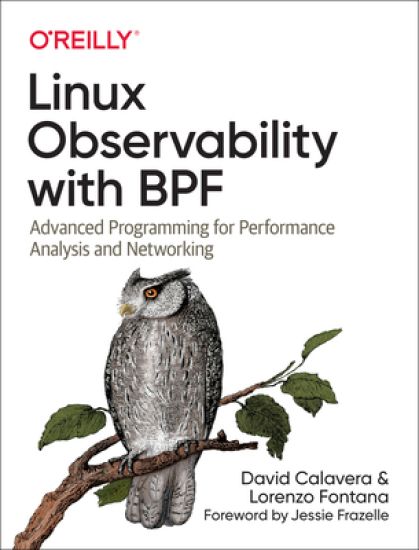
Build your expertise in the BPF virtual machine in the Linux kernel with this practical guide for systems engineers. You’ll not only dive into the BPF program lifecycle but also learn to write applications that observe and modify the kernel’s behavior; inject code to monitor, trace, and securely observe events in the kernel; and more. Authors David Calavera and Lorenzo Fontana help you harness the power of BPF to make any computing system more observable. Familiarize yourself with the essential concepts you’ll use on a day-to-day basis and augment your knowledge about performance optimization, networking, and security. Then see how it all comes together with code examples in C, Go, and Python. Write applications that use BPF to observe and modify the Linux kernel’s behavior on demand Inject code to monitor, trace, and observe events in the kernel in a secure way—no need to recompile the kernel or reboot the system Explore code examples in C, Go, and Python Gain a more thorough understanding of the BPF program lifecycle
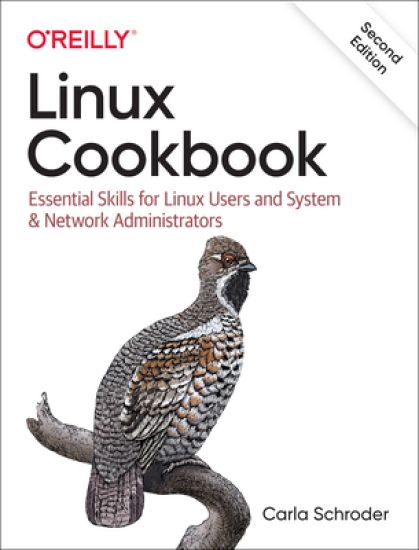
This handy cookbook teaches new-to-intermediate Linux users the essential skills necessary to manage a Linux system, using both graphical and command-line tools. Whether you run Linux in embedded, desktop, server, or cloud or virtual environments, the fundamental skills are the same. This book aims to get you up and running quickly, with copy-paste examples. Carla Schroder provides recipes that cover specific problems, with discussions that explain how each recipe works, as well as references for additional study. You'll learn how to: Use systemd, the new comprehensive service manager Build simple or complex firewalls with firewalld Set up secure network connections for Linux systems and mobile devices Rescue nonbooting systems Reset lost passwords on Linux and Windows Use dnsmasq to simplify managing your LAN name services Manage users and groups and control access to files Probe your computer hardware and monitor hardware health Manage the GRUB bootloader and multiboot Linux and Windows Keep accurate time across your network with the newest tools Build an internet router/firewall on Raspberry Pi Manage filesystems and partitioning
Beginner or expert, professional or hobbyist, this is the Linux guide you need! Install Linux and walk through the basics: working in the terminal, handling files and directories, using Bash, and more. Then get into the nitty-gritty details of configuring your system and server, from compiling kernel modules to using tools like Apache, Postfix, and Samba. With information on backups, firewalls, virtualization, and more, you'll learn everything there is to know about Linux!Highlights include:1) Installation 2) GNOME and KDE3) Bash, Vim, Emacs4) Network configuration 5) Software and package management6) Administration7) Kernel modules8) Apache9) Postfix and Dovecot10) Samba11) Security12) Virtualization
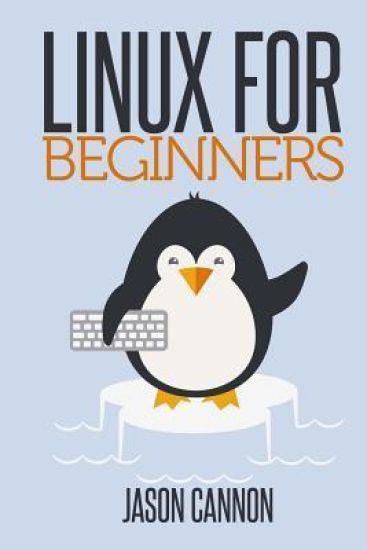
If you want to learn how to use Linux, but don't know where to start read on. Knowing where to start when learning a new skill can be a challenge, especially when the topic seems so vast. There can be so much information available that you can't even decide where to start. Or worse, you start down the path of learning and quickly discover too many concepts, commands, and nuances that aren't explained. This kind of experience is frustrating and leaves you with more questions than answers. Linux for Beginners doesn't make any assumptions about your background or knowledge of Linux. You need no prior knowledge to benefit from this book. You will be guided step by step using a logical and systematic approach. As new concepts, commands, or jargon are encountered they are explained in plain language, making it easy for anyone to understand. Here is what you will learn by reading Linux for Beginners How to get access to a Linux server if you don't already.What a Linux distribution is and which one to choose.What software is needed to connect to Linux from Mac and Windows computers. Screenshots included.What SSH is and how to use it, including creating and using SSH keys.The file system layout of Linux systems and where to find programs, configurations, and documentation.The basic Linux commands you'll use most often.Creating, renaming, moving, and deleting directories.Listing, reading, creating, editing, copying, and deleting files.Exactly how permissions work and how to decipher the most cryptic Linux permissions with ease.How to use the nano, vi, and emacs editors.Two methods to search for files and directories.How to compare the contents of files.What pipes are, why they are useful, and how to use them.How to compress files to save space and make transferring data easy.How and why to redirect input and output from applications.How to customize your shell prompt.How to be efficient at the command line by using aliases, tab completion, and your shell history.How to schedule and automate jobs using cron.How to switch users and run processes as others.Where to go for even more in-depth coverage on each topic.What you learn in "Linux for Beginners" applies to any Linux environment including Ubuntu, Debian, Linux Mint, RedHat, Fedora, OpenSUSE, Slackware, and more. Scroll up, click the Buy Now With 1 Click button and get started learning Linux today
Lines Were Drawn looks at a group of Mississippi teenagers whose entire high school experience, beginning in 1969, was under federal court-ordered racial integration. Through oral histories and other research, this group memoir considers how the students, despite their markedly different backgrounds, shared a common experience that greatly influences their present interactions and views of the world—sometimes in surprising ways. The book is also an exploration of memory and the ways in which the same event can be remembered in very different ways by the participants.The editors (proud members of Murrah High School’s Class of 1973) and more than fifty students and teachers address the reality of forced desegregation in the Deep South from a unique perspective—that of the faculty and students who experienced it and made it work, however briefly. The book tries to capture the few years in which enough people were so willing to do something about racial division that they sacrificed immediate expectations to give integration a true chance.This period recognizes a rare moment when the political will almost caught up with the determination of the federal courts to finally do something about race. Because of that collision of circumstances, southerners of both races assembled in the public schools and made integration work by coming together, and this book seeks to capture those experiences for subsequent generations.
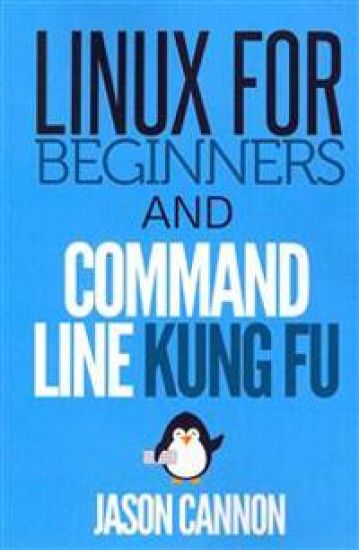
Save when you buy this two book bundle - Linux for Beginners AND Command Line Kung Fu Linux for Beginners information: If you want to learn how to use Linux, but don't know where to start read on. Knowing where to start when learning a new skill can be a challenge, especially when the topic seems so vast. There can be so much information available that you can't even decide where to start. Or worse, you start down the path of learning and quickly discover too many concepts, commands, and nuances that aren't explained. This kind of experience is frustrating and leaves you with more questions than answers. Linux for Beginners doesn't make any assumptions about your background or knowledge of Linux. You need no prior knowledge to benefit from this book. You will be guided step by step using a logical and systematic approach. As new concepts, commands, or jargon are encountered they are explained in plain language, making it easy for anyone to understand. Here is what you will learn by reading Linux for Beginners How to get access to a Linux server if you don't already. What a Linux distribution is and which one to choose. What software is needed to connect to Linux from Mac and Windows computers. Screenshots included. What SSH is and how to use it, including creating and using SSH keys. The file system layout of Linux systems and where to find programs, configurations, and documentation. The basic Linux commands you'll use most often. Creating, renaming, moving, and deleting directories. Listing, reading, creating, editing, copying, and deleting files. Exactly how permissions work and how to decipher the most cryptic Linux permissions with ease. How to use the nano, vi, and emacs editors. Two methods to search for files and directories. How to compare the contents of files. What pipes are, why they are useful, and how to use them. How and why to redirect input and output from applications. How to customize your shell prompt. How to be efficient at the command line by using aliases, tab completion, and your shell history. How to schedule and automate jobs using cron. How to switch users and run processes as others. Where to go for even more in-depth coverage on each topic. Command Line Kung Fu information: Become a Linux Ninja with Command Line Kung Fu Do you think you have to lock yourself in a basement reading cryptic man pages for months on end in order to have ninja like command line skills? In reality, if you had someone share their most powerful command line tips, tricks, and patterns you'd save yourself a lot of time and frustration. What if you could look over the shoulder of a good friend that just happened to be a command line guru? What if they not only showed you the commands they were using, but why they were using them and exactly how they worked? And what if that friend took the time to write all of it down so you can refer to it whenever you liked? Well, a friend did just that. Command Line Kung Fu is packed with dozens of tips and over 100 practical real-world examples. You won't find theoretical examples in this book. The examples demonstrate how to solve actual problems and accomplish worthwhile goals. The tactics are easy to find, too. Each chapter covers a specific topic and groups related tips and examples together. For example, if you need help extracting text from a file look in the "Text Processing and Manipulation" chapter. Also, a comprehensive index is included. If you want to find every example where a given command is used -- even if it's not the main subject of the tip -- look in the index. It will list every single place in the book where that command appears.
Si usted quiere aprender a usar Linux, pero no sabe por d nde empezar siga leyendo.Saber por d nde empezar cuando se aprende una nueva habilidad puede ser un reto, especialmente cuando el tema parece tan vasto. Puede haber tanta informaci n disponible que ni siquiera puede decidir por d nde empezar. O peor a n, empieza a aprender y r pidamente descubre demasiados conceptos, comandos y matices que no se explican. Este tipo de experiencia es frustrante y le deja con m s preguntas que respuestas.Linux Para Principiantes no hace ninguna suposici n acerca de sus antecedentes o conocimiento de Linux. Usted no necesita tener ning n conocimiento previo para beneficiarse de este libro. Se le guiar paso a paso utilizando un enfoque l gico y sistem tico. A medida que se encuentre con nuevos conceptos, comandos o jerga estos se explican en un lenguaje sencillo, lo que hace que sea f cil que cualquiera pueda entenderlo.Esto es lo que aprender al leer Linux Para Principiantes: C mo obtener acceso a un servidor Linux si no lo tiene ya.Qu es una distribuci n de Linux y cu l elegir.Qu software se necesita para conectarse a Linux desde ordenadores Mac y Windows. Capturas de pantalla inclu das.Que es SSH y c mo usarlo, incluyendo la creaci n y el uso de claves SSH.El dise o del sistema de archivos de los sistemas Linux y d nde encontrar los programas, configuraciones y documentaci n.Los comandos b sicos de Linux que vamos a usar con m s frecuencia.Crear, renombrar, mover y eliminar directorios.Listar, leer, crear, editar, copiar y eliminar archivos.C mo funcionan exactamente los permisos de trabajo y c mo descifrar los permisos m s cr pticos de Linux con facilidad.C mo utilizar los editores nano, vi y emacs.Dos m todos para la b squeda de archivos y directorios.C mo comparar el contenido de archivos.Qu son las tuber as, para qu que sirven y c mo usarlas.C mo comprimir archivos para ahorrar espacio y hacer que la transferencia de datos sea f cil.C mo y por qu redirigir la entrada y salida de las aplicaciones.C mo personalizar el int rprete de comandos.C mo ser eficiente en la l nea de comandos mediante el uso de alias, la implementaci n del tabulador y el historial de shell.C mo programar y automatizar trabajos utilizando cron.C mo cambiar de usuario y ejecutar procesos como otro usuario.D nde ir para profundizar a n m s en cada tema.Vaya a la parte superior de la p gina, haga click en el bot n Comprar Ahora Con 1 Click y empiece a aprender Linux hoy
This is the second volume in the "Anthology Series" by Lines With Rhymes.Lines With Rhymes is a refreshing new way to publish poetry, a publishing company by and for writers.This volume includes poetry and short fiction by 17 authors: -Marianna Azizian-Michael Bergeron-Taylor Brake-William Corbin-Justin Davis-Forever Child-D.K. Hillard-Ris Howie-Rob Kempton-David Samuel Meyer-Hovhannes Mkhitaryan-Ani Mouradian-Agatha Palma-Kalispell Par-Razmig Sarkissian-Austin Sarles-Indiana Smith Visit www.lineswithrhymes.com to keep up with our writers and upcoming projects.