Kirjojen hintavertailu. Mukana 11 342 296 kirjaa ja 12 kauppaa.

Kirjahaku

Etsi kirjoja tekijän nimen, kirjan nimen tai ISBN:n perusteella.

5 tulosta hakusanalla "Elements 7"

Elements 7

Elements 7

Ronan Browne; Mikael Davies; Sanni Hakkarainen; Hilla Hietanen; Tuija Kae; Maarit Luhtala; Kirsi Silonsaari; Liisa Teiri

Sanoma Pro
2025
nidottu
Uusi painettu Elements 7 sisältää kaikki tekstit tehtävineen sekä kieliopin teoria tehtävineen. Elements 7 kattaa lukion A1-englannin seitsemännen moduulin, jonka teemana on ympäristö ja kestävä elämäntapa. Moduulin tavoitteena on opiskelijan tiedonhakutaitojen vahvistaminen, ajattelun taitoja kehittäminen kielitaitoa hyödyntämällä sekä laajempiin suullisiin tai kirjallisiin vuorovaikutustilanteisiin osallistuttaminen.
Photoshop Elements 7 After the Shoot

Photoshop Elements 7 After the Shoot

Lisa DaNae Dayley; Brad Dayley

John Wiley Sons
2009
nidottu
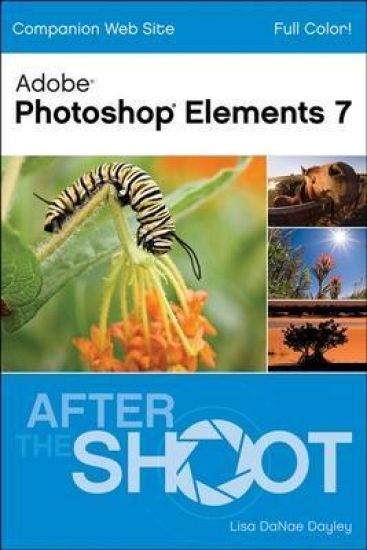
Skyrocketing laptop sales combined with increased wireless connectivity across the US has made technology increasingly mobile. Photoshop Elements 7 After the Shoot will appeal to mobile users who want or need to edit and post their digital photographs while on the go. This full-color book on the latest version of Photoshop Elements will offer readers a firm understanding of the applications' tools and features and a strong education in the use of Elements to organize, correct, restore, and display digital photos and scanned images of all kinds. Using numbered steps to walk readers through the most common Photoshop Elements tasks, Photoshop Elements 7 After the Shoot will be the perfect guide for digital photographers who want a clear, concise, and portable guide to Photoshop Elements. Beautiful color examples and user-friendly procedures will help readers make the most of Elements' considerable tools, enabling them to improve their digital images in terms of color, content, and size, as well as giving readers inspiration in how they can use their images in printed publications or online.
Photoshop Elements 7 All-in-One For Dummies

Photoshop Elements 7 All-in-One For Dummies

Barbara Obermeier; Ted Padova

John Wiley Sons
2009
nidottu
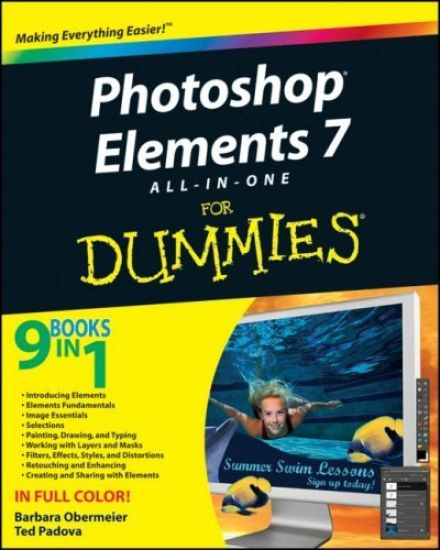
Photoshop Elements 7 is a sophisticated image-editing program for hobbyists, amateur photographers, and professionals alike. Whether you're new to Elements or looking for the details on the newest version, "Photoshop Elements 7 All-in-One For Dummies" gets you up to speed and offers a handy, full-color reference. Nine convenient minibooks cover everything you need to know about image editing, sharing files, and creating projects with Elements 7. They include: Introducing Elements Elements Fundamentals Image Essentials Selections Painting, Drawing, and Typing Working with Layers and Masks Filters, Effects, Styles, and Distortions Enhancing and Retouching Creating and Sharing Written by graphics and digital imaging experts Barbara Obermeier and Ted Padova, this handy guide covers: Setting up your work environment, using tools and shortcuts, and managing your files Working with resolution, managing color, using appropriate file formats, and handling selections Using the Brush and Pencil tools, working with layers, and creating artistic effects Erasing imperfections and fine-tuning color Doing creative things with your photos, including slide shows, calendars, greeting cards, flip books, and other projects Managing images in Organizer and Bridge and the process for acquiring, saving, and exporting images How to do quick image makeovers, and much more "Photoshop Elements 7 All-in-One For Dummies" helps you get great photos for print, Web galleries, and cool projects that'll make your friends say "wow "
Advanced Photoshop Elements 7 for Digital Photographers
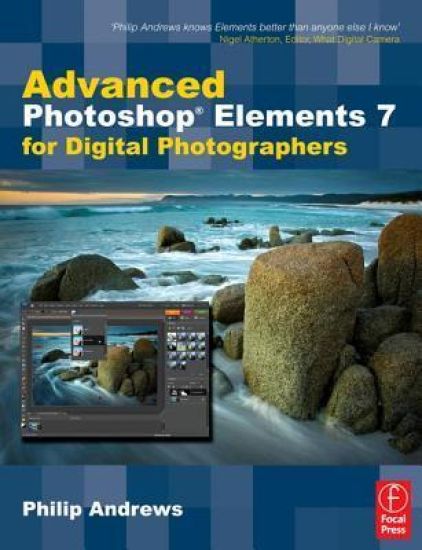
This essential guide for intermediate/advanced photographers has now been fully updated for Elements 7. Bestselling author and Elements guru Philip Andrews turns his expansive knowledge to this powerful application, delivering, once again, a practical approach in a crystal-clear writing style. For the advanced Elements user, this book offers a standalone guide to advancing knowledge of the software. For those with a little less experience, it works seamlessly in conjunction with Philip's other Elements guide: "Adobe Photoshop Elements 7: A visual introduction to digital photography". Philip expands on the solid foundation delivered by that title to deliver a master-guide that shows you just how powerful this deceptively simple software package can be. Throughout the book, Philip takes a pro's approach, emphasising a streamlined, non-destructive workflow. Diverse chapters cover the entire spectrum of photographic potential offered by the software, including key areas such as: darkroom techniques, advanced selection techniques, professional retouching, photo restoration, panoramas, collages, RAW processing and printing. Additionally, the content is supplemented by extra great learning tools available on a brand new website including; downloadable resources, and Elements vodcasts. Essential reading for all photographers using Elements 7.
Advanced Photoshop Elements 7 for Digital Photographers
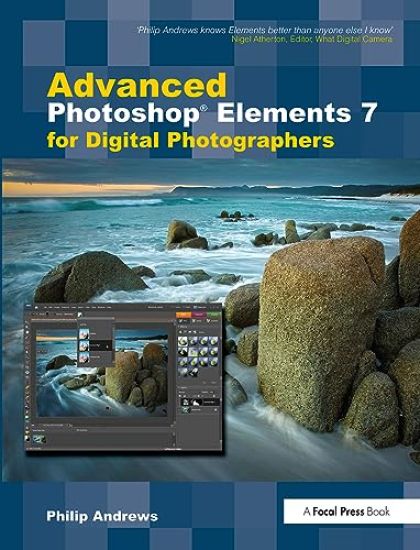
This essential guide for intermediate/advanced photographers has now been fully updated for Elements 7. Bestselling author and Elements guru Philip Andrews turns his expansive knowledge to this powerful application, delivering, once again, a practical approach in a crystal-clear writing style. For the advanced Elements user, this book offers a standalone guide to advancing knowledge of the software. For those with a little less experience, it works seamlessly in conjunction with Philip's other Elements guide: "Adobe Photoshop Elements 7: A visual introduction to digital photography". Philip expands on the solid foundation delivered by that title to deliver a master-guide that shows you just how powerful this deceptively simple software package can be. Throughout the book, Philip takes a pro's approach, emphasising a streamlined, non-destructive workflow. Diverse chapters cover the entire spectrum of photographic potential offered by the software, including key areas such as: darkroom techniques, advanced selection techniques, professional retouching, photo restoration, panoramas, collages, RAW processing and printing. Additionally, the content is supplemented by extra great learning tools available on a brand new website including; downloadable resources, and Elements vodcasts. Essential reading for all photographers using Elements 7.