Kirjojen hintavertailu. Mukana 11 342 296 kirjaa ja 12 kauppaa.

Kirjahaku

Etsi kirjoja tekijän nimen, kirjan nimen tai ISBN:n perusteella.

1000 tulosta hakusanalla Curtis Frye; epic software group inc.

Microsoft Excel Version 2002 Plain & Simple

Microsoft Excel Version 2002 Plain & Simple

Curtis Frye; epic software group inc.

Pagina förlags AB
2001
nidottu
Get fast answers in full color that make learning the newest version of Microsoft Excel plain and simple! This no-nonsense guide uses easy numbered steps and concise, straightforward language that show the most expedient ways to learn a new skill or solve a problem. With MICROSOFT EXCEL VERSION 2002 PLAIN & SIMPLE, you’ll discover how to perform everyday tasks and answer your own questions quickly—learning the essential tools and techniques for organizing, processing, and presenting data in Excel. With PLAIN & SIMPLE, you don’t have to wade through all kinds of superfluous detail. This easy-to-use book delivers fast, precise information—exactly how and when you need it! Key Book Benefits: Delivers concise answers in visual format for people who want information they can put to work right away Answers common questions for beginning-level users of the Microsoft Office XP suite of applications using straightforward language and simple instructions Features a colorful, easy-to-use interior design—with numbered steps, concise information, and helpful tips and exercises—that’s popular with book buyers
Microsoft Excel Version 2002 Step by Step

Microsoft Excel Version 2002 Step by Step

Curtis Frye

Pagina förlags AB
2001
nidottu
Experience learning made easy—and quickly teach yourself how to use the data-presentation and number-crunching power in Microsoft® Excel Version 2002. With STEP BY STEP, you can take just the lessons you need or work from cover to cover. Either way, you drive the instruction—building and practicing the skills you need, just when you need them! • Master the tools for organizing, processing, and presenting data in Excel • Make data come alive with PivotTable® and PivotChart® reports • Use data-analysis tools and techniques for better decision-making • Tap external data sources—including other Microsoft Office applications—and add hyperlinks • Create your own macros • Help keep data secure as you share—and collaborate on—Excel documents over the Web • Prepare for the Microsoft Office User Specialist (MOUS) exam CD-romskiva ingår
Microsoft Access Version 2002 Plain & Simple

Microsoft Access Version 2002 Plain & Simple

Curtis Frye

Pagina förlags AB
2001
nidottu
Get fast answers in full color that make learning the newest version of Microsoft Access plain and simple! This no-nonsense guide uses easy numbered steps and concise, straightforward language that show the most expedient ways to learn a new skill or solve a problem. With MICROSOFT ACCESS VERSION 2002 PLAIN & SIMPLE, you’ll discover how to perform everyday tasks and answer your own questions quickly—learning the essentials for building a database that makes information easier to share, find, and use. With PLAIN & SIMPLE, you don’t have to wade through all kinds of superfluous detail. This easy-to-use book delivers fast, precise information—exactly how and when you need it! Key Book Benefits: Delivers concise answers in visual format for people who want information they can put to work right away Answers common questions for beginning-level users of the Microsoft Office XP suite of applications using straightforward language and simple instructions Features a colorful, easy-to-use interior design—with numbered steps, concise information, and helpful tips and exercises—that’s popular with book buyers
Faster Smarter Home Networking

Faster Smarter Home Networking

Curtis Frye

Pagina förlags AB
2002
nidottu
Want to connect the PCs and peripherals in your home, but don’t know where to start? This friendly guide is the faster, smarter way of learning how to build, use, and manage your first home network! FASTER SMARTER HOME NETWORKING teaches just what you need to know, with accurate, how-to information that’s easy to absorb and apply. The language is friendly and down-to-earth, with no jargon or silly chatter. Use the concise explanations, easy numbered steps, and visual examples to understand exactly how to get the job done. Topics include wired vs. wireless; DSL vs. cable; installing network cards; configuring the networking services in Microsoft® Windows® XP, Windows Millennium Edition (Me), or Windows 98; sharing an Internet connection; employing firewalls and antivirus software; managing shared resources; and performing basic troubleshooting tasks. Key Book Benefits: Teaches expert tips and practical how-tos for setting up a home network using Microsoft technologies Uses step-by-step instructions and plenty of visual examples to deliver the facts you want—no jargon, no silly chatter Covers all the essentials, including wired and wireless technologies, firewalls, virus protection, printer sharing, gaming, and more
Microsoft Office Excel 2003 Programming Inside Out
Dig in—and discover how to put the built-in programming power in Excel 2003 to work! This supremely organized reference packs all the information you need to automate spreadsheets, write your own functions and procedures, customize menus and toolbars, and more—without the fluff. Ace the essentials for programming with Microsoft Visual Basic® for Applications (VBA); working with the new XML capabilities in Excel 2003; getting the most out of new programmable smart tags; using the Excel object model; manipulating and customizing Excel objects; and integrating Excel capabilities with other Office programs and the Web. You’ll gain hundreds of timesaving solutions, tips, and workarounds in an easy-to-access format. Plus, you get code samples, utilities for Excel, a complete eBook, and other resources on CD-ROM. With INSIDE OUT, you’ll discover the best and fastest ways to perform everyday programming tasks—and challenge yourself to new levels of mastery! Key Book Benefits: Discover the best and fastest ways to build custom business solutions with Excel, and challenge yourself to new levels of mastery! Get a comprehensive programming reference and tutorial—but no fluff—in a single volume. Learn to program with VBA and explore the Excel object model. Customize and manipulate any Excel objects. Integrate Excel with other Office applications, the Web, and ADO. CD-ROM features complete eBook; code samples; and other productivity resources. CD-romskiva ingår
Microsoft Office Small Business Accounting 2006 Step by Step
PerfectKey Book Benefits: Learn how to use Small Business Accounting to simply your small business finances by taking just the lessons you need or by working from cover to cover—you set the pace. Features easy-to-follow lessons and hands-on, skill-building exercises. Topics include managing your accounts, products and services, customers, jobs, quotes, sales orders, invoices, payments, vendors, employee time and payroll, banking transactions, business reporting, and more. CD includes all practice files plus Microsoft Office System Reference Pack of eBooks, templates, and other resources. Makes a great tutorial and on-the-job reference for beginner and intermediate users alike. 1-CD
Microsoft Excel 2013 Step By Step

Microsoft Excel 2013 Step By Step

Curtis Frye

Microsoft Press,U.S.
2013
nidottu
The smart way to learn Excel 2013—one step at a time! Experience learning made easy—and quickly teach yourself how to manage, analyze, and present data with Excel 2013. With Step by Step, you set the pace—building and practicing the skills you need, just when you them! Includes downloadable practice files and companion eBook. Discover how to: Work with Excel 2013 in touch mode Write formulas, create macros, and organize data Present data visually and add images to worksheets Consolidate multiple sets of data into a single workbook Analyze data using the Quick Analysis Lens Collaborate with colleagues and present workbooks online
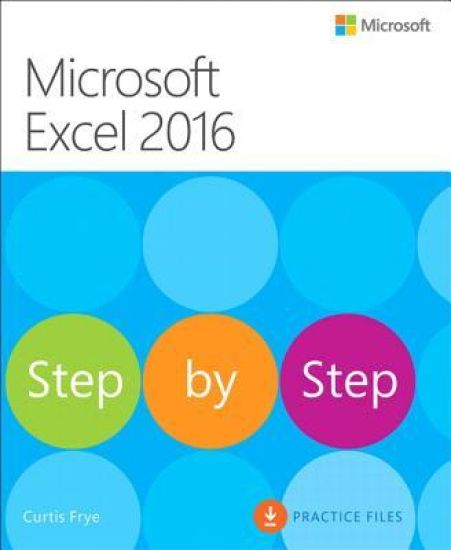
Microsoft Excel 2016 Step by Step

Microsoft Excel 2016 Step by Step

Curtis Frye

Microsoft Press,U.S.
2015
nidottu
Now in full color! The quick way to learn Microsoft Excel 2016! This is learning made easy. Get more done quickly with Excel 2016. Jump in wherever you need answers--brisk lessons and full-color screen shots show you exactly what to do, step by step. Quickly set up workbooks, enter data, and format it for easier viewingPerform calculations and find and correct errorsFilter, sort, summarize, and combine dataAnalyze data by using PivotTables, PivotCharts, scenarios, data tables, and SolverVisualize data with charts and graphs, including new sunbursts, waterfalls, and treemapsBuild data models and use them in business intelligence analysesCreate timelines, forecasts, and visualizations, including KPIs and PowerMap data mapsLook up just the tasks and lessons you need
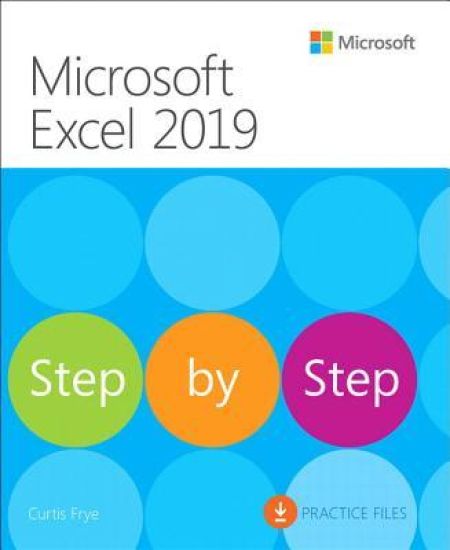
Microsoft Excel 2019 Step by Step

Microsoft Excel 2019 Step by Step

Curtis Frye

Microsoft Press
2019
nidottu
The quick way to learn Microsoft Excel 2019! This is learning made easy. Get more done quickly with Microsoft Excel 2019. Jump in wherever you need answers–brisk lessons and detailed screenshots show you exactly what to do, step by step. Quickly set up workbooks, enter data, and format it for easier viewingPerform calculations and find and correct errorsCreate sophisticated forecast worksheets, key performance indicators (KPIs), and timelinesVisualize data with 3D maps, funnel charts, and other powerful tools Import, process, summarize, and analyze huge datasets with Excel’s improved PowerPivot and Power QueryBuild powerful data models and use them in business intelligence Look up just the tasks and lessons you need
Microsoft Office Step by Step (Office 2021 and Microsoft 365)
The quick way to learn popular Microsoft 365 apps! This is learning made easy. Get more done quickly with Microsoft Word, Excel, PowerPoint, and Outlook. Jump in wherever you need answers—brisk lessons and detailed screenshots show you exactly what to do, step by step. Discover new time-savers and usability improvements for Word, Excel, PowerPoint, and OutlookFormat and organize high-impact documents and use Word's enhanced coauthoring toolsBuild powerful, reliable Excel worksheets and analyze complex data setsPrepare highly effective presentations with PowerPoint's newest visual toolsImprove your productivity with Outlook email, scheduling, and contactsMake the most of the latest Accessibility Checker and other new featuresLook up just the tasks and lessons you need Download your Step by Step practice files at: MicrosoftPressStore.com/MSOfficeSBS365/downloads
Microsoft Excel Step by Step (Office 2021 and Microsoft 365)
The quick way to learn Microsoft Excel! This is learning made easy. Get more done, more quickly, with Microsoft Excel. Jump in wherever you need answers—brisk lessons and detailed screenshots show you exactly what to do, step by step. Quickly set up workbooks, enter data, and format it for effective visual impactPerform calculations and find and correct errorsManage, filter, summarize, validate, reorder, and combine dataIdentify trends, illustrate processes and relationships, and dynamically analyze dataBuild sophisticated forecasts, key performance indicators (KPIs), and timelinesVisualize data with customized charts, 3D maps, and other powerful toolsImport, process, summarize, and analyze huge data sets with PowerPivot and Power QueryUse powerful Excel Data Models for advanced business intelligence
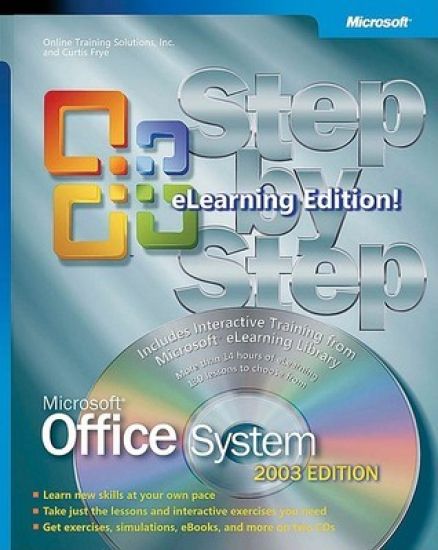
Microsoft Office System Step by Step -- 2003 eLearning Edition

Microsoft Office System Step by Step -- 2003 eLearning Edition

Online Training Solutions; Curtis Frye

Pagina förlags AB
2004
nidottu
With STEP BY STEP, you can build exactly the skills you need for success with the Microsoft Office System—now with more than 14 hours of interactive training! Covering Microsoft Access, Excel, FrontPage®, InfoPath™, OneNote™, Outlook®, PowerPoint®, Publisher, and Word, the book’s easy-to-follow lessons and hands-on exercises are complemented by interactive training modules from the Microsoft eLearning Library. Use the book and the simulation-based training in any combination to build and practice new skills. They’re also great to have around for ongoing, everyday reference or to reinforce what you’ve learned. Use them to teach yourself how to publish professional-quality documents, brochures, and Web pages; develop easy-to-use spreadsheets; better manage your e-mail communications and calendar; produce and deliver compelling presentations; and build databases for better decision making. You’ll learn how to use OneNote, the Office note-taking program, and InfoPath, which enables you to easily create and use rich, dynamic forms. You’ll also learn to take advantage of the enhanced collaboration feature across the entire Office System. In addition to practice files, the STEP BY STEP CD includes the Microsoft Office System Reference Pack, containing templates and clip art, a STEP BY STEP eBook, and four additional eBooks: Microsoft Office System Quick Reference, Insider’s Guide to Microsoft Office OneNote 2003, Microsoft Computer Dictionary, Fifth Edition, and Introducing the Tablet PC. Key Book Benefits: Teach yourself exactly what you need to know about using Microsoft Office applications—one step or interactive training module at a time! STEP BY STEP book features easy-to-follow lessons and hands-on, skill-building exercises. Microsoft eLearning Library features 14+ hours of simulation-based training—the same training that many leading companies use to learn Office—including bonus modules that focus on what’s new in the 2003 edition of Office. The material in the book and in the interactive training complement each other so you can use them in whatever combination best suits your learning style and preferences. Great at-home or on-the-job reference for beginners and intermediate users alike. STEP BY STEP CD includes all practice files plus Microsoft Office System Reference Pack of eBooks, templates, and other resources. CD-romskiva ingår
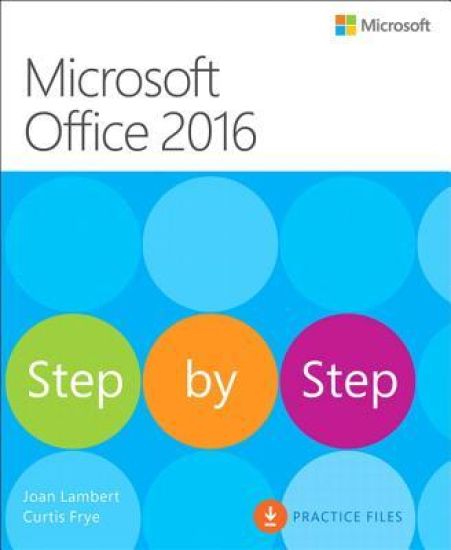
Microsoft Office 2016 Step by Step

Microsoft Office 2016 Step by Step

Joan Lambert; Curtis Frye

Microsoft Press,U.S.
2015
nidottu
Now in full color! This is learning made easy. Get more done quickly with Office 2016. Jump in wherever you need answers - brisk lessons and colorful screenshots show you exactly what to do, step by step. Covers Word, Excel, PowerPoint and Outlook Includes Office 365 subscription information Discover how to use cloud storage with OneDrive and your Office 365 subscription Format Word documents for maximum visual impact Build powerful, reliable Excel workbooks for analysis and reporting Prepare highly effective PowerPoint presentations Use Outlook to organize your email, calendar, and contacts Includes downloadable practice files
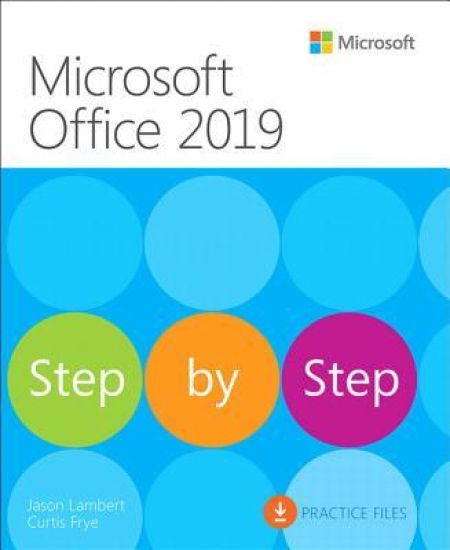
Microsoft Office 2019 Step by Step

Microsoft Office 2019 Step by Step

Joan Lambert; Curtis Frye

Microsoft Press
2019
nidottu
This is learning made easy. Get more done quickly with Office 2019. Jump in wherever you need answers - brisk lessons and colorful screenshots show you exactly what to do, step by step. Covers Word, Excel, PowerPoint and Outlook Format Word documents for maximum visual impact Build powerful, reliable Excel workbooks for analysis and reporting Prepare highly effective PowerPoint presentations Use Outlook to organize your email, calendar, and contacts Includes downloadable practice files
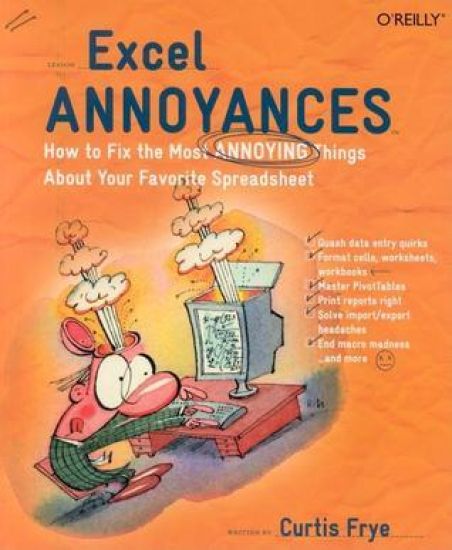
Excel Annoyances

Excel Annoyances

Curtis D. Frye

O'Reilly Media, Inc, USA
2005
nidottu
It's the solution to almost all of your electronic organization needs. Need to present a detailed expense report? Try an Excel spreadsheet. Keeping track of a complicated budget? Excel to the rescue. Want to keep tabs on your office football pool? You guessed it. Thanks to its incredible versatility and power, Excel has emerged as more than just a mainstream program; it's now one of the most used applications on the planet. Everyone from run-of-the-mill PC users to leading financial analysts count on Excel to make sense of overflowing data. And to keep up with the overwhelming user demand, three different versions of Excel have hit the market since the debut of Excel 97: Excel 97, 2000, 2002, and 2003. Naturally, each version offers a new slate of next-generation upgrades--and, of course, operating bugs! At last, Excel users have some relief: Excel Annoyances emerged from the suggestions of numerous Excel users who've struggled with these irritating bugs over the years. Written in the popular Annoyances format, this latest O'Reilly helper addresses all of the quirks, bugs, inconsistencies, and hidden features found in each of the four versions. Chances are if someone, somewhere, found a certain step confusing, then it's addressed in Excel Annoyances. Author Curtis D. Frye breaks down the cavalcade of information into several tip-of-the-finger categories such as Entering Data, Formatting, Charting, Printing, and more. If you're one of the millions of people who use Excel, you're sure to find a goldmine of helpful nuggets that you can use to fix the program's most annoying traits. In the end, Excel Annoyances will help you to truly maximize Excel's seemingly limitless potential.
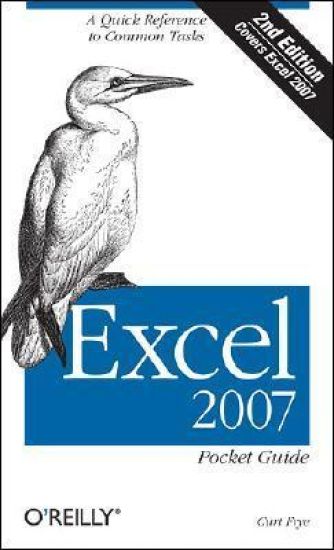
Excel 2007 Pocket Guide

Excel 2007 Pocket Guide

Curtis D. Frye

O'Reilly Media, Inc, USA
2007
nidottu
Microsoft's latest version of Excel has longtime users scratching their heads, trying to figure out where all their favorite tools went. The new ribbon interface may be context-sensitive and sometimes helpful, but for people used to doing things the same way for many years, it's a challenge. This new edition of the "Excel Pocket Guide" is written from the ground up to cover Excel 2007, helping people find their tools and showing them some new ones. In a brand new feature, this edition includes extensive information on commonly-used formulas, showing readers at a glance the many possibilities Excel provides for easy calculation. It also demonstrates convenient techniques for connecting data across worksheets and projects.
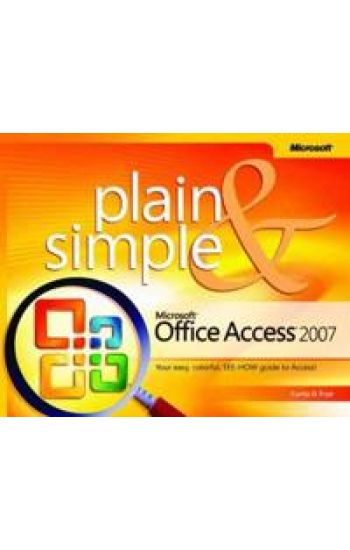
Microsoft Office Access 2007 Plain & Simple

Microsoft Office Access 2007 Plain & Simple

Curtis D. Frye

Pagina förlags AB
2007
sidottu
Get the fast answers—in full color—that make learning the new version of Microsoft Office Access plain and simple! This no-nonsense guide helps you learn the easy way to navigate Office Access 2007 with numbered steps and concise, straightforward language that show the most expedient ways to learn a new skill or solve a problem. You’ll learn the essentials for working with Office Access 2007—discovering how to perform everyday tasks and answer your own questions quickly. You’ll learn how to create databases and forms, filter data, run queries, and generate reports. You’ll also discover how to make data entry faster, sort and filter data, work with PivotTable® reports, and even publish your documents to the Web—plus more! With PLAIN & SIMPLE, you don’t have to wade through superfluous details. This easy-to-use book delivers fast, precise information—exactly how and when you need it!Key Book Benefits:Covers common tasks, including creating databases, sorting and filtering information, and running queriesFeatures an easy-to-read design—including numbered steps, concise information, and helpful tips and exercises—in full colorDelivers concise answers in visual format for people who want information they can put to work right away; ideal for beginning-level users of Office Access 2007
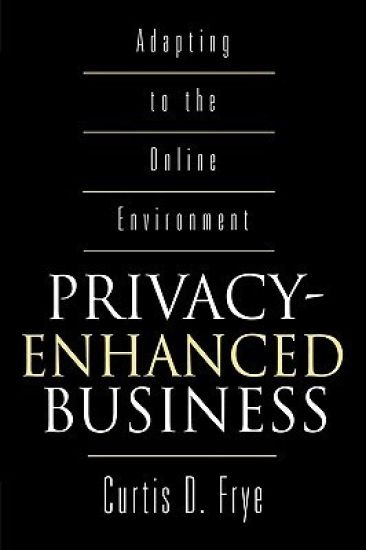
Privacy-Enhanced Business

Privacy-Enhanced Business

Curtis D. Frye

Praeger Publishers Inc
2000
sidottu
With more than 200 million people online and their numbers on the rise, growing also is a perceived threat to personal privacy. A trend toward consumer protective legislation is developing in Europe and shows signs of developing in the U.S. Frye examines the new online environment, the national and international legislative scenarios that could affect the way online business is done, and proposes steps that would allow organizations to determine the policies best for themselves within privacy-enhanced environments. He lays out the privacy interests and concerns of Internet users in the context of privacy laws in Europe, Canada, and the U.S. Then, without demonizing or lionizing them, he looks impartially at how corporations could and might have to function under a variety of likely legislations. Frye's book, among the first to attempt the task, is a timely, much needed advisory—and warning—for top echelon executives in the public and private sectors both, particularly in marketing and sales, areas where privacy activists are concentrating their efforts. It is also an important source of information and thought for academics and their graduate-level students.Frye introduces the Internet as a social and technological phenomenon by recounting briefly the early days of its predecessor, ARPANet. In the next chapters he fills in the policy background from a legal standpoint, explaining the thrust toward privacy that emerged through Supreme Court and lower court decisions. He then examines Internet economics, and from there turns to Internet-based advertising. He also covers the controversy over cookies and shows what Web users can do to visit Web sites without leaving crumbs. He introduces the infomediary, a type of organization that could allow consumers to maintain anonymity while still granting businesses access to detailed demographic and behavioral information. Frye describes a range of scenarios that could be played out over the next decade and offers specific steps that organizations can take to improve consumer confidence, maintain the flow of information they need, yet still demonstrate their compliance with consumer expectations as well as the law. Two appendices contain the full text of two documents vital to senior managers mapping their own corporate strategies: the European Union Data Directive and an EU Work Paper on the use of contracts to ensure the security of personally identifiable information that is transferred from the EU to other countries, such as the U.S., that lack their own adequate protections.