Kirjojen hintavertailu. Mukana 12 152 606 kirjaa ja 12 kauppaa.

Kirjailija

Bobbi Sandberg

Kirjat ja teokset yhdessä paikassa: 9 kirjaa, julkaisuja vuosilta 2010-2018, suosituimpien joukossa Quicken for Windows: The Official Guide, Eighth Edition. Vertaile teosten hintoja ja tarkista saatavuus suomalaisista kirjakaupoista.

9 kirjaa

Kirjojen julkaisuhaarukka 2010-2018.

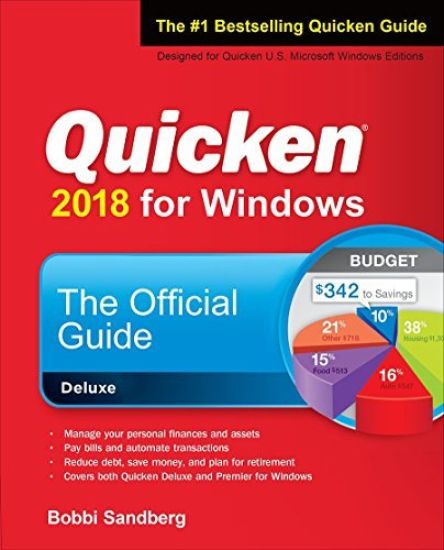
Quicken for Windows: The Official Guide, Eighth Edition
Publisher's Note: Products purchased from Third Party sellers are not guaranteed by the publisher for quality, authenticity, or access to any online entitlements included with the product.The Only Official Guide to the #1 Personal Finance SoftwareTake control of your personal finances using the best practices and time-saving tips in Quicken(R) 2018 for Windows The Official Guide Find out the most effective methods for tracking your income, expenses, savings, transactions, investments, and so much more.Endorsed by the makers of Quicken, this practical resource shows you, step by step, how to take full advantage of the software's powerful features, including the Quicken mobile app. You'll also get professional advice to help you reduce debt, stay on budget, save money, invest wisely, and plan for a secure financial future.-Customize Quicken for your preferences-Track income and expenses-Automate transactions and tasks-Record bank and credit card transactions-Use online banking features-Reconcile checking, savings, and credit card accounts-Track investments and optimize your portfolio-Monitor your assets, loans, and net worth-Evaluate your financial position-Reduce debt, save money, and plan for retirement-Simplify tax preparation and maximize deductions-Create Quicken reports
QuickBooks 2016: The Best Guide for Small Business

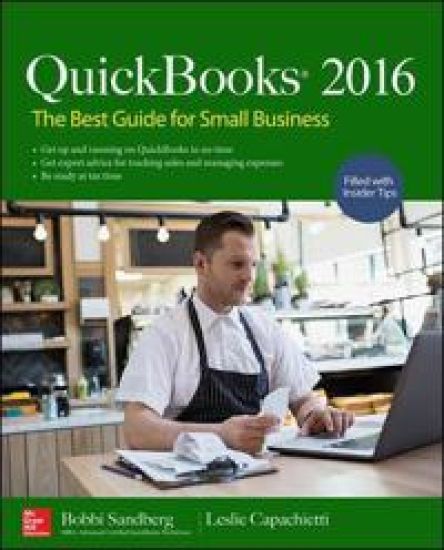
QuickBooks 2016: The Best Guide for Small Business

Bobbi Sandberg; Leslie Capachietti

McGraw-Hill Education
2016
nidottu
Set up a complete small business financial management system quickly and easily. Written by Certified QuickBooks ProAdvisors, QuickBooks® 2016: The Best Guide for Small Business shows you how to maximize all of the desktop software’s powerful capabilities, including the new and improved features for 2016. From processing invoices to managing payroll, you will learn how QuickBooks Desktop versions help you control your business’s financial operations. Sprinkled throughout the book are tips for tracking inventory, monitoring sales, and much more. In addition, get recommendations for working with an accountant and organizing tax information. Run your small business efficiently and effectively using the tested techniques and valuable advice in this practical guide to QuickBooks Desktop 2016Tailor QuickBooks Desktop to meet your company needsCustomize entries for customers and vendorsMake Items work for youControl bank and credit card accountsPay your employees and payroll taxes with easeUnderstand the built-in budget and planning toolsManage inventory for your companyProtect your dataCreate dynamic reportsBreeze through year-end and tax time
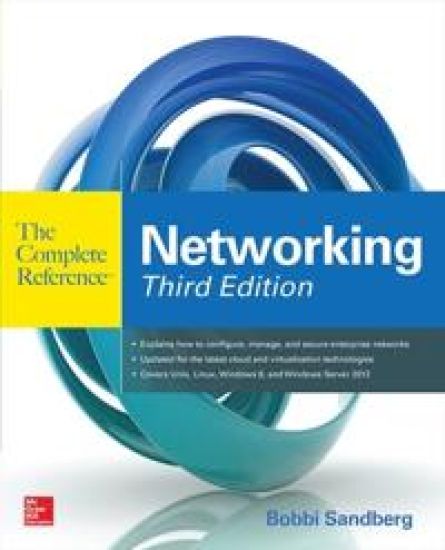
Networking The Complete Reference, Third Edition

Networking The Complete Reference, Third Edition

Bobbi Sandberg

McGraw-Hill Professional
2015
nidottu
Publisher's Note: Products purchased from Third Party sellers are not guaranteed by the publisher for quality, authenticity, or access to any online entitlements included with the product.The most comprehensive, current guide to networkingBuild and administer high-performance networks of all sizes—from small home systems to enterprise internet works—using the practical information in this detailed resource. Thoroughly revised to cover the latest technologies, Networking: The Complete Reference, Third Edition offers concise explanations, start-to-finish deployment plans, real-world examples, and expert tips. Find out how to select a networking protocol, connect devices, set up wireless LANs and WANs, configure Internet servers, virtualize your network, and migrate to the cloud. Cutting-edge backup, tuning, and security techniques are fully explained. Filled with proven solutions to a wide array of networking issues, this comprehensive guide is ideal for beginners and seasoned IT professionals alike. Design, configure, and administer wireless and wired networksWork with interface cards, hubs, routers, switches, and repeatersUnderstand Ethernet, Token Ring, TCP/IP, and IPX protocolsBuild wireless LANs using WiFi, IEEE 802.11, and Bluetooth technologyDeploy server clusters, multiprocessors, and Fibre Channel connectionsDeliver Web, FTP, e-mail, and Active Directory services Implement a cloud-based network infrastructureSet up, configure, and manage virtual networksHandle troubleshooting and network securityConnect Macintosh and Unix systems to Windows networks
QuickBooks 2015: The Best Guide for Small Business

QuickBooks 2015: The Best Guide for Small Business

Bobbi Sandberg; Leslie Capachietti

McGraw-Hill Professional
2014
nidottu
Publisher's Note: Products purchased from Third Party sellers are not guaranteed by the publisher for quality, authenticity, or access to any online entitlements included with the product.Manage Your Small Business Finances with QuickBooks 2015Set up a complete small business financial management system quickly and easily. Written by Certified QuickBooks ProAdvisors, QuickBooks 2015: The Best Guide for Small Business shows you how to maximize all of the software’s powerful capabilities, including the new and improved features. Learn best practices for controlling your business’s financial operations—processing invoices, tracking inventory, monitoring sales, managing payroll, and more. You’ll also get tips for working with an accountant and organizing tax information. Run your small business efficiently and effectively using the tested techniques and valuable advice in this practical guide to QuickBooks 2015. Prepare and customize QuickBooks for your companyEnter customers, vendors, and transactionsManage accounts payable and receivableWork with bank and credit card accountsPay employees and payroll taxes Use QuickBooks budget and planning toolsManage inventory Secure your dataGenerate reportsPrepare for tax time
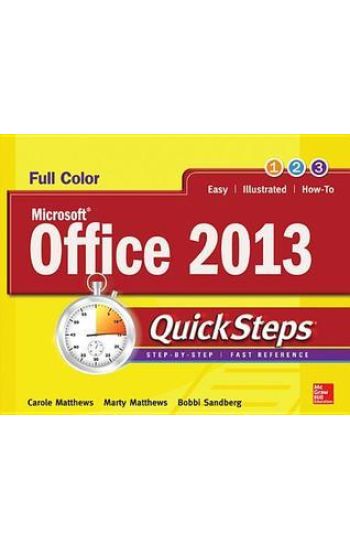
Microsoft® Office 2013 QuickSteps

Microsoft® Office 2013 QuickSteps

Carole Matthews; Marty Matthews; Bobbi Sandberg

McGraw-Hill Professional
2013
nidottu
Publisher's Note: Products purchased from Third Party sellers are not guaranteed by the publisher for quality, authenticity, or access to any online entitlements included with the product.Full-color, step-by-step guide to the new release of the world’s most popular productivity suite of applicationsGet up and running with Office 2013 right away--the QuickSteps way. Full-color screenshots on every page with clear instructions make it easy to use the latest release of Microsoft's powerful productivity suite. Follow along and quickly learn how to create Word documents; build Excel spreadsheets; manage Outlook email, contacts, and schedules; design PowerPoint presentations; and much more. This practical, fast-paced guide gets you started in no time! Use these handy guideposts:Shortcuts for accomplishing common tasksNeed-to-know facts in concise narrativeHelpful reminders or alternate ways of doing thingsBonus information related to the topic being coveredErrors and pitfalls to avoidThe unique, landscape-oriented layout of the QuickSteps series mimics your computer screen, displays graphics and explanations side by side, and lays flat so you can easily refer to the book while working on your computer.
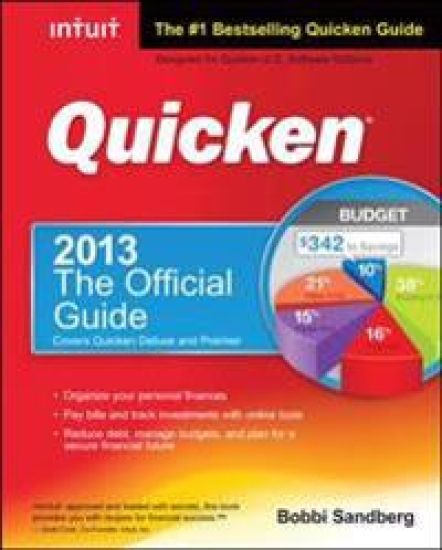
Quicken 2013 The Official Guide

Quicken 2013 The Official Guide

Bobbi Sandberg

McGraw-Hill Professional
2012
nidottu
The only Intuit-authorized guide to the latest release of the bestselling personal finance software Fully endorsed by Intuit, Quicken 2013: The Official Guide shows you how to set up personal finances and balance checking and savings accounts, bank and pay bills online, as well as track and manage investments. Quicken includes a wealth of robust personal finance management tools, and the book shows you how to use them, and what benefits can be realized. The book has a non-nonsense approach to information delivery, and uses "What Does It Mean to Me" sidebars to show you how product features can be used. Covers every new feature and includes updated investment setup options Author is recognized by Intuit as a Certified Professional Advisor and has been tutoring Quicken users for more than 25 years Teaches practical use of Quicken 2013, with chapters organized along the lines of the software Includes coverage of the software's budgeting and planning features, the What If I Buy or Sell calculators, Capital Gains Snapshots, and Investment Tracker tools
Genealogy QuickSteps

Genealogy QuickSteps

Marty Matthews; Bobbi Sandberg

McGraw-Hill Professional
2012
nidottu
Step-by-Step, Full-Color Graphics!Get started researching your family tree right away—the QuickSteps way. Color screenshots and images with clear instructions show you how. Discover the fascinating story of your ancestors using a wide array of resources, including websites, private and public archives, military records, blogs, social media networks, computer programs, and more. You’ll also get advice on getting around roadblocks, collaborating with family members and fellow researchers, and organizing, personalizing, and publishing your family tree history. Use these handy guideposts: Shortcuts for accomplishing common tasksNeed-to-know facts in concise narrativeHelpful reminders or alternate ways of doing things Bonus information related to the topic being coveredErrors and pitfalls to avoidScreenshots with callouts show and explain exactly what you’ll see on your computer screen while you’re doing a taskThe unique, landscape-oriented layout of the QuickSteps series mimics your computer screen, displays graphics and explanations side by side, and lays flat so you can easily refer to the book while working on your computer.
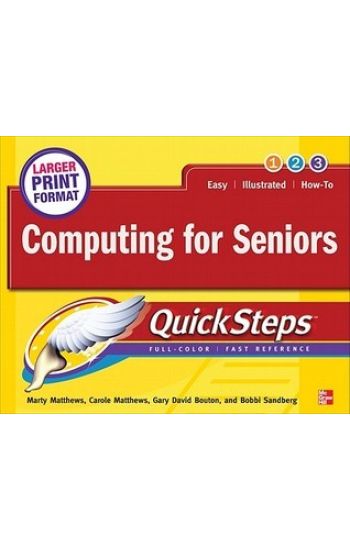
Computing for Seniors QuickSteps

Computing for Seniors QuickSteps

Marty Matthews; Carole Matthews; Gary David Bouton; Bobbi Sandberg

McGraw-Hill Professional
2011
nidottu
Publisher's Note: Products purchased from Third Party sellers are not guaranteed by the publisher for quality, authenticity, or access to any online entitlements included with the product.Step-by-Step, Full-Color Graphics!Take advantage of your computer's features and tools right away--the QuickSteps way. Color photos and screenshots with clear instructions make it easy to accomplish everything you want to do. Follow along and quickly learn how to navigate the Windows operating system; get online; use core programs such as Word, Excel, and Quicken; and secure your computer. Fun activities, such as genealogy, photo editing and management, social networking, and online dating are covered, plus you'll get tips for enjoying music, ebooks, and videos. Written by seniors for seniors, this practical, fast-paced guide helps you get the most out of your computer.The unique, oblong layout of the QuickSteps series mimics your computer screen, displays graphics and explanations side by side, and lays flat so you can easily refer to the book while working on your computer. Use these handy guideposts:Shortcuts for accomplishing common tasksPersonal insights from other seniorsNeed-to-know facts in concise narrativeHelpful reminders or alternative ways of doing thingsBonus information related to the topic being coveredErrors and pitfalls to avoid
Microsoft Office Outlook 2010 QuickSteps

Microsoft Office Outlook 2010 QuickSteps

Carole Matthews; Marty Matthews; Bobbi Sandberg

McGraw-Hill Professional
2010
nidottu
Step-by-Step, Full-Color Graphics!Start using Outlook 2010 right away--the QuickSteps way. Color screenshots and clear instructions make it easy to ramp up the latest release of Microsoft's powerful communications application. Follow along and quickly learn how to send, receive, and manage e-mail; enter contacts; schedule appointments; track tasks; keep a journal; use notes; manage files and folders; and set up instant messaging. Get up to speed on Outlook 2010 in no time with help from this practical, fast-paced guide.Use these handy guideposts:Shortcuts for accomplishing common tasksNeed-to-know facts in concise narrativeHelpful reminders or alternate ways of doing thingsBonus information related to the topic being coveredErrors and pitfalls to avoid