Kirjojen hintavertailu. Mukana 12 291 193 kirjaa ja 12 kauppaa.

Kirjailija

Guy Hart-Davis

Kirjat ja teokset yhdessä paikassa: 50 kirjaa, julkaisuja vuosilta 2003-2026, suosituimpien joukossa Teach Yourself VISUALLY MacBook Neo. Vertaile teosten hintoja ja tarkista saatavuus suomalaisista kirjakaupoista.

50 kirjaa

Kirjojen julkaisuhaarukka 2003-2026.

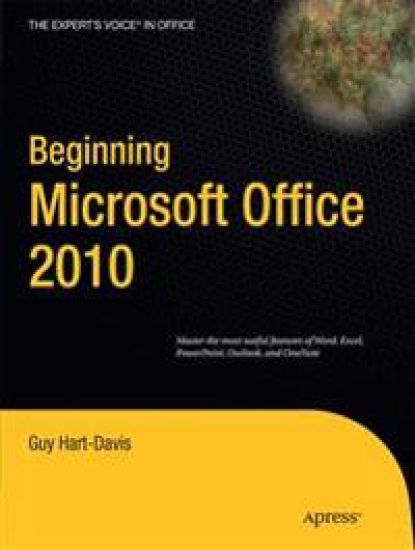
Beginning Microsoft Office 2010

Beginning Microsoft Office 2010

Guy Hart-Davis

APress
2010
nidottu
This book is a practical, step-by-step guide to getting started with Microsoft Office 2010. You’ll learn how to create and edit essential office files—documents, spreadsheets, presentations, and more—quickly and efficiently. You’ll also learn about all of the new updates included with Office 2010. Collaborate on projects in the cloud and access your files from virtually anywhere—with Beginning Microsoft Office 2010, you’ll take a hands-on approach to learning everything, new and old, that the world’s most popular productivity software suite has to offer. Get started with Office 2010 Basics. Create, store, and share office documents. Use shared Office tools both online and offline. How to keep e-mail, contacts, appointments, notes, and tasks organized.
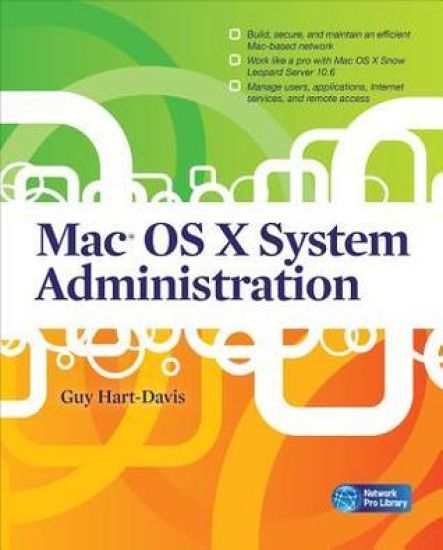
Mac OS X System Administration

Mac OS X System Administration

Guy Hart-Davis

McGraw-Hill Professional
2010
nidottu
Publisher's Note: Products purchased from Third Party sellers are not guaranteed by the publisher for quality, authenticity, or access to any online entitlements included with the product.Build and manage a powerful network on Mac OS X ServerBoost productivity and foster collaboration using the powerful networking tools available in Mac OS X Snow Leopard Server. With clear, detailed explanations and step-by-step instructions, Mac OS X System Administration shows you how to plan, construct, and manage a high-performance Mac-based network. You'll learn how to do everything from planning and installing the network from scratch to backing up both clients and servers to recovering from disaster.Plan the wired, wireless, or combination network your organization needsBuild the network and install Mac OS X ServerSecure the network using firewalls, encryption, and SSL authenticationHarness the power of Open Directory to organize and manage the networkCreate user accounts, set up groups, and control which applications and features users can accessSet up and manage file sharing, print, Web, and e-mail servicesInstall applications automatically both before and after deploying the MacsEnable remote access to the network via VPNAdd iPhones and iPod touches to the networkGuy Hart-Davis is the bestselling author of more than 50 computer books, including AppleScript: A Beginner's Guide, Mac OS X Leopard QuickSteps, HTML, XHTML & CSS QuickSteps, and How to Do Everything: iPod, iPhone, & iTunes.
AppleScript: A Beginner's Guide

AppleScript: A Beginner's Guide

Guy Hart-Davis

McGraw-Hill Professional
2010
nidottu
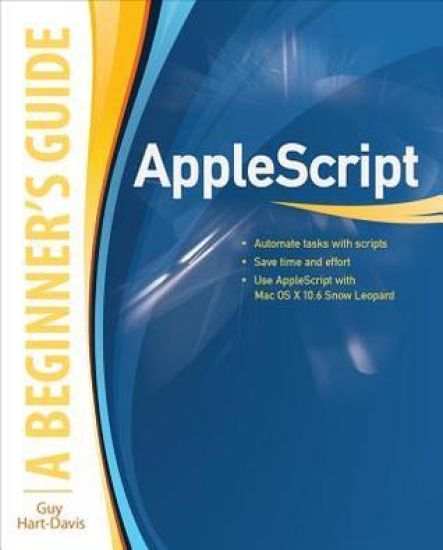
Publisher's Note: Products purchased from Third Party sellers are not guaranteed by the publisher for quality, authenticity, or access to any online entitlements included with the product.Essential Skills--Made Easy!Learn to program in AppleScript, the versatile scripting language built right into Mac OS X and supported by most major applications. AppleScript: A Beginner's Guide shows you how to write powerful scripts with the AppleScript Editor to automate tasks, save time and effort, and automatically generate documents, spreadsheets, and e-mail messages. Debugging and error handling are also covered in this fast-paced tutorial.Designed for Easy LearningKey Skills & Concepts--Chapter-opening lists of specific skills covered in the chapterAsk the Expert--Q&A sections filled with bonus information and helpful tipsTry This--Hands-on exercises that show you how to apply your skillsNotes--Extra information related to the topic being coveredTips--Helpful reminders or alternative ways of doing thingsCautions--Errors and pitfalls to avoidAnnotated Syntax--Example code with commentary that describes the programming techniques being illustratedReady-to-use code at www.mhprofessional.com/computingdownloadGuy Hart-Davis is the author of Mac OS X Leopard QuickSteps, How to Do Everything iPod, iPhone, & iTunes, Fifth Edition, HTML, XHTML & CSS QuickSteps, and several other computer books.
Word 2007 Macros & VBA Made Easy

Word 2007 Macros & VBA Made Easy

Guy Hart-Davis

McGraw-Hill Professional
2009
nidottu
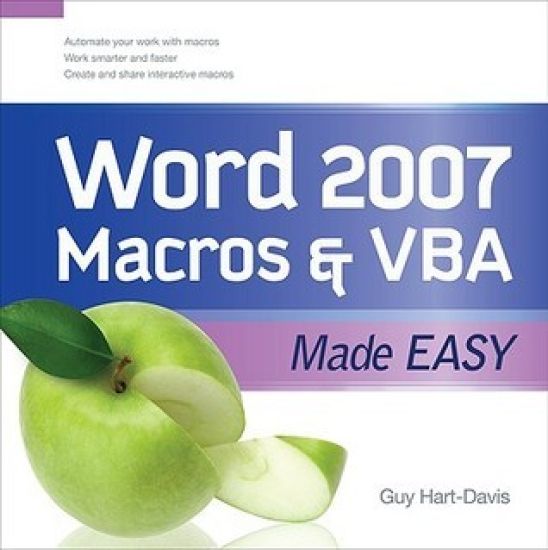
Publisher's Note: Products purchased from Third Party sellers are not guaranteed by the publisher for quality, authenticity, or access to any online entitlements included with the product.Get beyond the basics with Word 2007 Now you can take your Microsoft Word skills to the next level with help from this hands-on guide. Word 2007 Macros & VBA Made Easy shows you how to automate tasks using the tools available in Word's built-in VBA programming language. You'll learn how to record, create, customize, debug, and share macros. Discover how easy it is to develop your own macros, save time, and boost productivity!Record time-saving macros in momentsEdit your recorded macros to add power and flexibility Control your macros with message and input boxesCreate custom dialog boxes or use Word's built-in optionsRepeat actions easily as many times as neededStore essential data in variables and constantsWork with text, bookmarks, and tablesCreate documents, templates, and folders automaticallyDebug your macros and build smart error-handlersShare your macros safely with other users
PC QuickSteps, Second Edition

PC QuickSteps, Second Edition

Guy Hart-Davis

McGraw-Hill Professional
2008
nidottu
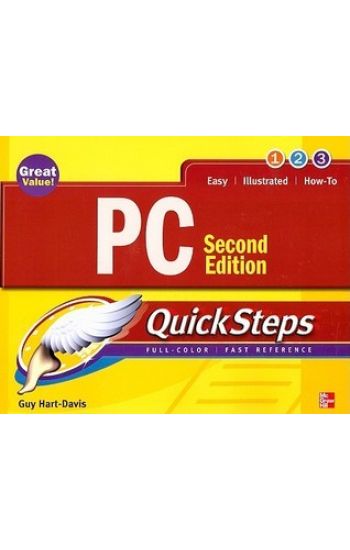
Publisher's Note: Products purchased from Third Party sellers are not guaranteed by the publisher for quality, authenticity, or access to any online entitlements included with the product.Step-by-Step, Full-Color Graphics!Get started using your PC right away--the QuickSteps way. Color screenshots and clear instructions show you how to manage, customize, and troubleshoot your desktop or laptop PC. Follow along and learn how to install and configure hardware and software, use Windows Vista, manage files, access and navigate the Internet, set up a home network, secure your PC, and much more. Get the book that gets you up and running on your PC in no time.Use these handy guideposts:Shortcuts for accomplishing common tasksNeed-to-know facts in concise narrativeHelpful reminders or alternate ways of doing things Bonus information related to the topic being coveredErrors and pitfalls to avoid
CNET Do-It-Yourself PC Upgrade Projects

CNET Do-It-Yourself PC Upgrade Projects

Guy Hart-Davis

McGraw-Hill Professional
2008
nidottu
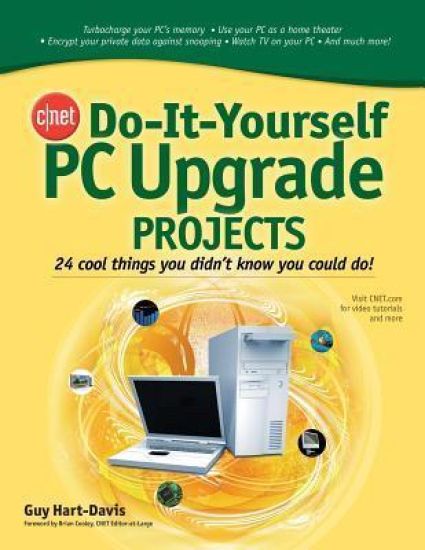
Publisher's Note: Products purchased from Third Party sellers are not guaranteed by the publisher for quality, authenticity, or access to any online entitlements included with the product.Supercharge and customize your PCNow you can get the most out of your PC with the fun and practical projects packed inside this easy-to-follow guide. Produced in conjunction with CNET.com, the place you go for the latest in tech and consumer electronics, this book shows you how to exploit the media, communications, networking, and security features of your PC. You'll also find out how to add powerful hardware and software, improve performance, and expand your computer's capabilities.Inside, you'll find 24 self-contained projects, clear step-by-step instructions, a list of tools needed at the beginning of each project, and hundreds of helpful photos and screenshots. With CNET Do-It-Yourself PC Upgrade Projects, you'll be able to take your PC to peak performance--and beyond.Transform your PC into a video phoneAdd two or more extra monitors so you can see all your work at onceSet up your PC as a recording studioCreate a permanent wireless network or a temporary oneBack up your data safely--and restore itDigitize your paper documents for safekeepingSecure your secrets in a virtual lockerAnd much more
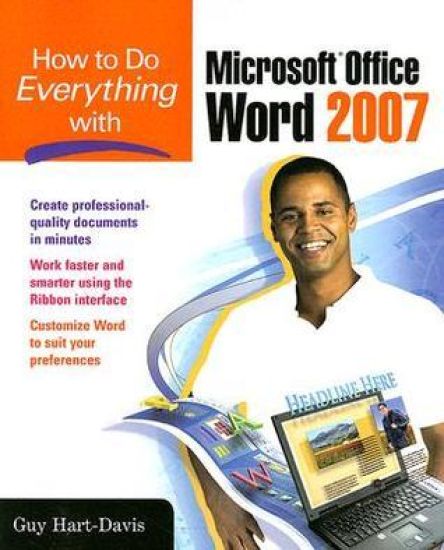
How to Do Everything with Microsoft Office Word 2007

How to Do Everything with Microsoft Office Word 2007

Guy Hart-Davis

McGraw-Hill Professional
2007
nidottu
Publisher's Note: Products purchased from Third Party sellers are not guaranteed by the publisher for quality, authenticity, or access to any online entitlements included with the product.We're getting the word out on how to get the most out of Word 2007This up-to-date guide makes it easy for both beginners and experienced users to master the powerful features and new interface of Word 2007. You will learn to create professional-looking documents effortlessly. Practical examples and step-by-step instructions make even the most complex features simple to grasp, while workarounds show you how to circumvent common problems.
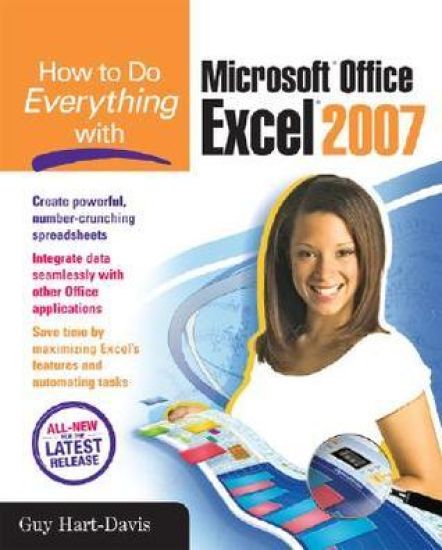
How to Do Everything with Microsoft Office Excel 2007

How to Do Everything with Microsoft Office Excel 2007

Guy Hart-Davis

McGraw-Hill Professional
2007
nidottu
Publisher's Note: Products purchased from Third Party sellers are not guaranteed by the publisher for quality, authenticity, or access to any online entitlements included with the product.Master the latest version of ExcelGet more out of Excel than ever before with help from this hands-on guide. Learn how to create powerful and easy-to-use spreadsheets and bring yourself up to speed on all the new and improved features available in Excel 2007. Discover how to enter and format data, use graphics effectively, create formulas, build tables to store and analyze data, and share workbooks securely with other users. You'll also learn how to save files to intranet sites and Internet servers, and publish workbooks to Web pages. Plus, you'll find valuable shortcuts that will make it even easier to use the world's most popular spreadsheet application.Control Excel using the new Ribbon interface instead of menus and toolbarsConfigure and customize Excel to suit your working needsAdd visual impact to your worksheets with pictures and diagramsDevelop formulas to perform custom calculationsAnalyze data using PivotTables and organize your information to show exactly what you needUse what-if analysis to solve complex and time-grabbing business problemsShare workbooks and collaborate with colleaguesTransfer data easily among other Office applications
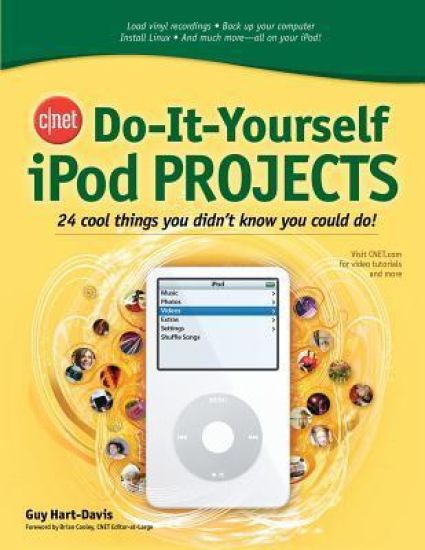
CNET Do-It-Yourself iPod Projects

CNET Do-It-Yourself iPod Projects

Guy Hart-Davis

McGraw-Hill Professional
2006
nidottu
Publisher's Note: Products purchased from Third Party sellers are not guaranteed by the publisher for quality, authenticity, or access to any online entitlements included with the product.The Ultimate Source of New Ideas for High-Tech Enthusiasts!Produced in conjunction with CNET, the Web's most popular technology portal, the CNET Do-It-Yourself series offers computer, gadget, and software users exciting and innovative projects to help get more enjoyment and productivity out of the latest high-tech products. Each book features: 24 self-contained projects; easy-to-follow, step-by-step instructions; and hundreds of clear photos and screen shots.
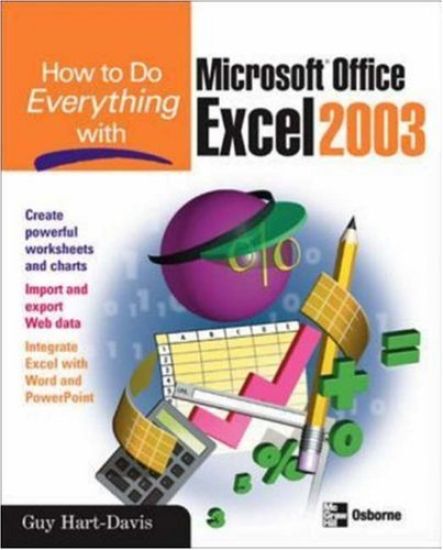
How to Do Everything with Microsoft Office Excel 2003

How to Do Everything with Microsoft Office Excel 2003

Guy Hart-Davis

McGraw-Hill Professional
2003
nidottu
Publisher's Note: Products purchased from Third Party sellers are not guaranteed by the publisher for quality, authenticity, or access to any online entitlements included with the product.Here is the ideal resource for anyone who wants to get the most out of all the new and enhanced features Excel has to offer. Learn the best methods for formatting, printing, and sharing worksheets, adding graphics, importing and exporting data to and from the Web--and much more.