
Kirjailija
Ina Koys
Kirjat ja teokset yhdessä paikassa: 27 kirjaa, julkaisuja vuosilta 2020-2024, suosituimpien joukossa Office 365. Vertaile teosten hintoja ja tarkista saatavuus suomalaisista kirjakaupoista.
27 kirjaa
Kirjojen julkaisuhaarukka 2020-2024.






Nein, Kaffee kochen wird Ihnen Outlook vorl ufig nicht. Aber Post sortieren, kennzeichnen, wiederfinden, vielleicht gleich wegwerfen oder zur Wiedervorlage dann pr sentieren, wenn Sie das m chten. Au erdem kann es Termine organisieren, Texte bersetzen, Anfahrtsbeschreibungen und Personenfotos zu Kontaktadressen liefern und vieles mehr. Mit Outlook 365 haben Sie immer einen Exchange-Server im Hintergrund, der sich auch in Ihrer Abwesenheit um Ihre Angelegenheiten k mmert. Hier bekommen Sie verschiedene Vorschl ge, wie Outlook Ihre W nsche so ausf hren wird, wie Sie sich das w nschen.Neu: Mit ToDo und Loop-Komponenten


You're working with Excel since long, but would like some fresh inspiration? You had an Excel training 15 years ago and wonder what all these new buttons could do for you? Then, this book is for you We'll be looking at all new topics from Excel 2007 onwards: Matrix operations, Flash Fill, Conditional Formatting, Sparklines, new formulas and much more. All explained using clear examples, suitable for normal users and insiders.
Nope, it won't make you a coffee right now. But Outlook can write, sort and tag your mail, find lost items, maybe throw away stuff instantly or re-present it at the time you find it suitable. More than that, Outlook can organize appointments, deliver route planning, present pictures of your contacts and much more.
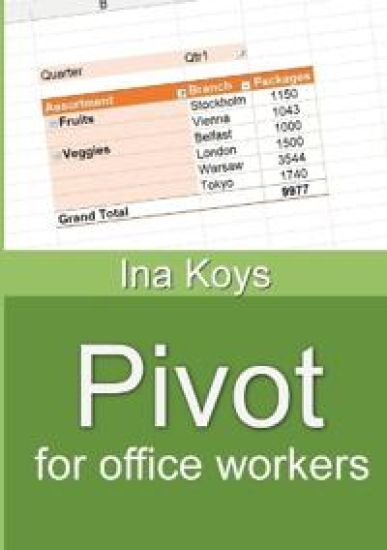
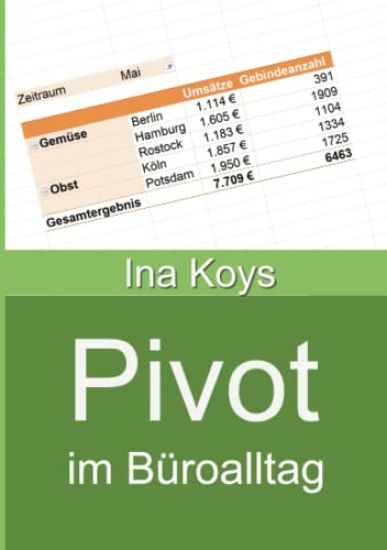
In today's offices, much time is spent finding and structuring information in given data. Pivot Tables and Charts are the tool of choice to get it done. Their result often looks impressive, making people think it takes tremendous skills setting them up. It doesn't They're easy, if only you know what result you're looking for.In this booklet you learn everything to transform a simple Excel list to a telling Pivot Table and Chart

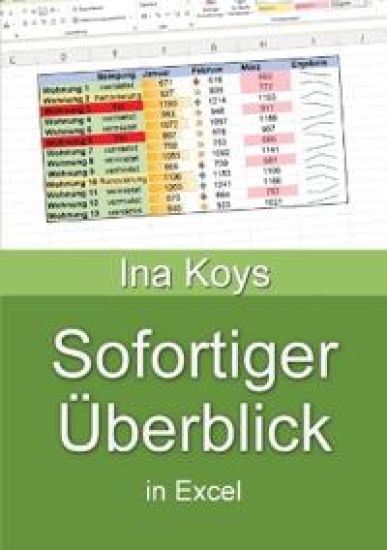
Often, Excel is used to evaluate given data. Which values are critical? Can I see at a glance what the development was like? Can I highlight a whole row if one column has important content? Or ask for the content of two cells, simultaneously? How do I get overview in a thick workbook? How do I get a clear and telling chart? Is there anything as clear, but not as large as a diagram? Can I ask Excel in natural language without any formula?All these questions are answered here. Static colours, Sheet names and tab colours, The Table feature, Setting up your window, Keep control of your printout, Custom formats, Conditional Formatting, Using the wizard, Using formulas, Sparklines, Charts, Line diagram, Talk with Excel

Nope, it won't make you a coffee right now. But Outlook can write, sort and tag your mail, find lost items, maybe throw away stuff instantly or re-present it at the time you find it suitable. More than that, Outlook can organize appointments, deliver route planning, present pictures of your contacts and much more.Contains: A suitable work environment, Save typing, Use suggestions, Simply dictate, Use templates, @-mentions, Polls, Speed up reading, Have it read, Put important folders to the top, Highlight certain senders, Really get rid of deleted items, Quick Actions, Groups, Remain slim and agile, Delegate email handling, Follow-up, Fixed rules - fully automated, Quick Steps - semi-automatic work, Find - and stop searching , Appointments and meetings, Tasks, Contacts, Jump in and let jump in, Absence message, Delegate Access, Gain the access granted, Grant Calendar permissions
To explain complex context and relations, there is a tool already on each office workplace: PowerPoint. But many users are not aware of what it can really achieve: not only record anything of what one does on the screen - it also can do videos with intricate animations. Elements can be displayed or hidden, created step by step or morph one to another. The audience will focus on the subject, the message is clear and the larger context will be understood.This booklet concentrates on creating videos for teaching and demonstration. No other hard- or software needed. The resulting videos can be stored or shared anywhere you like.General settings, Simple screen recordings, PowerPoint Elements, Pictures, icons, and shapes, Drawings, 3D-Models, Videos, Diagrams, SmartArts, Tables, Sounds, Moving elements, Slide transitions, Entrance effects, Exit elements, Other general effects, Special effects, Finish and Export

Excel can take large data sets. But getting hold of required data can be tricky. Here, different possibilities are explained: The filter and the VLOOKUP() which are often heard of, but not really mastered. But there are more options like the Advanced filter, IF(), Database functions and the new, cutting-edge ones like SWITCH() and the brand new, very convenient XLOOKUP().All are explained with examples and their specific benefits and downsides in full colour print.

Long and structured texts can be tricky. Not only regarding the technical content, also regarding layout and usability. Still, everything can integrate smoothly and look professional, if everything is properly prepared.Here, we are looking at all the parts required for technical and scientific texts: Styles, figures, tables of content, covers and oversized items to be printed crosswise. Additionally, ways to co-operate and meanwhile keep track of changes.Now, every author can concentrate solely on what's important: the factual content. Anything else can safely be left to Word.