
Kirjailija
M L Humphrey
Kirjat ja teokset yhdessä paikassa: 169 kirjaa, julkaisuja vuosilta 2014-2026, suosituimpien joukossa Intermediate Word. Vertaile teosten hintoja ja tarkista saatavuus suomalaisista kirjakaupoista.
Mukana myös kirjoitusasut: M. L. Humphrey
169 kirjaa
Kirjojen julkaisuhaarukka 2014-2026.

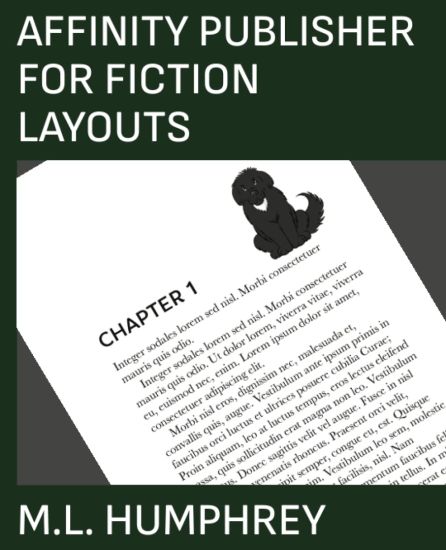
Most self-publishers focus their time and attention on publishing ebooks. And when they do publish in print they tend to use either Word or Vellum or the print option provided by D2D.For those who want to move beyond the constraints of these choices, Affinity Publisher is one of the best options available. It's a one-time purchase software that allows for a fully-customized print layout. The only limitation is the skill of the user.This book aims to give beginners to Affinity Publisher the skills to create a basic print layout for a fiction title that includes a title page, also by page, copyright information, about the author, and, of course, the main body of the document. The layout created in this book also includes an image in the front matter, back matter, and chapter starts to add a little something extra.To use this book you should be familiar with the basics of how to work in a Microsoft Office-type program, so know what dropdowns, dialogue boxes, etc. are. Ideally you should also know the basics of formatting for print although that will be mentioned as we go.So if you're ready to take your print fiction formatting to the next level, then click buy and let's get started.
Microsoft PowerPoint is a great program for presenting information to an audience. It has a number of incredibly useful tools and templates that allow a new user to quickly and easily create a professional-level presentation.PowerPoint Essentials 2019 contains two titles, PowerPoint 2019 Beginner and PowerPoint 2019 Intermediate, which combined are designed to take a new PowerPoint user from beginner to an advanced intermediate level using a straight-forward approach that focuses on what you need to know to learn PowerPoint today.This book is written for Microsoft PowerPoint 2019. If you're working in a different version of PowerPoint you may prefer the PowerPoint Essentials series which starts with PowerPoint for Beginners.

Microsoft Access is an incredibly useful tool for data analysis, especially for small business owners who don't have an off-the-shelf solution that lets them analyze the data particular to their specific business.Access Essentials 2019 contains contains Access 2019 Beginner, which is meant to introduce new users to the basics of Access including how to create tables and queries, and Access 2019 Intermediate, which covers how to create more advanced tables and queries as well as forms and reports.By the time you're done with this book you should be able to import custom data sets, link them together, analyze that combined data, and generate custom reports to summarize your results.This book was written for users of Microsoft Access 2019. For a more general guide to Access see Access Essentials.
Microsoft Word is a vital program to learn for both business and school because it is still the go-to word processing program used today.Word Essentials 2019 combines Word 2019 Beginner and Word 2019 Intermediate and is meant to take a new user of Word from absolute beginner to an advanced intermediate level in a simple and straight forward manner that focuses on what you need to know to master Word today.This guide is focused on Microsoft Word 2019. If you are using a different version of Word then you may prefer the Word Essentials series which starts with Word for Beginners.
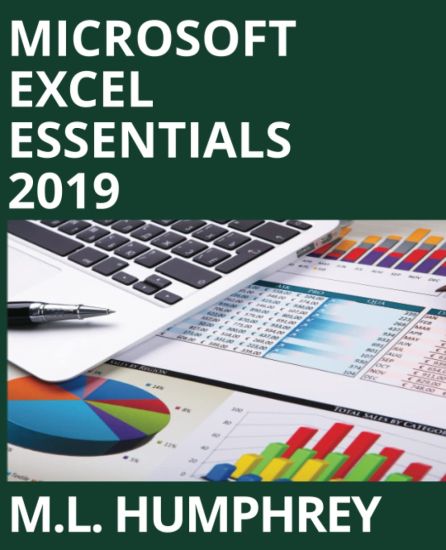
Microsoft Excel is one of the most valuable software programs to master. It's useful for personal finances, school, and business.But trying to learn Excel can sometimes be intimidating because Excel is capable of so much it can be overwhelming to try to figure out what matters and what can be ignored .Excel Essentials 2019 contains Excel 2019 Beginner, Excel 2019 Intermediate, and Excel 2019 Formulas & Functions, a series of three titles meant to take any Excel user from novice to advanced intermediate level using a simple and straight forward approach that focuses on the information you need at that point in time to master Excel.This book is written for Excel 2019. If you need a more generic guide to Excel, then check out the Excel Essentials series which begins with Excel for Beginners.
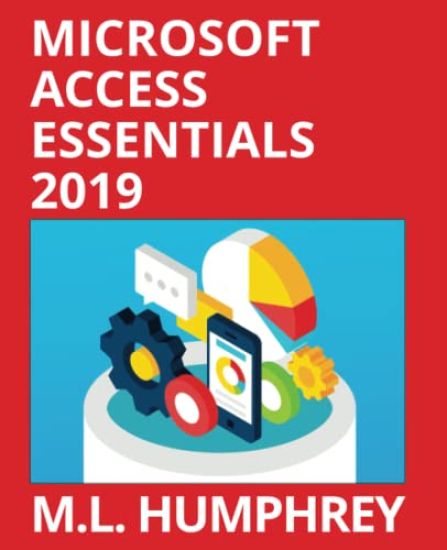
Microsoft Access is an incredibly useful tool for data analysis, especially for small business owners who don't have an off-the-shelf solution that lets them analyze the data particular to their specific business.Access Essentials 2019 contains contains Access 2019 Beginner, which is meant to introduce new users to the basics of Access including how to create tables and queries, and Access 2019 Intermediate, which covers how to create more advanced tables and queries as well as forms and reports.By the time you're done with this book you should be able to import custom data sets, link them together, analyze that combined data, and generate custom reports to summarize your results.This book was written for users of Microsoft Access 2019. For a more general guide to Access see Access Essentials.
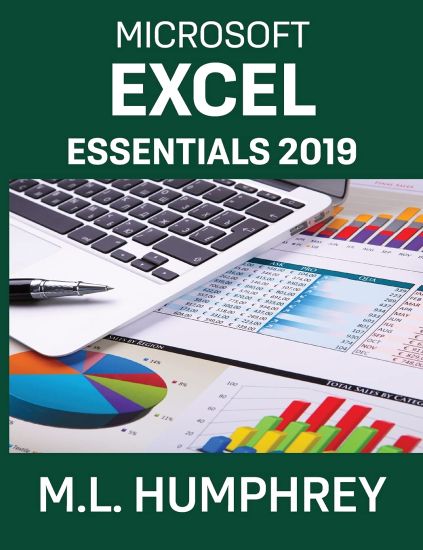
Microsoft Excel is one of the most valuable software programs to master. It's useful for personal finances, school, and business.But trying to learn Excel can sometimes be intimidating because Excel is capable of so much it can be overwhelming to try to figure out what matters and what can be ignored .Excel Essentials 2019 contains Excel 2019 Beginner, Excel 2019 Intermediate, and Excel 2019 Formulas & Functions, a series of three titles meant to take any Excel user from novice to advanced intermediate level using a simple and straight forward approach that focuses on the information you need at that point in time to master Excel.This book is written for Excel 2019. If you need a more generic guide to Excel, then check out the Excel Essentials series which begins with Excel for Beginners.
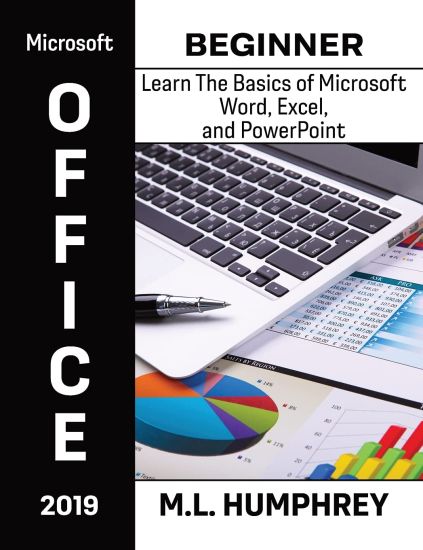
In PowerPoint for Beginners, M.L. Humphrey introduced readers to the basics of working in Microsoft PowerPoint. Now in PowerPoint 2019 Beginner comes an introductory guide tailored specifically for users of PowerPoint 2019.In this book, M.L. Humphrey walks users of PowerPoint 2019 through how to leverage PowerPoint templates to create a great and dynamic presentation. Topics covered include how to format text and paragraphs in slides, how to add tables and pictures to slides, how to use animations to make bulleted points appear one at a time, as well as the basics of presenting and printing.So what are you waiting for? Learn Microsoft PowerPoint today.
In PowerPoint for Beginners, M.L. Humphrey introduced readers to the basics of working in Microsoft PowerPoint. Now in PowerPoint 2019 Beginner comes an introductory guide tailored specifically for users of PowerPoint 2019.In this book, M.L. Humphrey walks users of PowerPoint 2019 through how to leverage PowerPoint templates to create a great and dynamic presentation. Topics covered include how to format text and paragraphs in slides, how to add tables and pictures to slides, how to use animations to make bulleted points appear one at a time, as well as the basics of presenting and printing.So what are you waiting for? Learn Microsoft PowerPoint today.
PowerPoint 2019 Intermediate picks up where PowerPoint 2019 Beginner left off.Here you'll learn how to create slides from an imported Word outline, how to add equations and other more specialized text formatting, how to work with WordArt, shapes, and SmartArt, as well as how to add charts, videos, online pictures, 3D models, and icons to your presentations.You'll also learn about rulers and guidelines, headers and footers, the basics of master slides, sections, slide transitions, and how to add comments or incorporate group edits. Also, the various views available in PowerPoint and how to create a PDF or export your presentation slides as images.If you're ready to take your PowerPoint knowledge from beginner-level to more advanced, this is the book for you.
PowerPoint 2019 Intermediate picks up where PowerPoint 2019 Beginner left off.Here you'll learn how to create slides from an imported Word outline, how to add equations and other more specialized text formatting, how to work with WordArt, shapes, and SmartArt, as well as how to add charts, videos, online pictures, 3D models, and icons to your presentations.You'll also learn about rulers and guidelines, headers and footers, the basics of master slides, sections, slide transitions, and how to add comments or incorporate group edits. Also, the various views available in PowerPoint and how to create a PDF or export your presentation slides as images.If you're ready to take your PowerPoint knowledge from beginner-level to more advanced, this is the book for you.
A beginner guide to Microsoft Access 2019.