Kirjojen hintavertailu. Mukana 12 337 172 kirjaa ja 12 kauppaa.
Kirjailija
Mark Edward Soper
Kirjat ja teokset yhdessä paikassa: 5 kirjaa, julkaisuja vuosilta 2010-2018, suosituimpien joukossa Expanding Your Raspberry Pi. Vertaile teosten hintoja ja tarkista saatavuus suomalaisista kirjakaupoista.
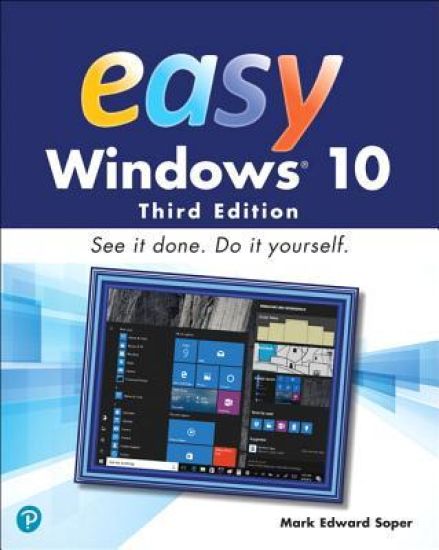
Visual, step-by-step hands-on tutorials for the most common tasks a user needs to perform. Whether you’re already using Windows 10 or are a Windows newcomer, Easy Windows 10 is the fast and easy way to discover what Microsoft’s latest operating system can do for you. Visual step-by-step procedures for what you want to do in Windows 10 Keyboard shortcuts, mouse and touchpad moves, and touchscreen tricks help you navigate Windows 10 your way Control how Windows 10 starts up and how it looks with new configuration options Protect your valuable photos, music, videos, and other files automatically with File History Master new features like virtual desktops, Cortana voice assist, and more Discover how to install software from the Windows Store and from other sources Use cloud-based storage, email, and messaging features including OneDrive and Skype Discover Windows 10 utilities for video, audio, photos, search, custom characters, and many more
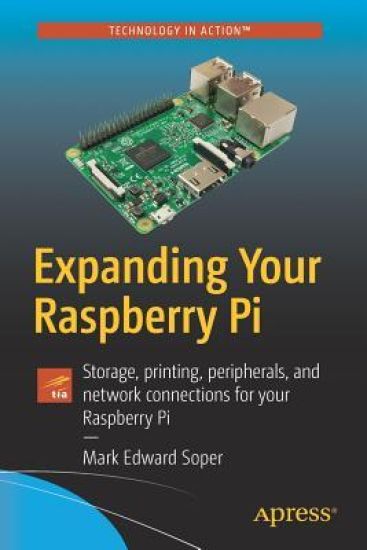
Gain a deeper understanding of how Raspberry Pi works to get the results you want right in the palm of your hand. This book helps you understand the right connections and software to drive your Raspberry Pi into opening the worlds of programming, electronic experiments, system control, digital imaging, and the Internet of Things to you. You'll discover how to expand your Pi’s storage for bigger programs, use its onboard connections to interface with cameras and control devices, printers and scanners. You'll also see how to share information with Windows and Apple computers and mobile devices, and use it away from AC power. You’ll be able to turn any HDTV into a media player; stream and share files from desktop and mobile devices; use your Pi for image capture via camera or scanner; and more! Expanding Your Raspberry Pi is your guide to doing almost anything a bigger computer can do – if you’re ready for the challenge.What You'll LearnConnect, use, and manage mass storage devices for greater versatility Link with desktop, laptop, and mobile devices using the Pi’s built-in Wi-Fi and Bluetooth features Share resources from your Pi with desktop and mobile devices Capture video and still photos with your PiWho This Book Is ForNetwork administrators: Connect Raspberry Pi devices to other devices on a wired or wireless network for media streaming, file serving, or print serving Teachers: Use Raspberry Pi to teach students how to connect different types of computers and operating systems with each other. IT workers: Use Raspberry Pi with your existing printers, scanners, webcams, and home network
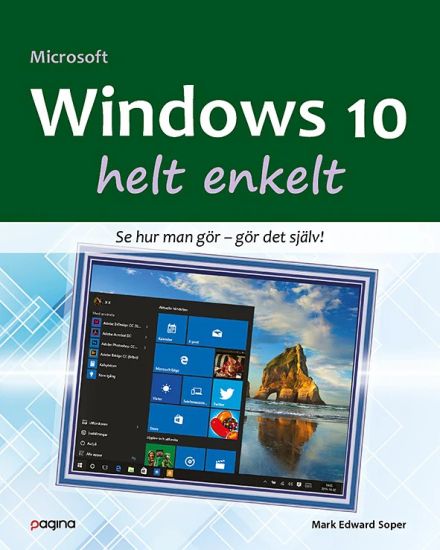
I boken Windows 10 helt enkelt finns allt du behöver veta om Windows 10 och hur du ska göra för att få ut mesta möjliga av datorns program och maskinvara. Här finns uppslag med tydligt illustrerade steg-för-steg-anvisningar och lättbegripliga beskrivningar som vägleder dig och ger dig de tips och instruktioner du behöver. Lär dig hur du ... ... använder alla nyheter och smarta lösningar i Windows 10 ... steg för steg kommer vidare med det du vill göra i/med din dator ... på bästa sätt utnyttjar allt det som Windows 10 har att erbjuda!
Pearson and uCertify--Bringing you Pearson's certified and academic peer reviewed content in an accessible, flexible, & scalable platform The CompTIA A+ 220-801 and 220-802 Pearson uCertify Course is an Academic package designed for instructor-led classroom environments. uCertify Course Instructor Feature Highlights Super roster for course and student management Master course and instantaneous cloning for multiple sections Powerful analytics to track student engagement and progress Customizable assignment dates and skill mastery levels Pre and post assessments for benchmarking Maps to certification exam domains Grade book export feature uCertify Course Student Feature Highlights Device ready Online on your computer, tablet, or your mobile device (Android, iOS) Course dashboard provides ease of use Interactive e-Learning elements throughout course Exercises, flash cards and quizzes Track progress via a personal study planner Video tutorials Simulator exercise guide for hands-on practice uCertify Course Minimum Requirements Internet access required Works on the following major browsers on versions no more than 2 years old: Google Chrome Internet Explorer Mozilla Firefox Safari Courses can be accessed from PC and Mac as well as iOS and Android devices (including iPad, iPhone, Android smart phone, and Android tablet). CompTIA A+ 220-801/220-802 web-based hands-on labs CompTIA A+ 220-801 and 220-802 uCertify Labs is an easy-to-use online, hands-on skills enhancement tool that helps students gain the real-world skills they need to succeed on the A+ exams and to land a job as an IT support specialist, IT administrator, PC repair technician, or field service technician. The 250+ labs in this product cover the full range of both A+ 220-801 and 220-802 exam topics. The award-winning, uCertify Labs help bridge the gap between conceptual knowledge and real-world application by providing, competency-based, interactive, online, 24x7 training. uCertify Labs simulate real-world computer hardware, software applications and operating systems, and command line interfaces. In addition, the labs are supplemented with more than 130 videos demonstrating lab solutions. Students can plan their studies using Study Planner and use one of the three available study modes--Test, Learn or Review to suit your learning style. With this product as their guide, students will perform a wide range of hardware and software based activities on the following topics: Install, configure, and maintenance of PC components Repair and replacement of laptop components Use of various tools such as multimeter, power-supply tester Use of Printers Knowledge of commands for troubleshooting System Utilities Security Issues Operational Procedures Installing and Configuring Operating System Dealing with Security threats Mobile Devices Troubleshooting uCertify Labs build upon the same great platform benefits and flexibility that have become synonymous with the uCertify Courses. Students can feel safe working in this virtual environment resolving real-world operating system and hardware problems. Activities include identifying and installing computer hardware, assembling personal computers and systems, configuring network connections, setting up wireless networks, enabling features on Windows operating systems, configure mobile devices, troubleshoot connections, manage computer performance through the command line interface, and many, many more. Each lab provides students with a real-world task or problem to resolve. Hardware labs help students become familiar with how to assemble computers and connect devices and software labs provide access to fully functioning simulated operating systems for a realistic hands-on experience. CompTIA A+ 220-801 and 220-802 uCertify Labs are built on the same platform as uCertify Courses, making integration with courses easy and seamless. They also work well as stand-alone lab solutions paired with books or other courses. The uCertify platform offers single-sign on access through your school LMS system and can be integrated with all major LMS gradebooks for seamless reporting. The Educator Area provides powerful tools for setting up classes and sections and managing students. The platform comes complete with robust reporting features, including detailed student-level and course-level data. Whether you are looking for a stand-alone solution or a supplement to a textbook or online course, CompTIA A+ 220-801 and 220-802 uCertify Labs provides students with a robust online interactive experience to enhance their retention of conceptual topics and prepare them for success in the work place.
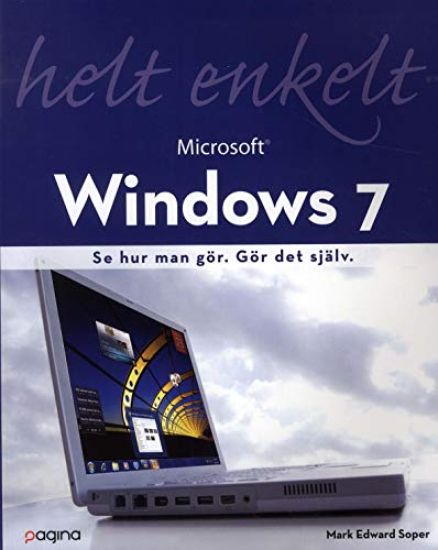
Windows 7 helt enkelt är en mycket visuell nybörjarbok. Massor av bilder och tydliga hänvisningar gör att du lär dig grunderna i Microsofts senaste operativsystem snabbt och enkelt. Varje steg beskrivs med bilder. När du läst boken har du lärt dig allt du behöver att kunna jobba med Windows 7 med lätthet. Du lär dig hur du Snabbt hittar det du letar efter: filer, program, ja allt Hantera musik och video med Windows Media Player Se allt, gör allt, hämta allt på webben Ha kul med de medföljande spelen Skydda dig mot virus, ovälkomna besök och fiskning Ladda ner gratis bonus-program Installera din dator precis som du vill Få datorn att fungera snabbt och säkert Bygg ett hemmanätverk med HomeGroup Internet-TV på PC med Windows Media Center