Kirjojen hintavertailu. Mukana 12 199 116 kirjaa ja 12 kauppaa.
Kirjailija
Marty Matthews
Kirjat ja teokset yhdessä paikassa: 30 kirjaa, julkaisuja vuosilta 2005-2018, suosituimpien joukossa Paul: A Messenger For Christ: A Novel from ACTS, Book 2. Vertaile teosten hintoja ja tarkista saatavuus suomalaisista kirjakaupoista.
Two strangers, Alex Weston and Gabby Newell, have left death and divorce behind, deciding a cruise will put each of their lives back together. Vowing to maintain a simple friendship when they meet, Alex and Gabby want nothing more. Nevertheless, nightly talks over lattes and cappuccinos, attending common activities, and an awakening at a ballroom dance bring new awareness into their relationship. Not wanting to encroach on the other's feelings, though, they disembark the final day as only friends. Do each finally realize the sweet life together or realize their sweet life separately with only their memories for comfort?
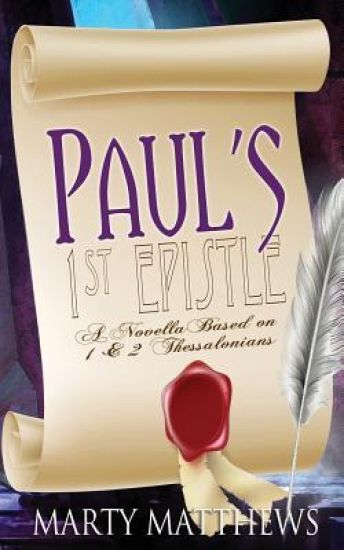
The story of Paul and the Corinthians is told in the new way as a novel. Unable to be in Corinth, where he began the church, Paul writes to the new believing Corinthians in order to quash the problems put before him. Writing harshly, but with a heart of love, Paul's desire is to see the Corinthians come back to Christ and put an end to heeding the false teachers and their heathen ways.
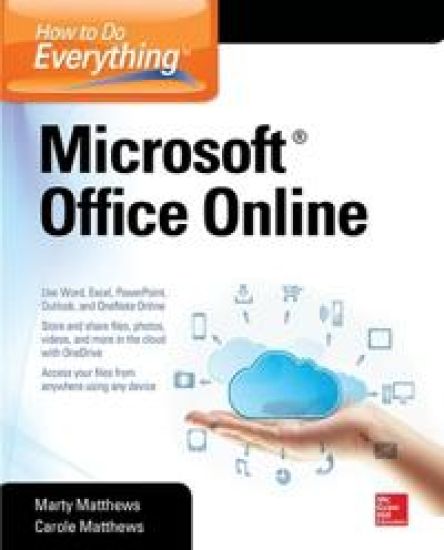
Publisher's Note: Products purchased from Third Party sellers are not guaranteed by the publisher for quality, authenticity, or access to any online entitlements included with the product.Master Microsoft Office Online and OneDriveHow to Do Everything: Microsoft Office Online shows you how to use this versatile, free platform to create and save documents, presentations, and spreadsheets online and easily collaborate with others. You’ll also get tips for storing and sharing photos, videos, and more on OneDrive and organizing your notes with OneNote Online. You'll see how to manage your email, contacts, and calendar using Outlook.com. Access and share your files anytime, anywhere from Windows, Mac OSX, Apple iOS, and Android devices. This practical guide covers it all! Connect to and sign up for OneDriveAdd, manage, and share files and folders on OneDriveNavigate and customize Office OnlineCreate, format, and edit documents in Word OnlineEnter, edit, and format data in Excel OnlineUse Excel Online formulas, functions, and tables Create impressive presentations in PowerPoint OnlineCollect and organize notes in OneNote OnlineWork with Outlook.com and manage your email, calendar, and contacts
Step-by-step, full-color graphics show how to use the latest iPhone models! Written by seniors for seniors, this full-color guide features screenshots throughout with clear instructions that make it easy to start using the iPhone 6, iPhone 6 Plus, and iOS 8. The book can be used with earlier devices, too. Follow along and learn how to make calls, manage your contacts and calendar, send email, browse the web, take photos and video, listen to music, play games, and much more. You’ll also get tips on using helpful apps such as Apple Pay and the Health App. Get up and running on your iPhone right away—the QuickSteps way! Use these handy guideposts: QuickSteps for accomplishing common tasksNeed-to-know facts in concise narrativeHelpful reminders or alternate ways of doing things Bonus information related to the topic being coveredErrors and pitfalls to avoid
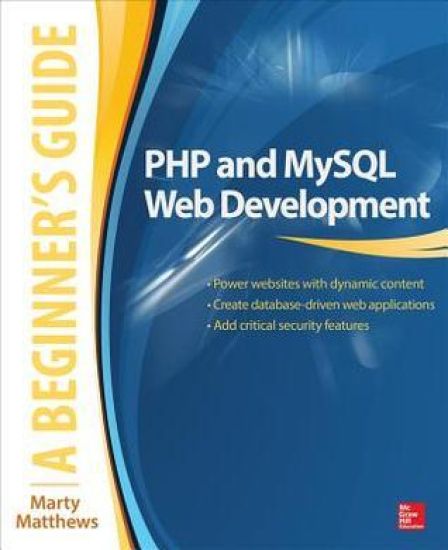
Publisher's Note: Products purchased from Third Party sellers are not guaranteed by the publisher for quality, authenticity, or access to any online entitlements included with the product.Essential Skills—Made Easy!PHP and MySQL Web Development: A Beginner's Guide takes you from building static web pages to creating comprehensive database-driven web applications. The book reviews HTML, CSS, and JavaScript and then explores PHP--its structure, control statements, arrays, functions, use with forms, and file handling capabilities. Next, the book examines MySQL, including SQL, the MySQL command set, and how to use it with PHP to create a relational database and build secure, databasedriven web applications. This practical resource features complete,step-by-step examples with code that you can use as templates for your own projects.Designed for Easy LearningKey Skills & Concepts--Chapter-opening lists of specific skills covered in the chapterTry This--Hands-on exercises that show you how to apply your skillsNotes--Extra information related to the topic being coveredTips--Helpful reminders or alternate ways of doing thingsCautions--Errors and pitfalls to avoidSelf Tests--End-of-chapter quizzes to reinforce your skillsAnnotated Syntax--Example code with commentary that describes the programming techniques being illustratedReady-to-use code at www.mhprofessional.com
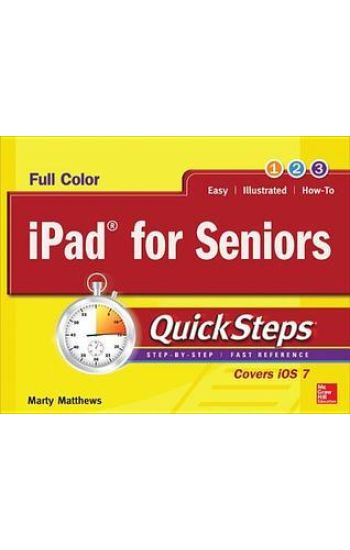
Publisher's Note: Products purchased from Third Party sellers are not guaranteed by the publisher for quality, authenticity, or access to any online entitlements included with the product.Step-by-Step, Full-Color Graphics!Written by a senior for seniors, this practical, fast-paced guide helps you get up and running on your iPad right away. Color photos and screenshots with clear instructions make it easy to accomplish everything you want to do. Follow along and quickly learn how to set up your iPad, navigate the touch screen, use apps and email, and browse the Internet. Find out the best ways to manage photos, video chat with FaceTime, use iTunes and the iBook store, read eDocuments, listen to music, watch movies, play games, and use iCloud. iPad maintenance tips are also included. The unique, landscape layout of the QuickSteps series displays graphics and explanations side by side, and lays flat so you can easily refer to the book while working on your iPad. Use these handy guideposts:Shortcuts for accomplishing common tasksPersonal insights from other seniorsNeed-to-know facts in concise narrativeHelpful reminders or alternative ways of doing thingsBonus information related to the topic being coveredErrors and pitfalls to avoid
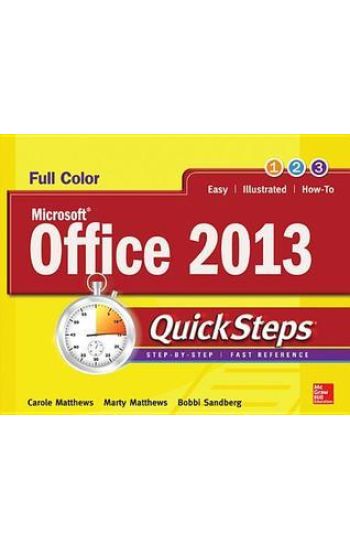
Publisher's Note: Products purchased from Third Party sellers are not guaranteed by the publisher for quality, authenticity, or access to any online entitlements included with the product.Full-color, step-by-step guide to the new release of the world’s most popular productivity suite of applicationsGet up and running with Office 2013 right away--the QuickSteps way. Full-color screenshots on every page with clear instructions make it easy to use the latest release of Microsoft's powerful productivity suite. Follow along and quickly learn how to create Word documents; build Excel spreadsheets; manage Outlook email, contacts, and schedules; design PowerPoint presentations; and much more. This practical, fast-paced guide gets you started in no time! Use these handy guideposts:Shortcuts for accomplishing common tasksNeed-to-know facts in concise narrativeHelpful reminders or alternate ways of doing thingsBonus information related to the topic being coveredErrors and pitfalls to avoidThe unique, landscape-oriented layout of the QuickSteps series mimics your computer screen, displays graphics and explanations side by side, and lays flat so you can easily refer to the book while working on your computer.
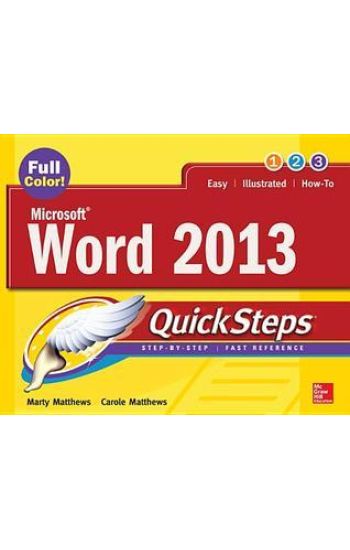
Step-by-Step, Full-Color Graphics!Get up and running on Microsoft Word 2013 right away--the QuickSteps way. Full-color screenshots and clear instructions make it easy to start using the latest release of the leading word processing application. Take control and learn how to create and format documents, apply templates and themes, use mail merge, add tables and illustrations, use special features such as forms and translation, save Word documents as web pages, and much more. Screenshots with callouts show and explain exactly what you'll see on your computer screen while you're doing a task. This practical, fast-paced guide gets you started in no time!Use these handy guideposts:Shortcuts for accomplishing common tasksNeed-to-know facts in concise narrativeHelpful reminders or alternate ways of doing thingsBonus information related to the topic being coveredErrors and pitfalls to avoid
Step-by-Step, Full-Color Graphics!Get started researching your family tree right away—the QuickSteps way. Color screenshots and images with clear instructions show you how. Discover the fascinating story of your ancestors using a wide array of resources, including websites, private and public archives, military records, blogs, social media networks, computer programs, and more. You’ll also get advice on getting around roadblocks, collaborating with family members and fellow researchers, and organizing, personalizing, and publishing your family tree history. Use these handy guideposts: Shortcuts for accomplishing common tasksNeed-to-know facts in concise narrativeHelpful reminders or alternate ways of doing things Bonus information related to the topic being coveredErrors and pitfalls to avoidScreenshots with callouts show and explain exactly what you’ll see on your computer screen while you’re doing a taskThe unique, landscape-oriented layout of the QuickSteps series mimics your computer screen, displays graphics and explanations side by side, and lays flat so you can easily refer to the book while working on your computer.
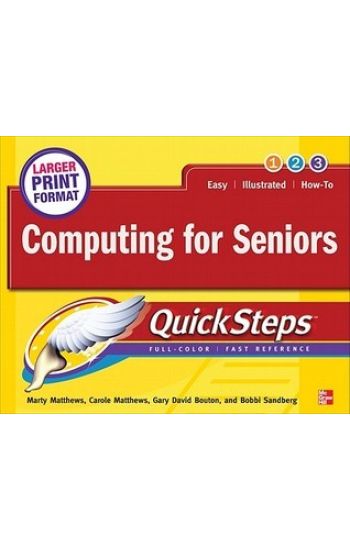
Publisher's Note: Products purchased from Third Party sellers are not guaranteed by the publisher for quality, authenticity, or access to any online entitlements included with the product.Step-by-Step, Full-Color Graphics!Take advantage of your computer's features and tools right away--the QuickSteps way. Color photos and screenshots with clear instructions make it easy to accomplish everything you want to do. Follow along and quickly learn how to navigate the Windows operating system; get online; use core programs such as Word, Excel, and Quicken; and secure your computer. Fun activities, such as genealogy, photo editing and management, social networking, and online dating are covered, plus you'll get tips for enjoying music, ebooks, and videos. Written by seniors for seniors, this practical, fast-paced guide helps you get the most out of your computer.The unique, oblong layout of the QuickSteps series mimics your computer screen, displays graphics and explanations side by side, and lays flat so you can easily refer to the book while working on your computer. Use these handy guideposts:Shortcuts for accomplishing common tasksPersonal insights from other seniorsNeed-to-know facts in concise narrativeHelpful reminders or alternative ways of doing thingsBonus information related to the topic being coveredErrors and pitfalls to avoid