Kirjojen hintavertailu. Mukana 12 595 353 kirjaa ja 12 kauppaa.

Kirjailija

Nick Vandome

Kirjat ja teokset yhdessä paikassa: 74 kirjaa, julkaisuja vuosilta 2009-2026, suosituimpien joukossa AI for Seniors in easy steps. Vertaile teosten hintoja ja tarkista saatavuus suomalaisista kirjakaupoista.

74 kirjaa

Kirjojen julkaisuhaarukka 2009-2026.

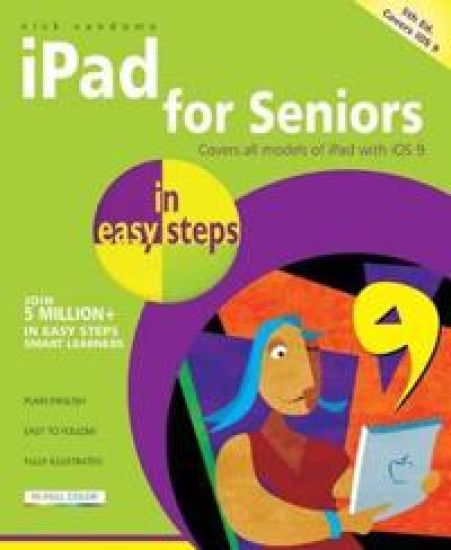
iPad for Seniors in easy steps

iPad for Seniors in easy steps

Nick Vandome

In Easy Steps Limited
2015
nidottu
The iPad is a tablet computer that is stylish, versatile and easy to use, and there is no reason why it should be the preserve of the younger generation. The range of models has been expanded over the years so that there are now different sizes to cover all mobile computing requirements. iPad for Seniors in easy steps, 5th edition gives you all the essential information you need to know to make the most out of your iPad: Choose the right model for you Navigate around with Multi-Touch gestures Master Settings and apps to stay organized Find, download and explore exciting apps Use your iPad to make travelling stress-free Email, share photos and video chat for free Access and share your music, books and videos Locate family members and stay in touch Access your documents from anywhere iPad for Seniors in easy steps, 5th edition is updated to cover the latest operating system, iOS 9, and its array of new features. A handy guide for any Senior new to the iPad, presented in larger type for easier reading.

Get Going with Windows 10 in Easy Steps

Get Going with Windows 10 in Easy Steps

Nick Vandome

In Easy Steps Limited
2015
nidottu
Windows 10 is the latest version of the popular Microsoft operating system and addresses many of the issues with its predecessor, Windows 8 (and 8.1). It consolidates the operating system so that users with a mouse and keyboard have their own specific version, as do mobile users with tablets and phones. One of the biggest changes in Windows 10 is the return of the familiar Start Menu. This is accessed from the Start Button and is where you can access areas within your computer, perform certain functions and also open apps from a variety of locations, using a selection of colored tiles. The operation of apps has also been standardized so that it is similar for the new Windows apps and the more traditional ones, all opening in their own window, with a traditional toolbar. "Get Going with Windows 10 in Easy Steps" looks at some of the new features that have been added, including a new web browser, Windows Edge, that allows users to draw on and annotate web pages and then send them to other people; a new personal digital assistant voice search, Cortana; and an improved File Manager that provides a Quick Access section for all of the items you like to use most frequently. The return of old favorites and the addition of new features help elevate Windows 10 to the most advanced operating system that Microsoft has produced. "Get Going with Windows 10 in Easy Steps" provides a handy, full-color, guide so that readers can soon be using Windows 10 like an expert.
iPad for Seniors in Easy Steps

iPad for Seniors in Easy Steps

Nick Vandome

In Easy Steps Limited
2014
nidottu
The iPad is a tablet computer that is stylish, versatile and easy to use, and there is no reason why it should be the preserve of the younger generation. iPad for Seniors in easy steps gives you a comprehensive introduction to the iPad, showing you how it differs from more traditional computers and how to find your way around this captivating device. A handy guide for any Senior new to the iPad, covering iOS 8, presented in larger type for easier reading.

iPad for oss voksne

iPad for oss voksne

Nick Vandome

Exlibris media
2013
nidottu
iPad for oss voksne er en enkel og lettfattelig innføring for nye brukere av iPad og operativsystemet iOS 7. Boken tar for seg alle hovedfunksjonene ved iPad, og hvordan man får det meste ut av musikk, bøker, videoer og bilder. Boken er skrevet på et dagligdags språk uten unødig bruk av vanskelige datauttrykk. Grundige trinn-for-trinn-forklaringer og rikelige illustrasjoner i farger hjelper deg på veien til å få et overblikk samt å kunne utnytte alle mulighetene en iPad gir deg. Du lærer om utallige måter iPaden kan forenkle hverdagen din på - alt fra reising og finanshåndtering til å se på kunst og bruke e-post.
Windows 8.1 in Easy Steps

Windows 8.1 in Easy Steps

Nick Vandome

In Easy Steps Limited
2013
nidottu
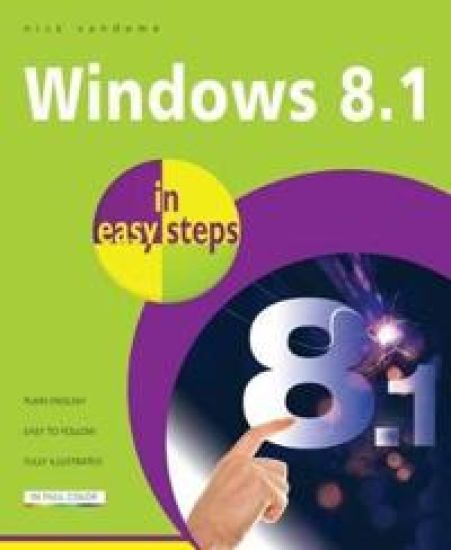
Windows 8.1 In Easy Steps shows you how to get up to speed with this version of Windows and begins by detailing how to get to grips with the Windows 8.1 interface. It deals with the basics such as accessing items, personalizing your screen and using additional controls that are available from the sides of the screen. This book includes the new features that have been added since Windows 8: the return of the Start button; options for booting up to the Desktop; viewing up to four apps on screen at the same time; an enhanced OneDrive feature for online storage and sharing; and a unified search facility that enables you to search over your computer and the web. A lot of the functionality of Windows 8.1 is aimed at touchscreen devices, whether they are desktop computers, laptops or tablets. This is dealt with in terms of navigating around, as well as showing how everything can still be done with a traditional mouse and keyboard.Windows 8.1 in easy steps shows how to access, download and organize apps, to help you get the most out of Windows 8.1.
Samsung Galaxy Tab 2 in Easy Steps

Samsung Galaxy Tab 2 in Easy Steps

Nick Vandome

In Easy Steps Limited
2013
nidottu
Samsung Galaxy Tablet in easy steps goes hand in hand with the Tab 2 and Tab 3 versions and will help you to quickly get up and running with your Samsung tablet, covering Android Jelly Bean. Samsung Galaxy Tablet in easy steps shows how to customize the look and feel of your tablet. It gives a full rundown of the latest version of the Android operating system and how to use it on your tablet in terms of navigating around, performing all of your favorite tasks, getting online and turning your tablet into your own mobile entertainment center.Apps are covered in depth; using the pre-installed apps, downloading and utilizing the Google Play Store and Samsung Apps. It shows how to use your Samsung tablet for your entertainment needs, including music, movies, photos, books and games. Online connectivity is vital for tablets and Samsung Galaxy Tablet in easy steps looks at connecting to the Web via Wi-Fi, using email, setting up online contacts and using all of your favorite social networking sites at the tap of a button. Security is covered, including preventing unauthorized access to your tablet, staying safe online and when using your apps.
Android Tablets in Easy Steps

Android Tablets in Easy Steps

Nick Vandome

In Easy Steps Limited
2013
nidottu
"Android Tablets in Easy Steps" looks at the range of devices available and their specifications and functionality. It also gives a full rundown of the latest version of Android and how to use it on your tablet in terms of navigating around, performing all of your favorite tasks, getting online and turning your tablet into your own mobile entertainment center. Android on tablets has evolved from the same system as on smartphones and Android tablets offer the same interactive, touch screen experience. The book shows readers how to find their way around with Android and how to customize the look and feel of their tablet with a variety of different settings. Apps are a crucial part of Android tablets and "Android Tablets in Easy Steps" covers this in depth, from using the preinstalled ones, to downloading and using the huge selection available from the Google Play Store. It also shows how readers can use their Android tablet for their entertainment needs including music, movies, photos, books and games.
Get Going with Kindle Fire in Easy Steps

Get Going with Kindle Fire in Easy Steps

Nick Vandome

In Easy Steps Limited
2012
nidottu
The Kindle Fire is a fully-fledged tablet computer that has evolved out of the Kindle eReader that was originally designed for reading books, newspapers and magazines. The Kindle Fire retains this, but takes it several steps further; with functionality to surf the web, use email, listen to music, view and share photos, make Skype calls (HD version), watch films, play games and download apps for every occasion. The Kindle Fire also integrates very closely with the Amazon website, where you can not only download items such as books, music and apps, but also store your content and share it with your Kindle Fire. Get going with Kindle Fire in easy steps is a compact but highly-visual guide to help users navigate through the features of this popular device. It covers the standard version and the HD version and looks at the hardware of this exciting device in terms of its speed, storage capabilities, battery issues and options for connecting to other devices. It also details the relationship between the Kindle Fire and Amazon and shows how to use them together for maximum benefit. The functionality of the Kindle Fire is covered with clear instructions about what can be done with apps, photos, music, videos, books, web, email and staying in touch. The book finishes with some of the security issues about using the Kindle Fire, so you can concentrate on maximising your enjoyment with this multi-purpose tablet. If you’ve just bought a Kindle Fire, or you’re buying or hoping to get one for Christmas, Get going with Kindle Fire in easy steps is the ideal guide to help you get going quickly.
Digitalfotografering for oss voksne

Digitalfotografering for oss voksne

Nick Vandome

Exlibris media
2012
nidottu
Digital fotografering for oss voksne er en lett å lære-bok for den uerfarne digitalfotografen skrevet på et dagligdags språk uten unødig bruk av vanskelige uttrykk. Lettfattelige og grundige trinn-for-trinn forklaringer og rikelige illustrasjoner i farger hjelper deg til å mestre ditt fotoapparat - enten det er et speilrefleks- eller et kompaktkamera. Boken guider deg gjennom valg av kamera, den gir konkrete råd om hvordan du kan ta bedre bilder både til de store anledningene og på ferie, den viser hvordan du overfører bildene fra kameraet til PCen i tillegg til redigering og lagring av bildene dine. Boken tar også for seg brukav bilder på nett og forskjellige måter å løse det på dersom du ønsker papirkopier. En hendig håndbok for alle som på en enkel måte ønsker å bli en bedre digitalfotograf!
Effective Communications in Easy Steps

Effective Communications in Easy Steps

Nick Vandome

In Easy Steps Limited
2012
nidottu
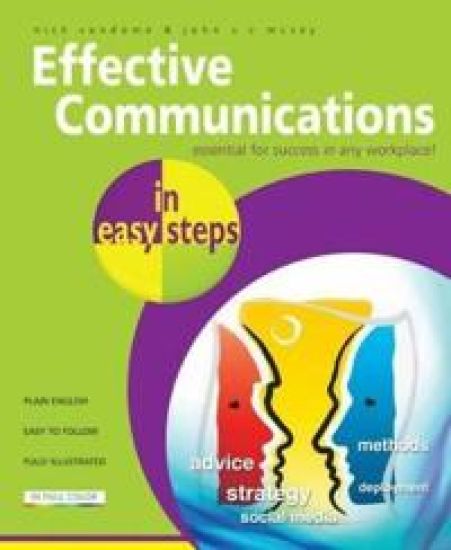
We all communicate, every day, all of the time. So why can communications go so wrong in the workplace? Sometimes it is because the wrong methods are used at the wrong times, and sometimes it is because the communications process becomes too complicated and bogged down in corporate jargon. Effective Communications in easy steps offers clarity in the world of corporate communications. There is no blue-sky, synergy-based, customer-centric thinking here; just informed, clear, practical and common sense advice on how to use communications to actually get the right message across to the correct audience. Written by two communications experts, with over 25 years’ experience between them, the book will show you how to: Create a practical Communications Strategy that works.Understand how, and why, to evaluate your strategy. Build and maintain websites that keep delivering. Unravel the mysteries of social media. Explode the myths about communications at work. Get your message across using the right channel to engage your audience. Communications in the workplace should be a simple thing and, with Effective Communications in easy steps to guide you, it really can be.
Dreamweaver CS5 in Easy Steps

Dreamweaver CS5 in Easy Steps

Nick Vandome

In Easy Steps Limited
2010
nidottu
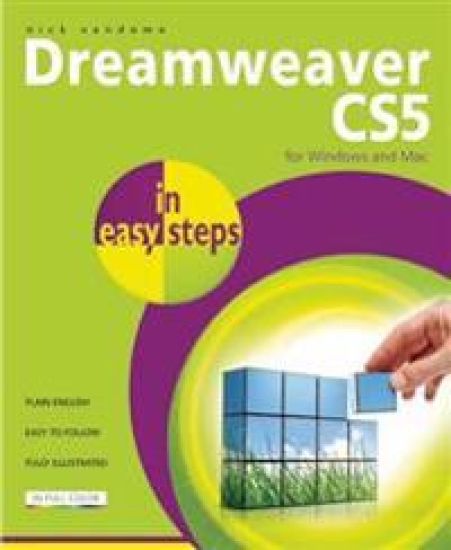
Dreamweaver CS5 is the most powerful and versatile web authoring program on the market. However, for all but the most experienced, it takes some time to become familiar with all of its features. Dreamweaver CS5 In Easy Steps helps clarify and speed up this process and ensures that you can get the most out of this industry standard program. The book looks initially at getting started with Dreamweaver. It then deals with the increased number of options for laying out your workspace when working with the program. This enables you to get the most out of both design and code views. It also looks at Live View and how this can be used to preview your content. CSS is integral to modern websites and this is covered in detail: from the basics of CSS, to creating and applying styles so that you can produce standards-based websites that have a consistent look and feel across all pages. New features, such as the CSS Inspection tool are also looked at, so you can quickly review and edit your CSS elements. The book also looks at some of the features for streamlining your workflow, such as using images directly from Photoshop and using the new browser navigation toolbar. It also shows how to review your pages in a variety of browsers, using the Adobe BrowserLab. Aimed at anyone who wants to produce high quality websites, without worrying about complex issues such as database administration, Dreamweaver CS5 In Easy Steps is designed to help you unleash your creative potential as effectively as possible.
Laptops in Easy Steps - Covers Windows 7

Laptops in Easy Steps - Covers Windows 7

Nick Vandome

In Easy Steps Limited
2010
nidottu
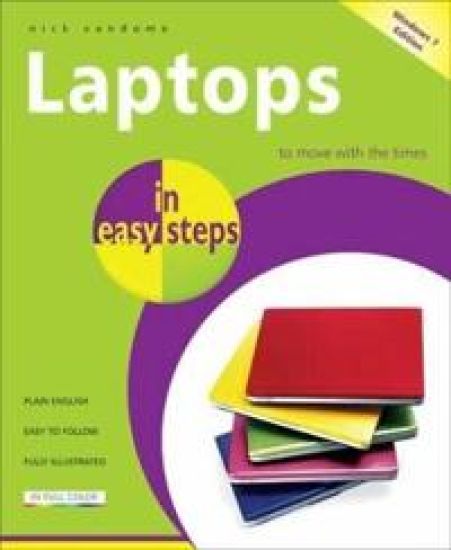
The second edition of this core computing title covers Windows 7. Laptops in easy steps starts by covering the important factors to consider when buying a laptop. Includes the ergonomic issues surrounding laptops and shows how to be as comfortable as possible when using them and transporting them. It then gives an overview of the workings of laptops, including the software (such as Windows 7, Excel and Word) that is provided with them. Issues such as using your laptop on the move and sharing it with colleagues or other family members, to show how laptops are versatile. The author even addresses laptop-battery issues. Extensive coverage is also devoted to networking and using a laptop wirelessly, with particular attention given to accessing the Internet from wireless locations (Hot Spots) such as airports, coffee shops and libraries.
Digital Photography for Seniors in easy steps

Digital Photography for Seniors in easy steps

Nick Vandome

In Easy Steps Limited
2009
nidottu
Printed in large type for easy reading, this new edition of the popular guide to digital photography for seniors follows a task-based format. As with all the books in this series, this one takes readers through the essentials, from buying the right camera and understanding functions and capabilities to tips and techniques for taking better digital photos, especially for popular snaps like holiday shots, pictures of the family, and more formal portraits and landscapes. Author Nick Vandome details a variety of typical tasks, including photo editing, emailing photos, sharing pictures on the Web, and printing and displaying photos. With a wealth of full-color illustrations, this practical guide shows even the most nervous shutterbug how to enter the digital photography age with assurance and style.